Gate management
Gate check-in that feeds the whole yard platform.
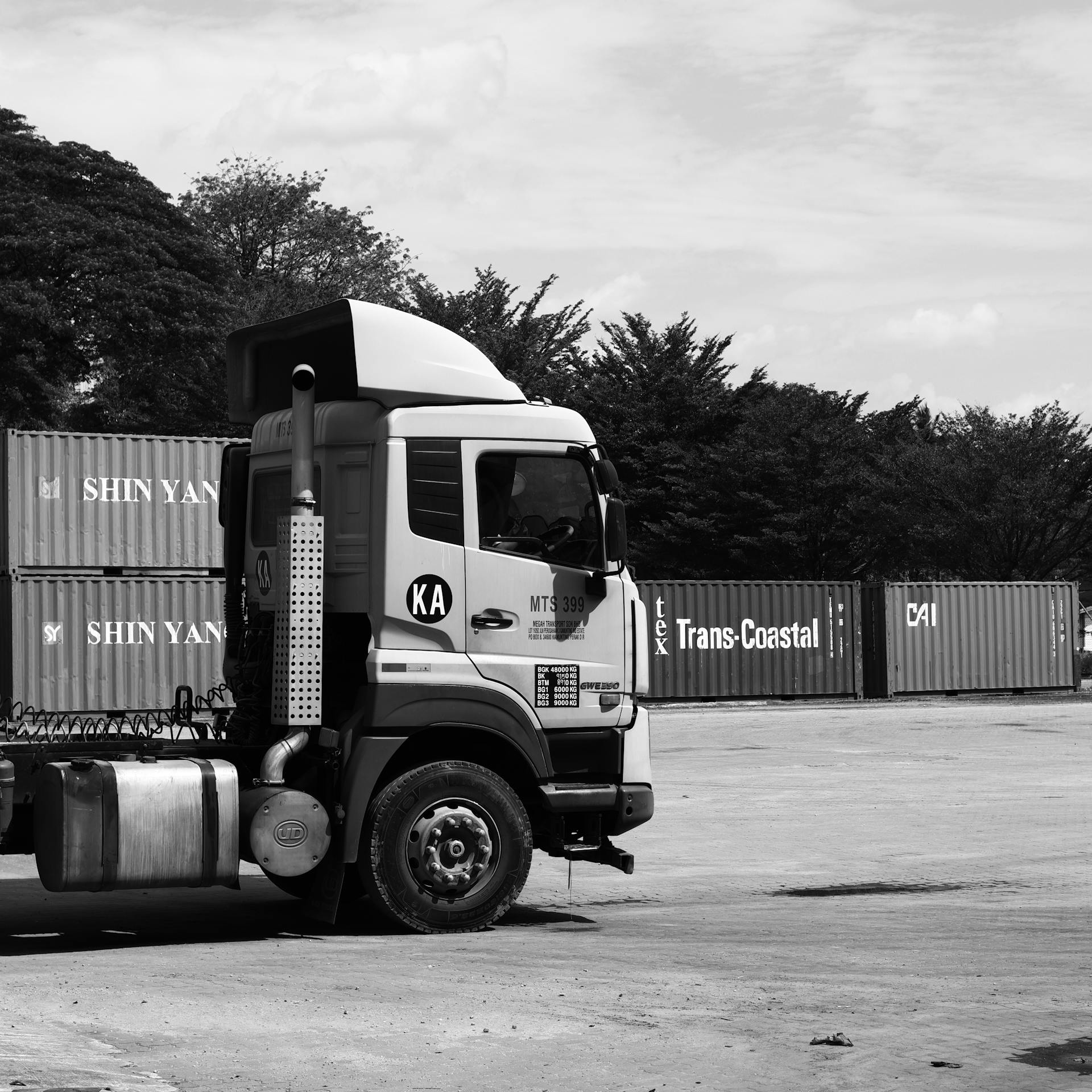
Gate teams check trucks in and out with the fields your site requires. The warehouse, yard map, and carriers read the same capture — AI-assisted document readiness checks at the lane.
Gate management
Capture gate facts once — lane, driver, trailer, and documents.
Gate teams check trucks in and out with the fields your site requires. The warehouse, yard map, and carriers read the same capture — AI-assisted document readiness checks at the lane.
- Gate-in and gate-out times visible to yard and dock teams
- Driver, trailer, lane, purchase order, freight, and required documents
- Required fields flagged before the truck enters the yard
- Audit-ready gate history when finance or carriers ask
FAQ
Common questions about gate management
What is gate management in a yard?
It is check-in, validation, document capture, and gate-out for trucks entering and leaving the yard — the step before staging and dock work begins.
- Truck arrivesAppointment or walk-in
- Gate-in recordedDriver, trailer, lane, documents
- Visit moves to yardStaging and dock teams see the same record
How is gate management different from yard management?
Gate management is one step. Yard management connects that gate capture to the yard map, dock assignment, dwell tracking, and closeout on the same visit.
Can carriers see gate-in and gate-out?
Yes. On Flodock Partners, carriers follow the same visit lifecycle the yard uses — without calling the gate for every update.
Explore more
More of the yard management suite
Explore modules on the connected yard platform — gate, map, dock, partners, and closeout.