Rider
Ask in plain words. Rider reads across floDock.
Rider reads the same reports and records you can open yourself, joins them, and tells you what it found. It drafts notices, changes the tone when you ask, and sends reports every morning. You stay in control, and floDock records every action.
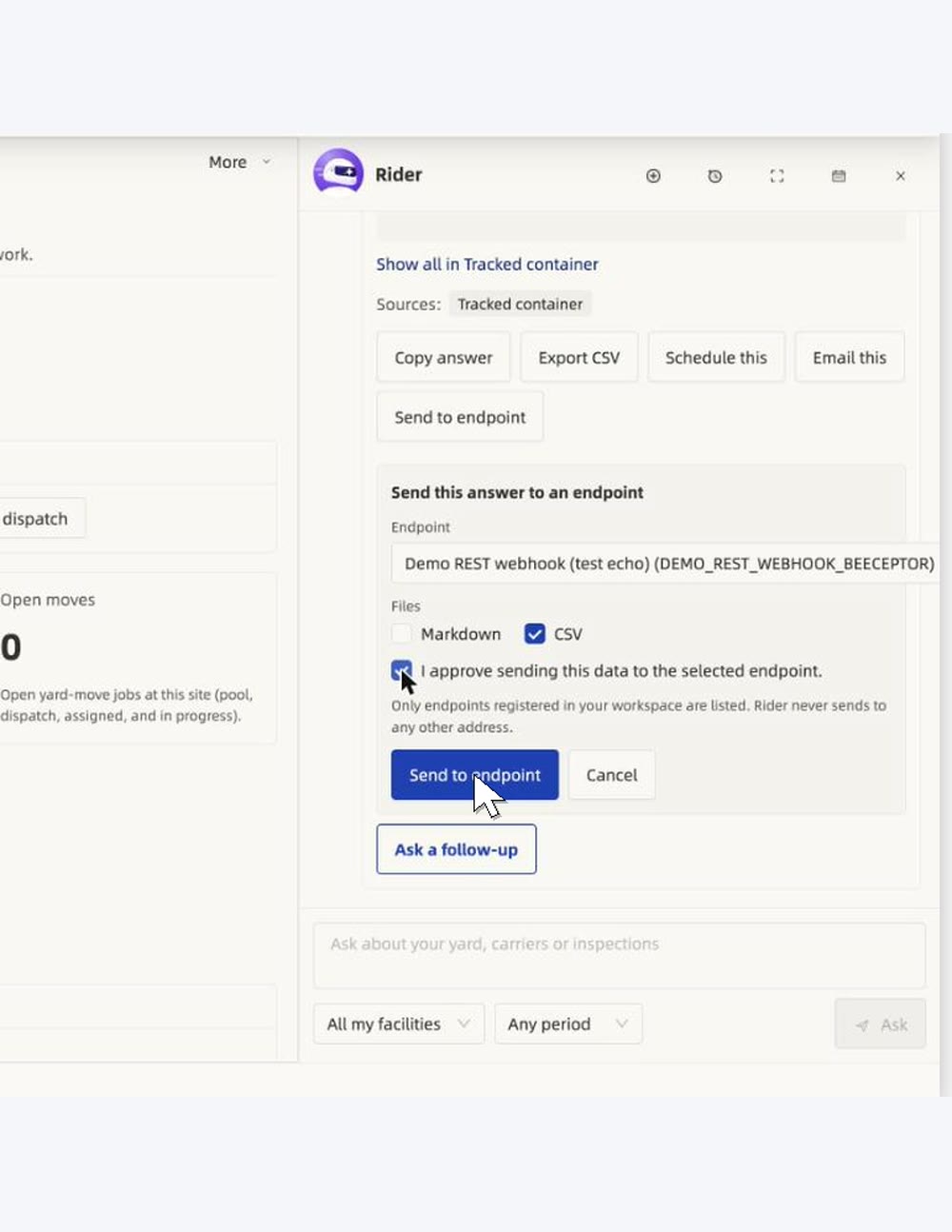
Watch Rider answer
Ask your yard a question. Get the number, and where it came from.
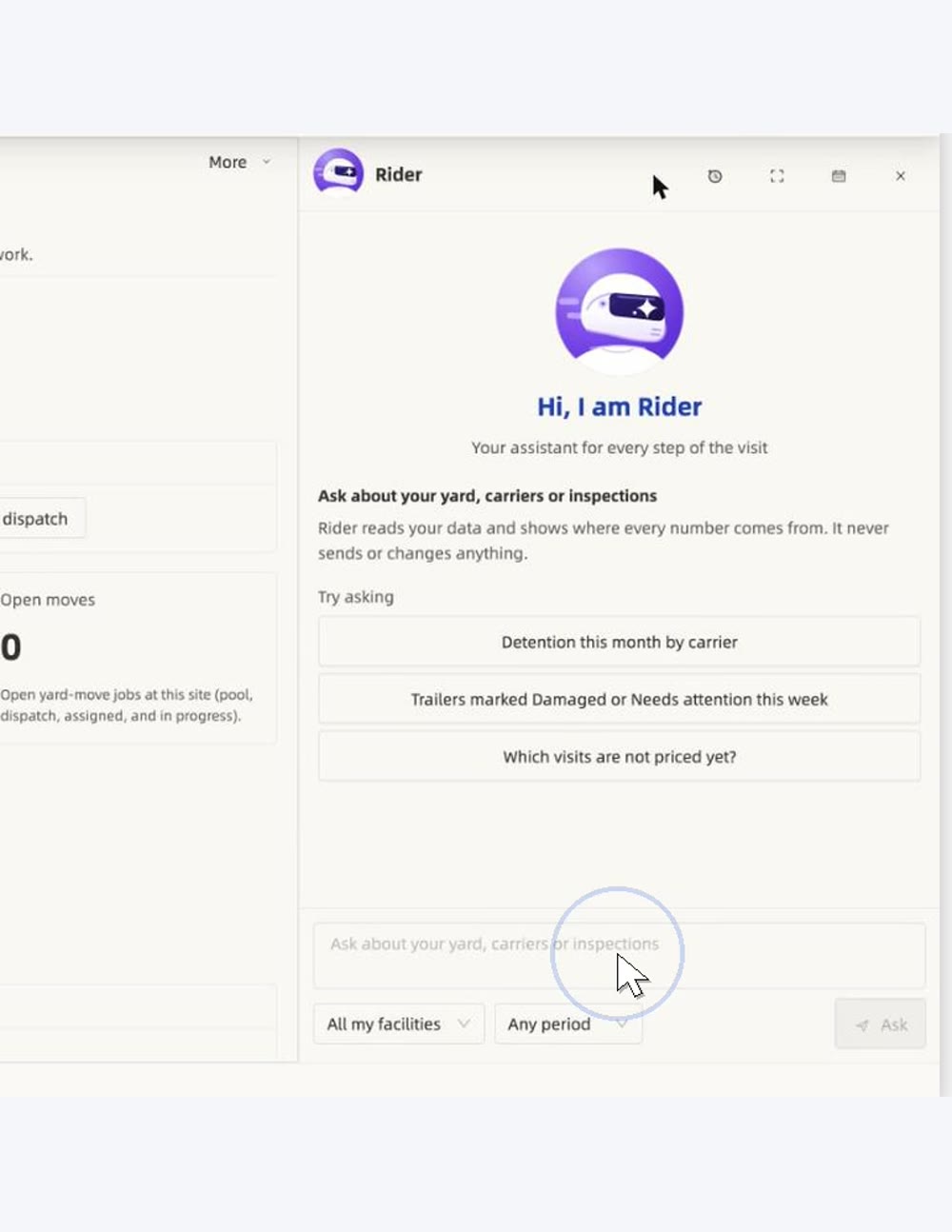
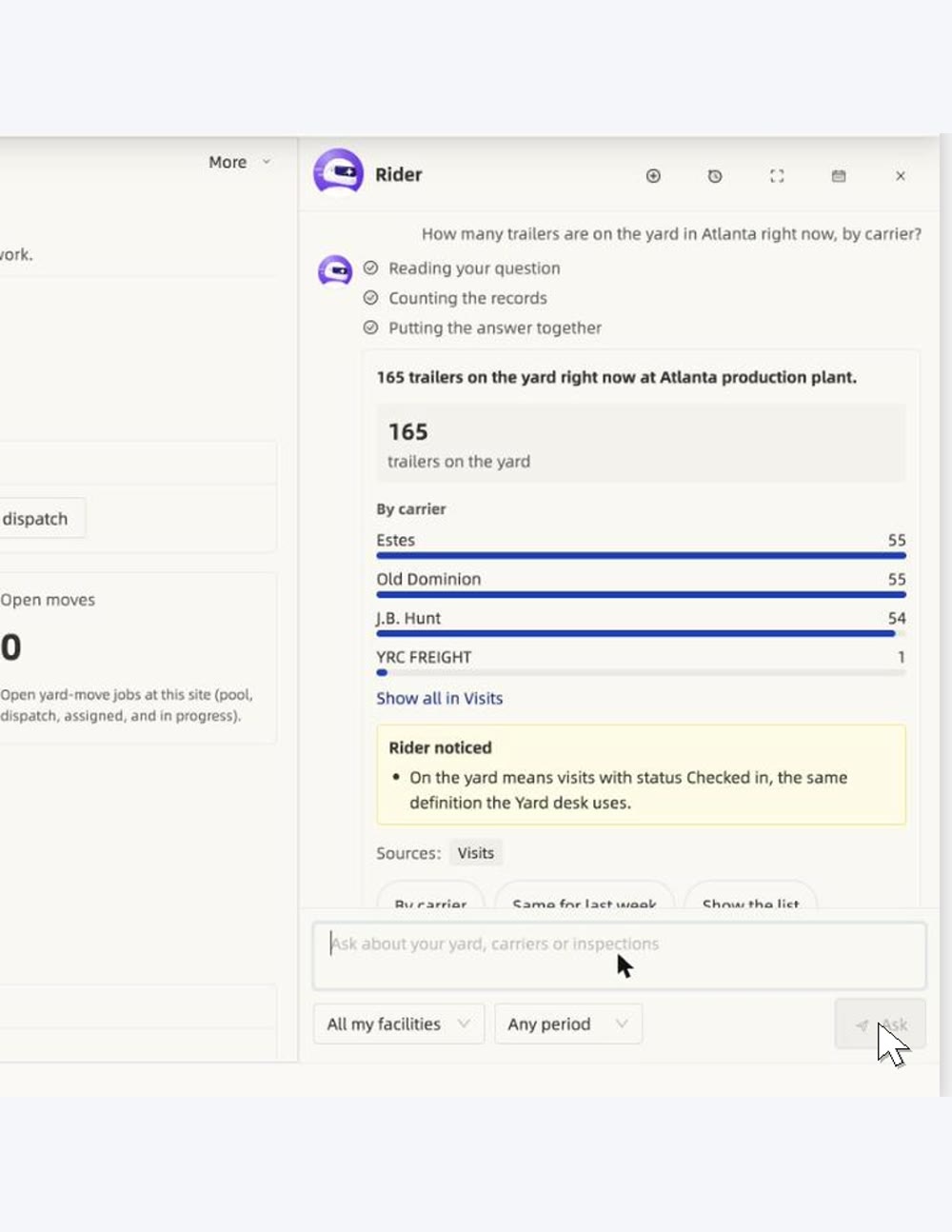
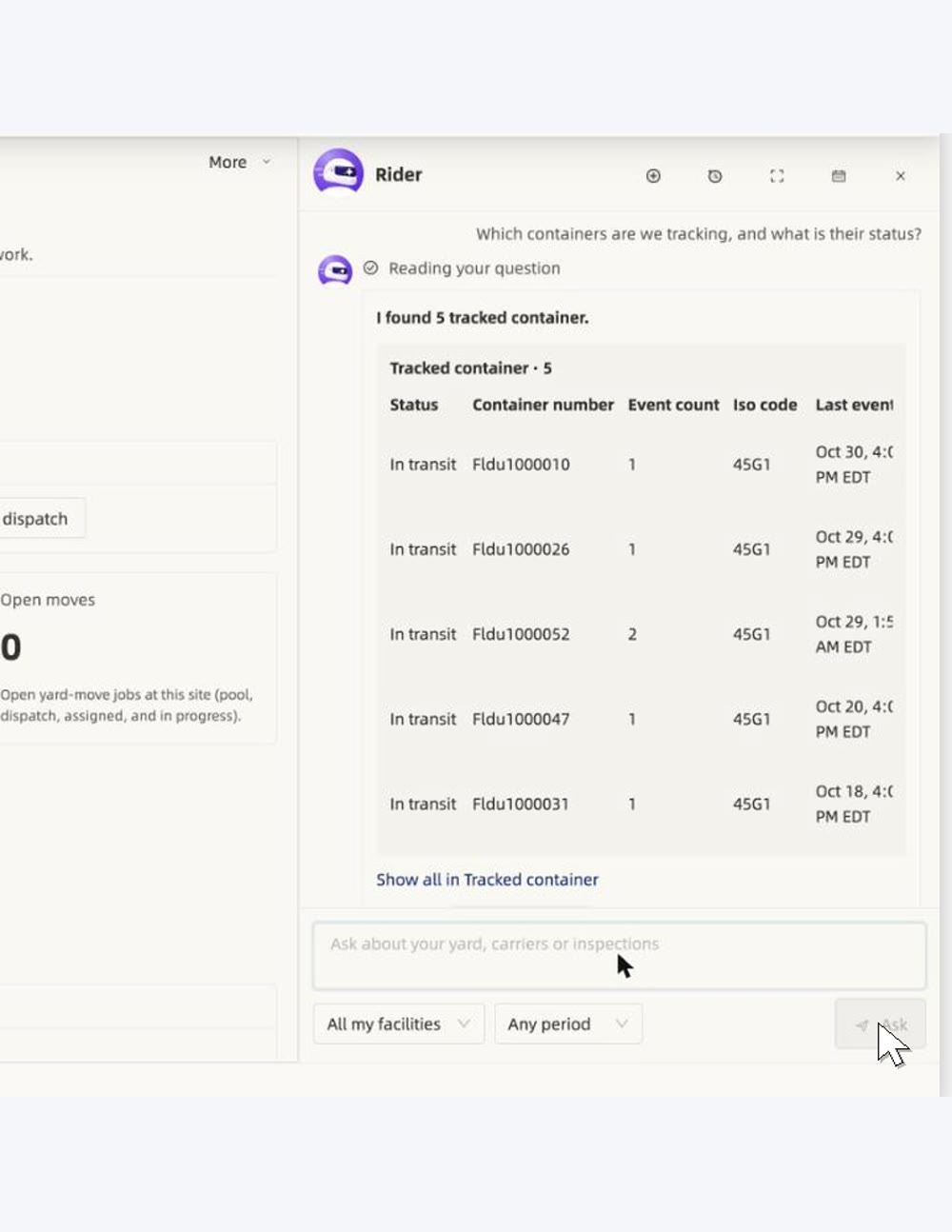
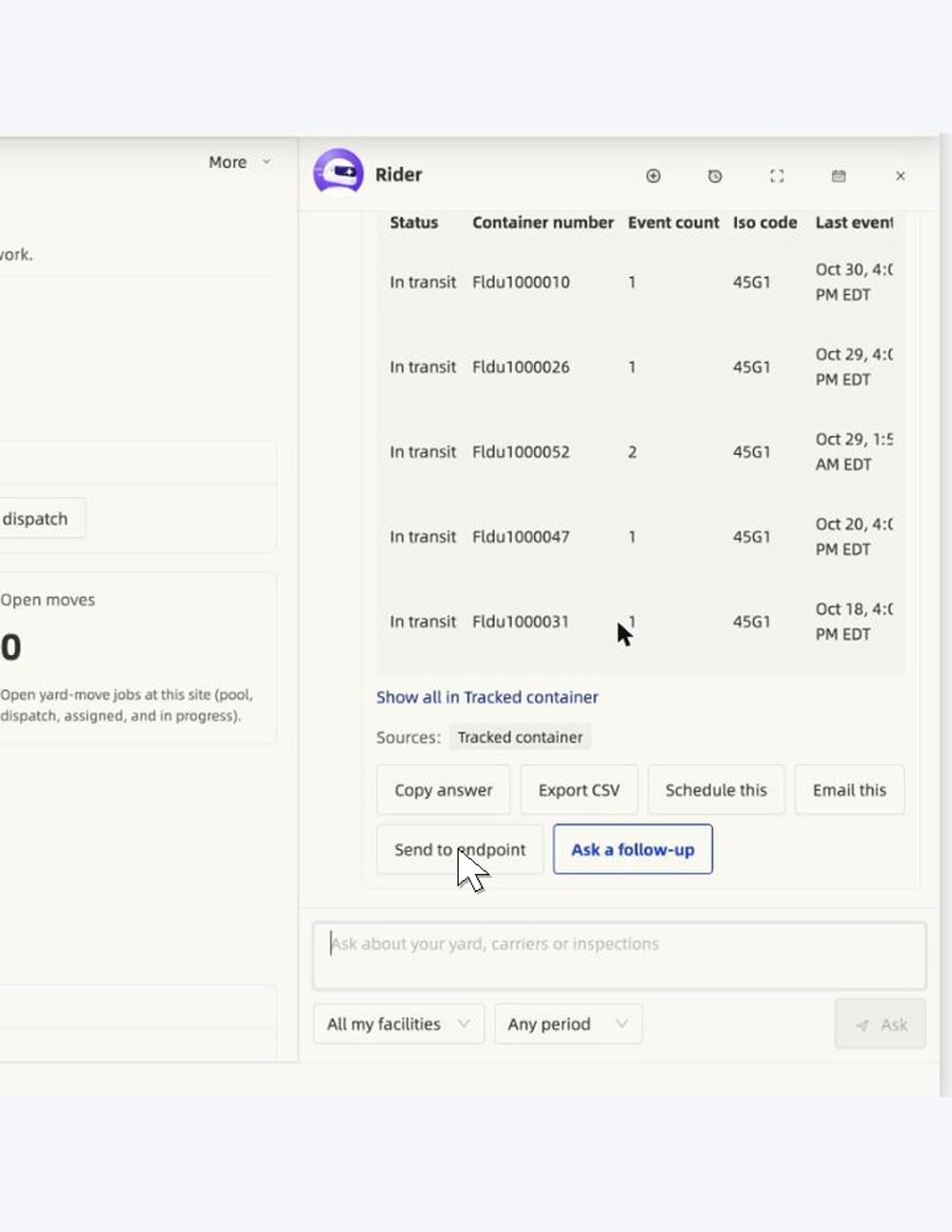
Rider reads your own visit, carrier and container records. It shows the sources behind every answer and never sends or changes anything by itself. These are real captures.
Watch it work
Real recordings from the product.
What it is worth
The value to your business.
Answers in seconds
Ask about inspections, visits, the yard map or trading partners in plain language.
Time drafting notices
A draft with the facts from the inspections. Change the tone in plain words, then approve.
A morning report without asking
Ask once. Rider answers from the live yard and sends the same report every morning.
Risk of surprises
Nothing is sent until you approve. Drafts and rewrites are kept in the AI log.
See Rider work
Ask, draft, report.

What it does
Built around the visit.
- Answers from inspections, yard audits, visits and trading partners
- Shows the photos and time stamps behind every answer
- Drafts a notice, and changes the tone when you ask
- Sends an approved notice by email and app message, saved on the carrier's record
- Sends a scheduled report to your planning system
- Can do routine steps such as gating a trailer in or out, with you in control
Ask
Ask in plain words, once.
Review
Rider shows its work and the evidence.
Approve
Nothing goes out until you say so.
Questions
Straight answers, in full.
Can Rider send things on its own?
Notices go out only after you approve them. floDock records every action, and Rider's drafts and rewrites are kept in the AI log.
Where does Rider get its answers?
From the same live records you can open yourself: inspections, yard audit walks, visits, the yard map and trading partners.
See it on your own yard.
Talk to our team and we will walk through your gates, doors and carriers.
Talk to our team