
 Dynamics 365
 ERP
 ERP
 ERP
 Any system with an API
Follow one truck
From the driver's phone to the claim file.
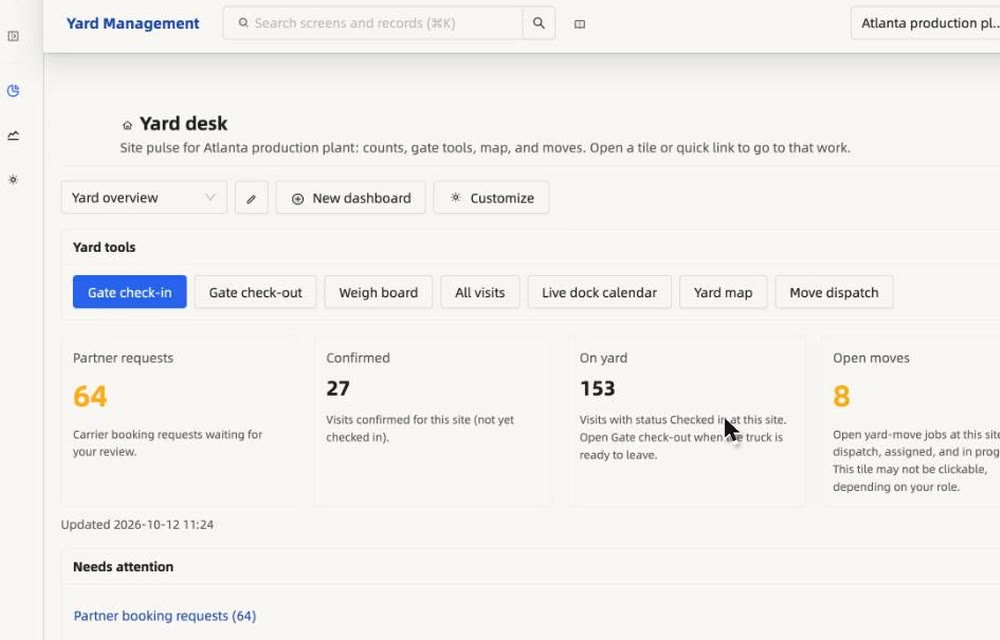
Follow one truck through the real screens, from the driver's first tap to the claim file. Click any step, or let it play.
01 · Drivers
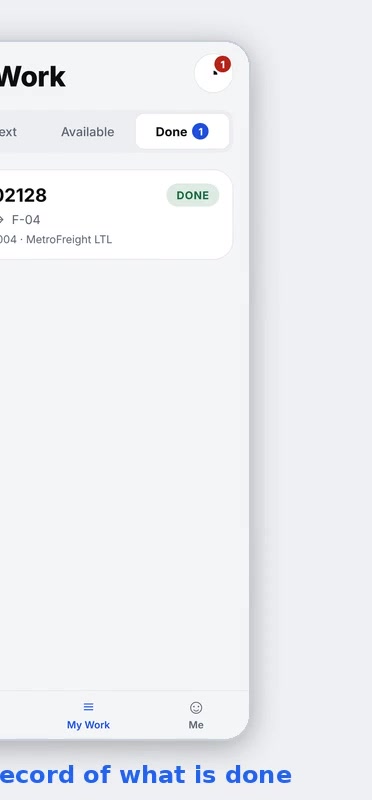
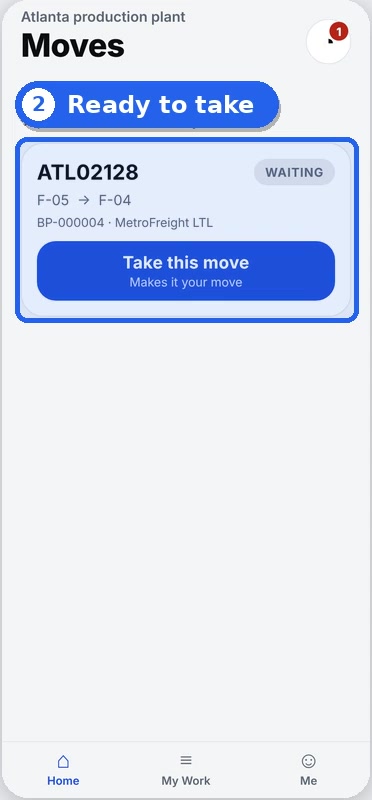
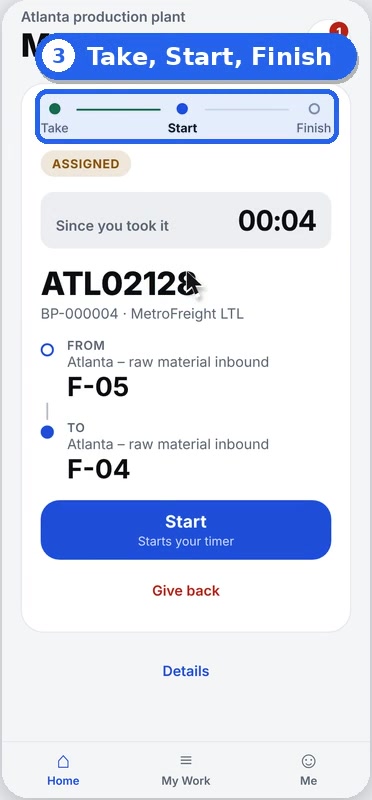
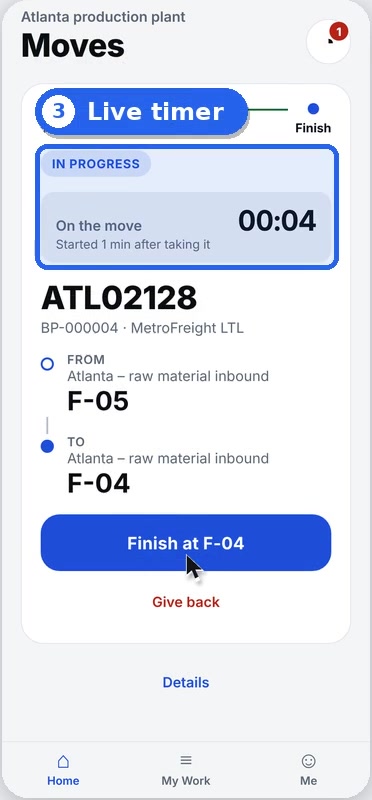
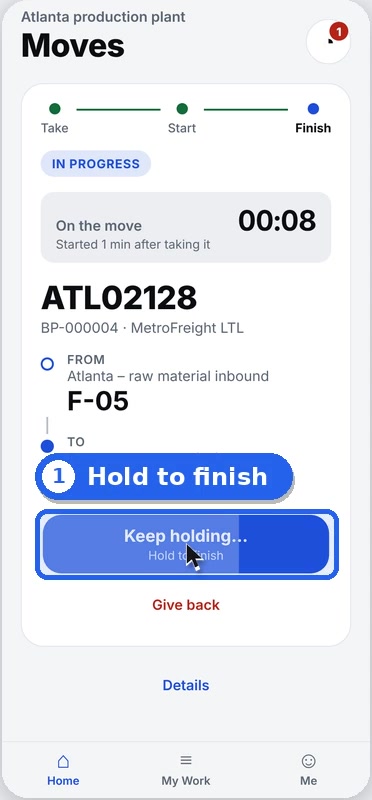
Take a move. Hold to finish.
Moves land on the driver's phone the moment they are saved. A live timer runs on every move, and holding to complete means a stray tap cannot close it.
02 · Yard app
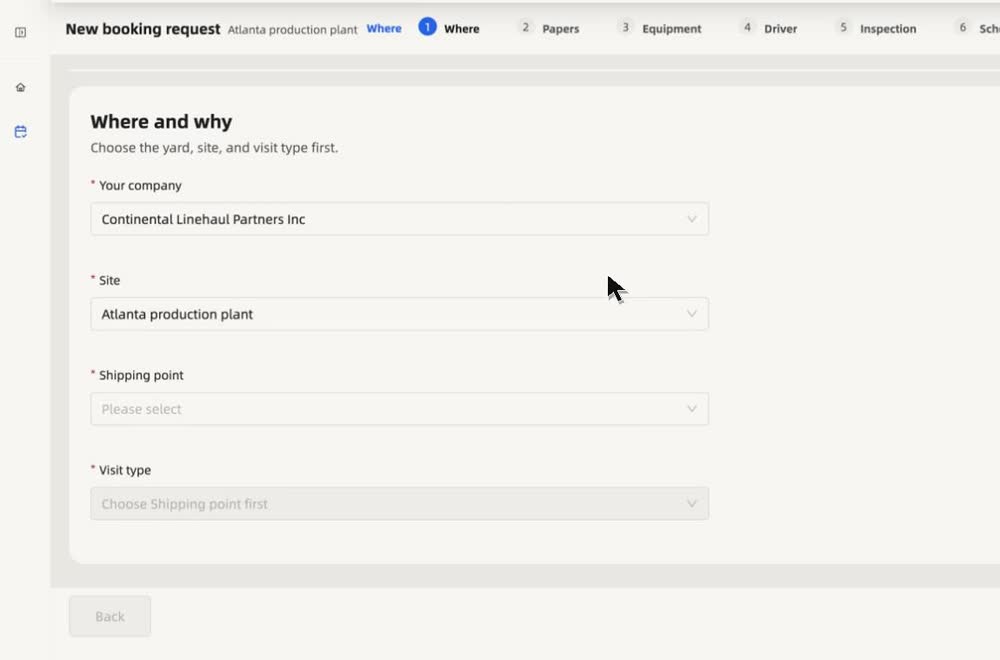
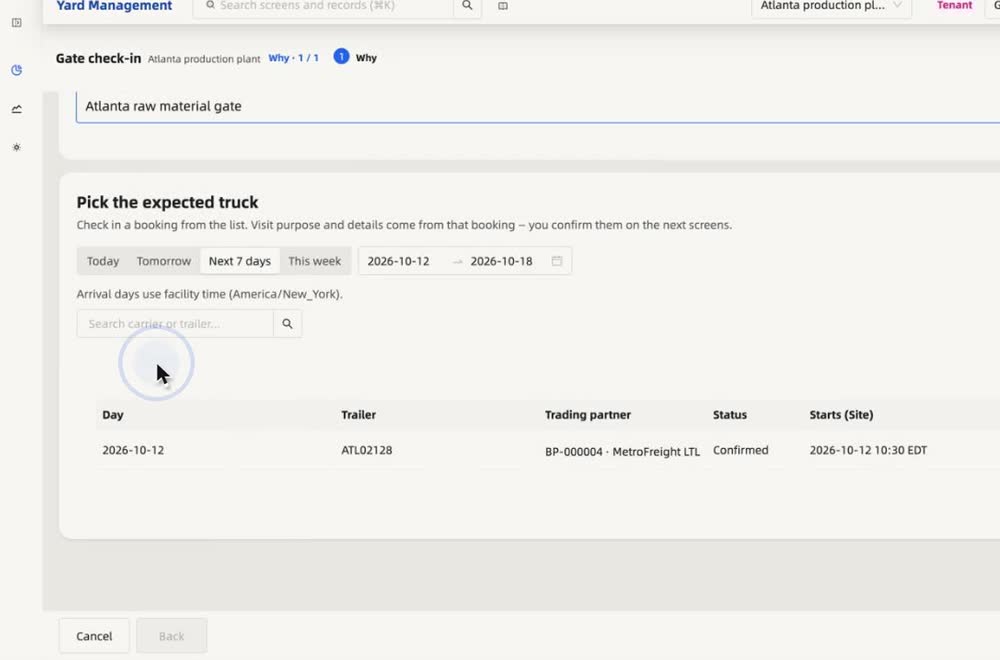
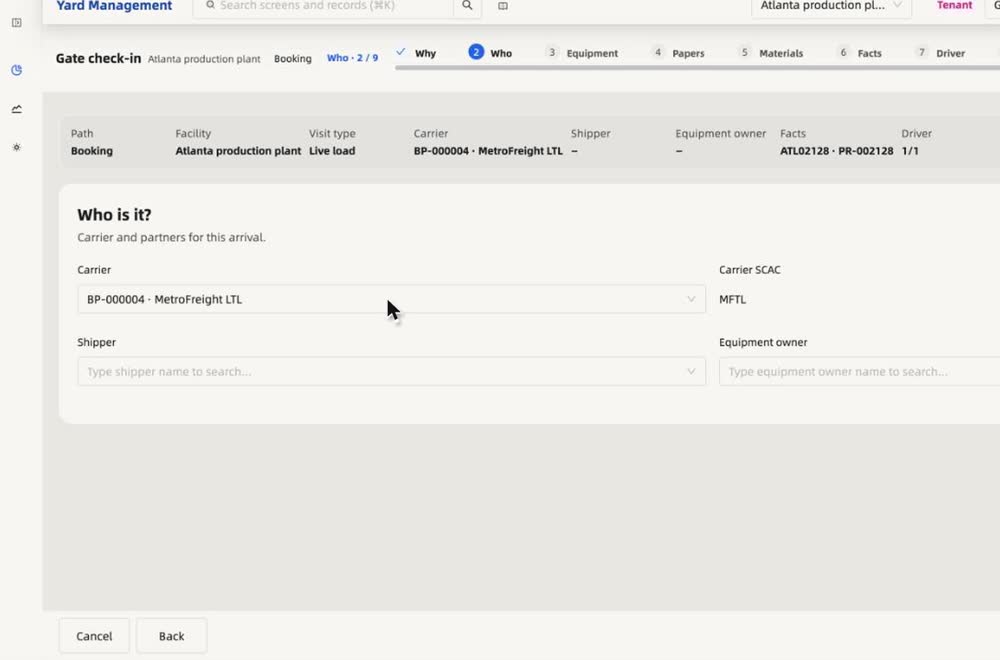
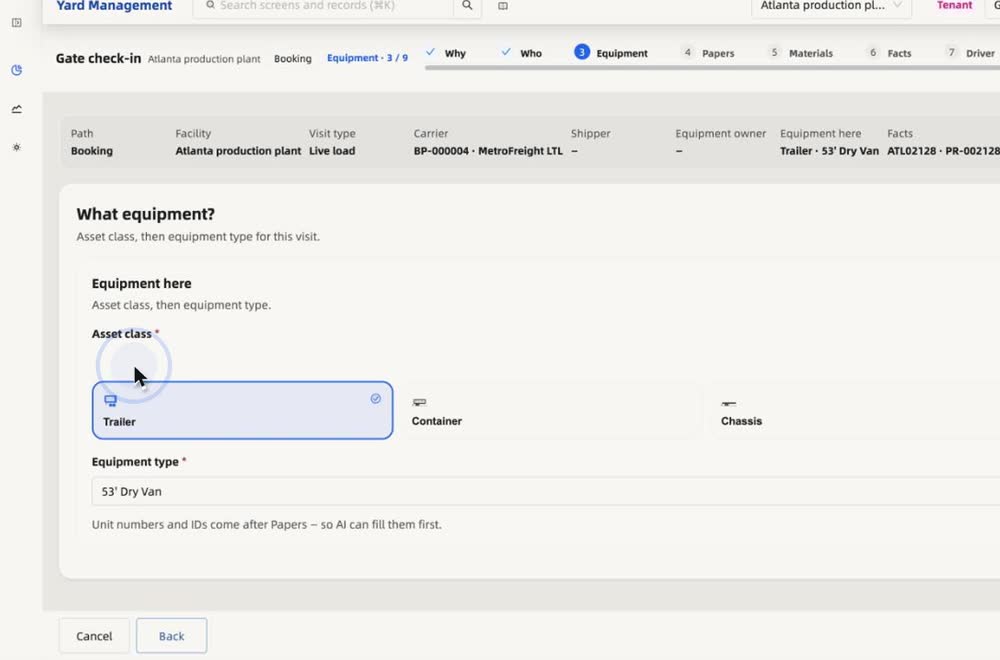
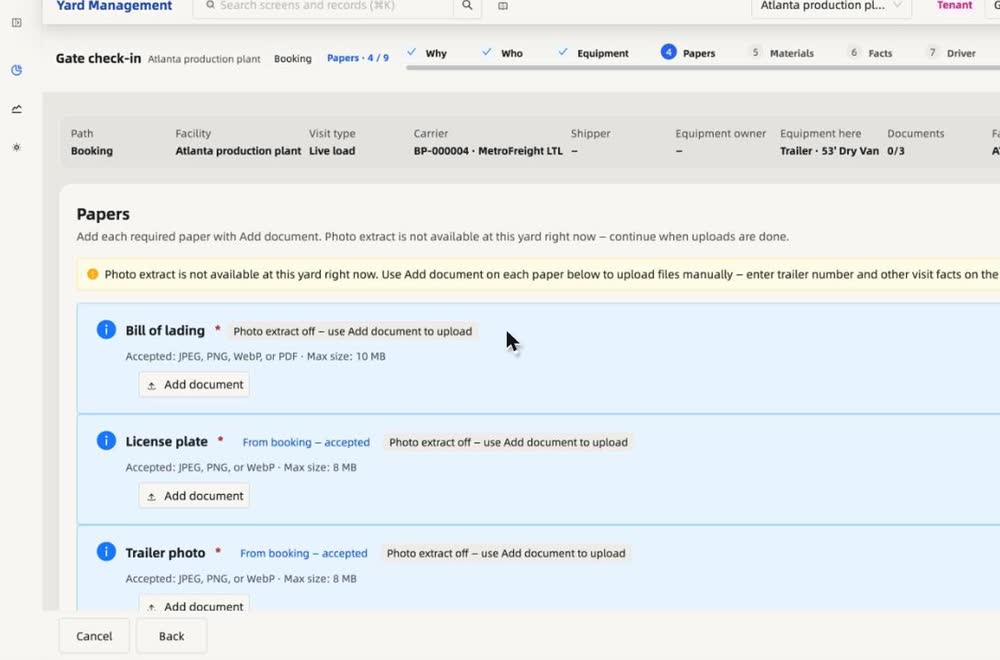
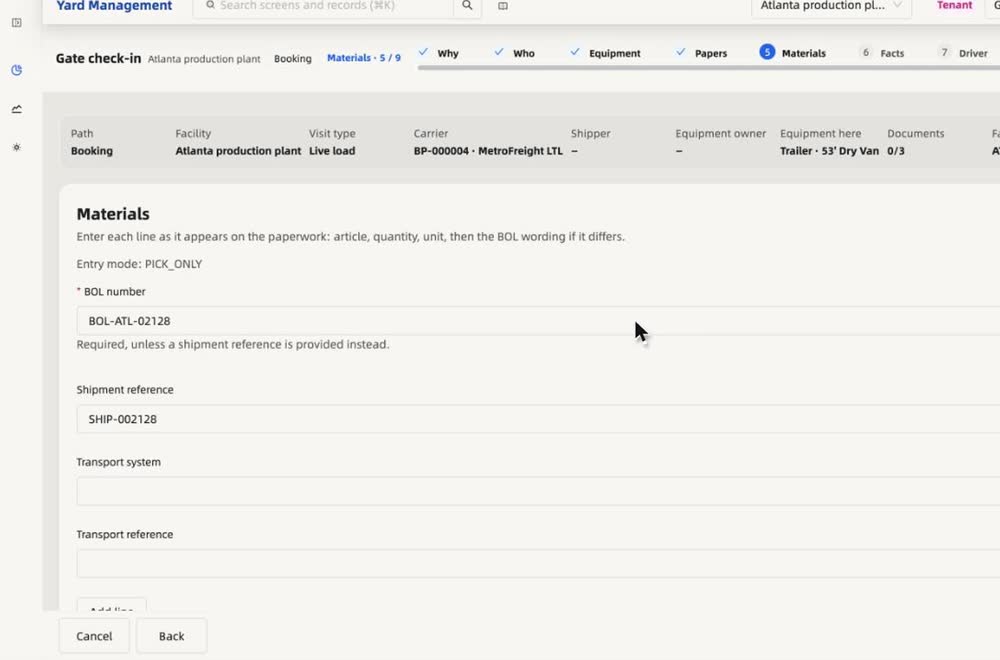
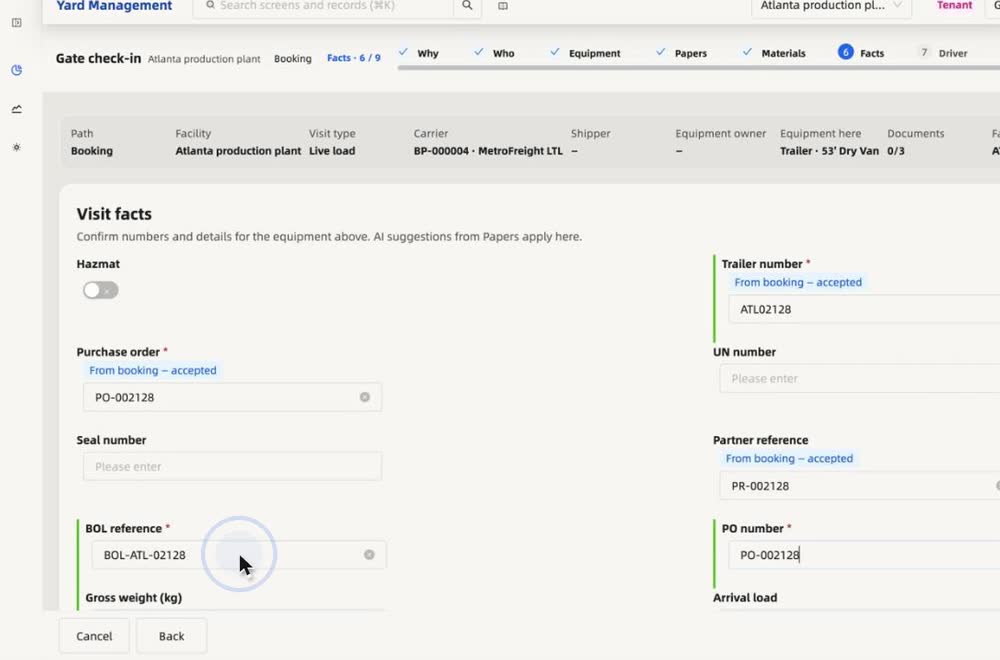
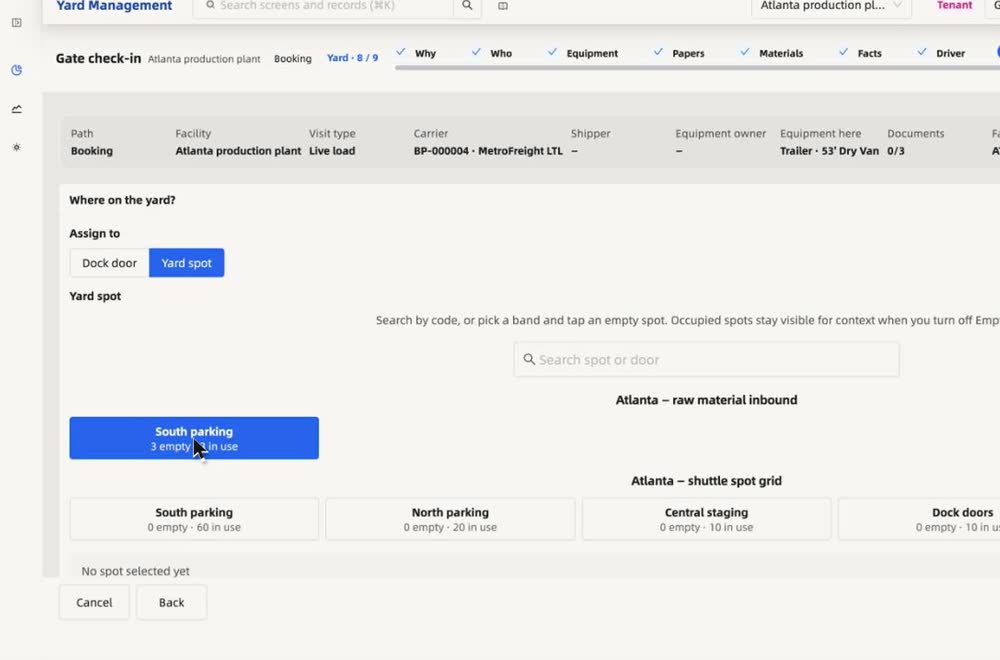
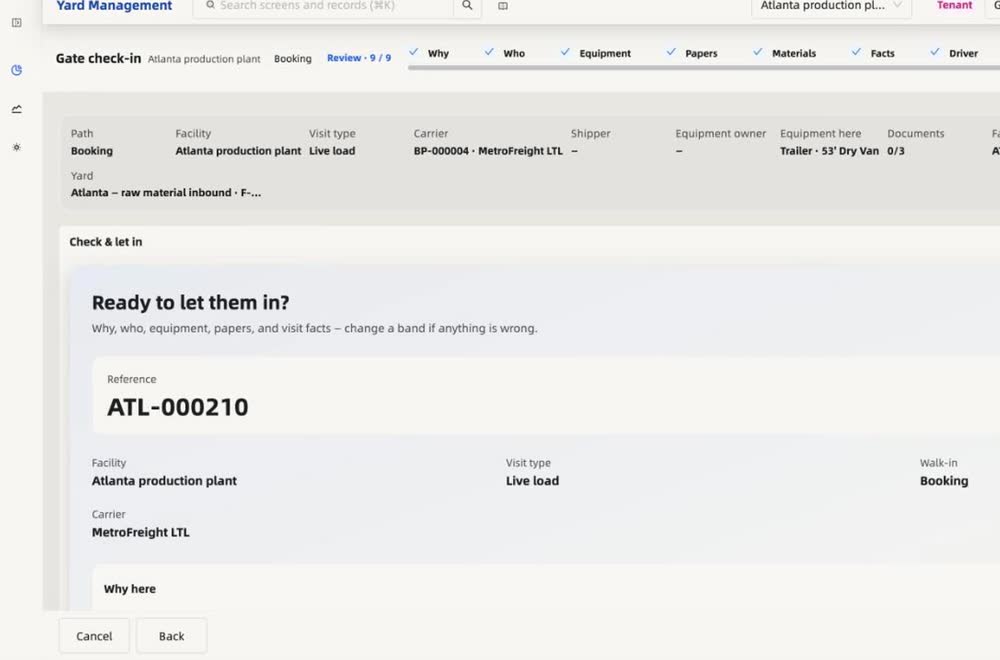
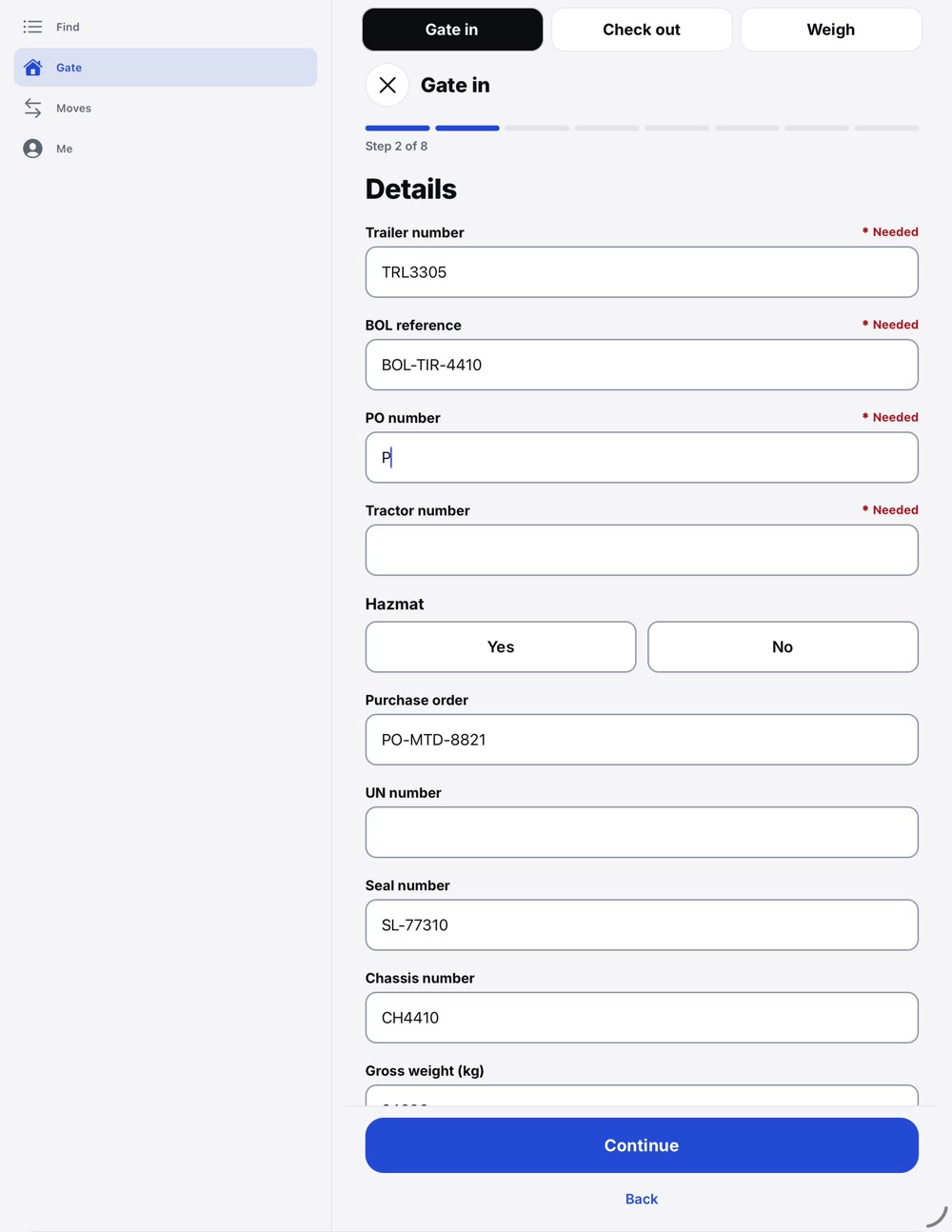
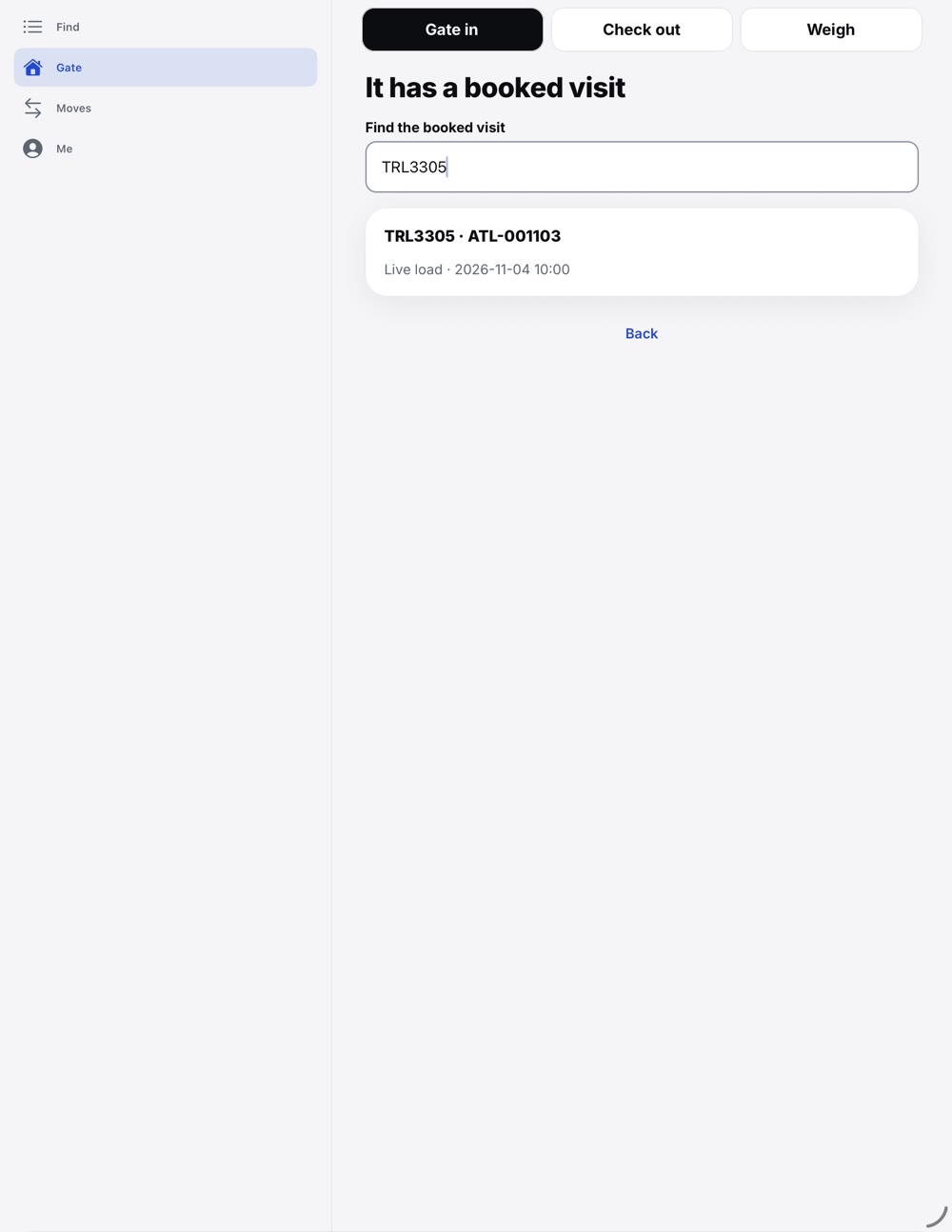
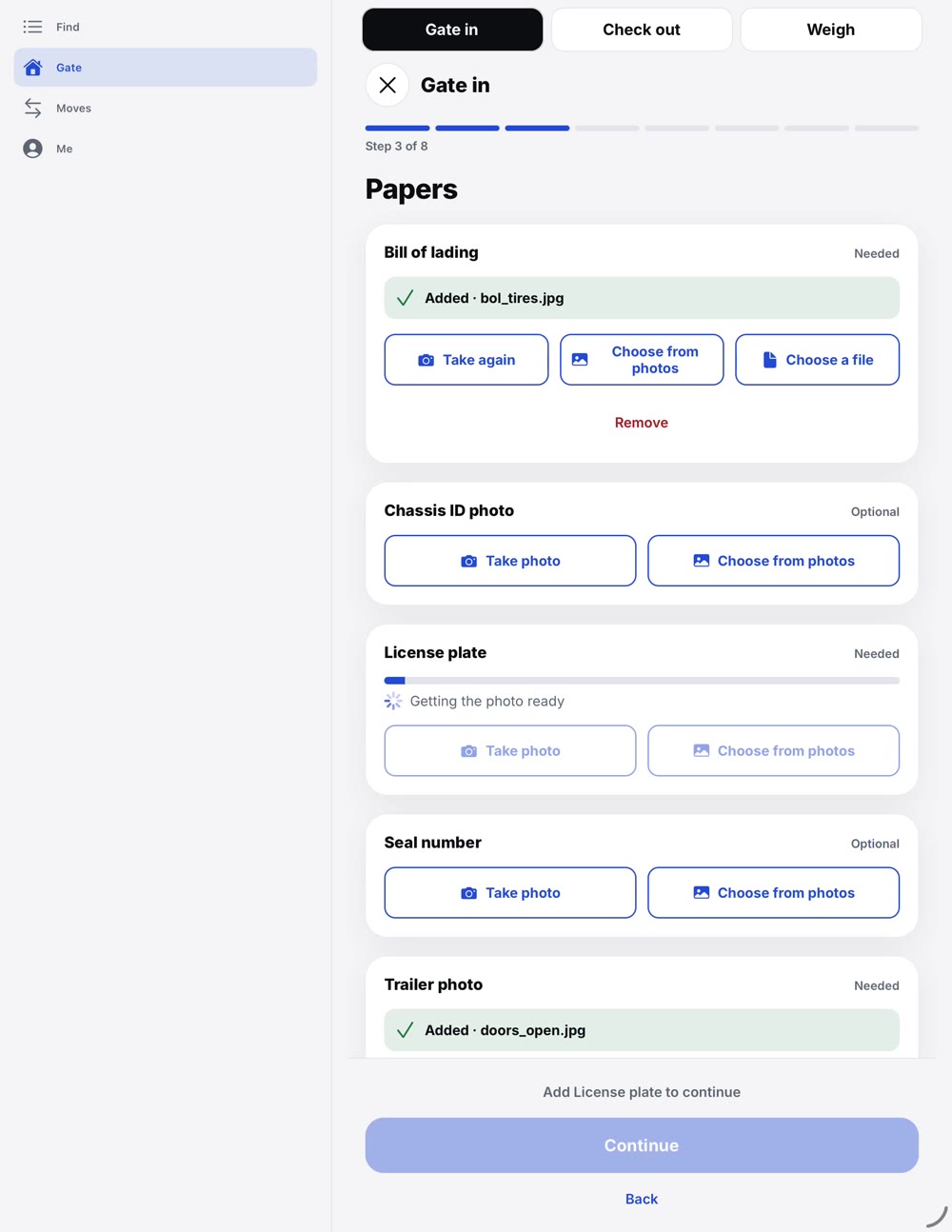
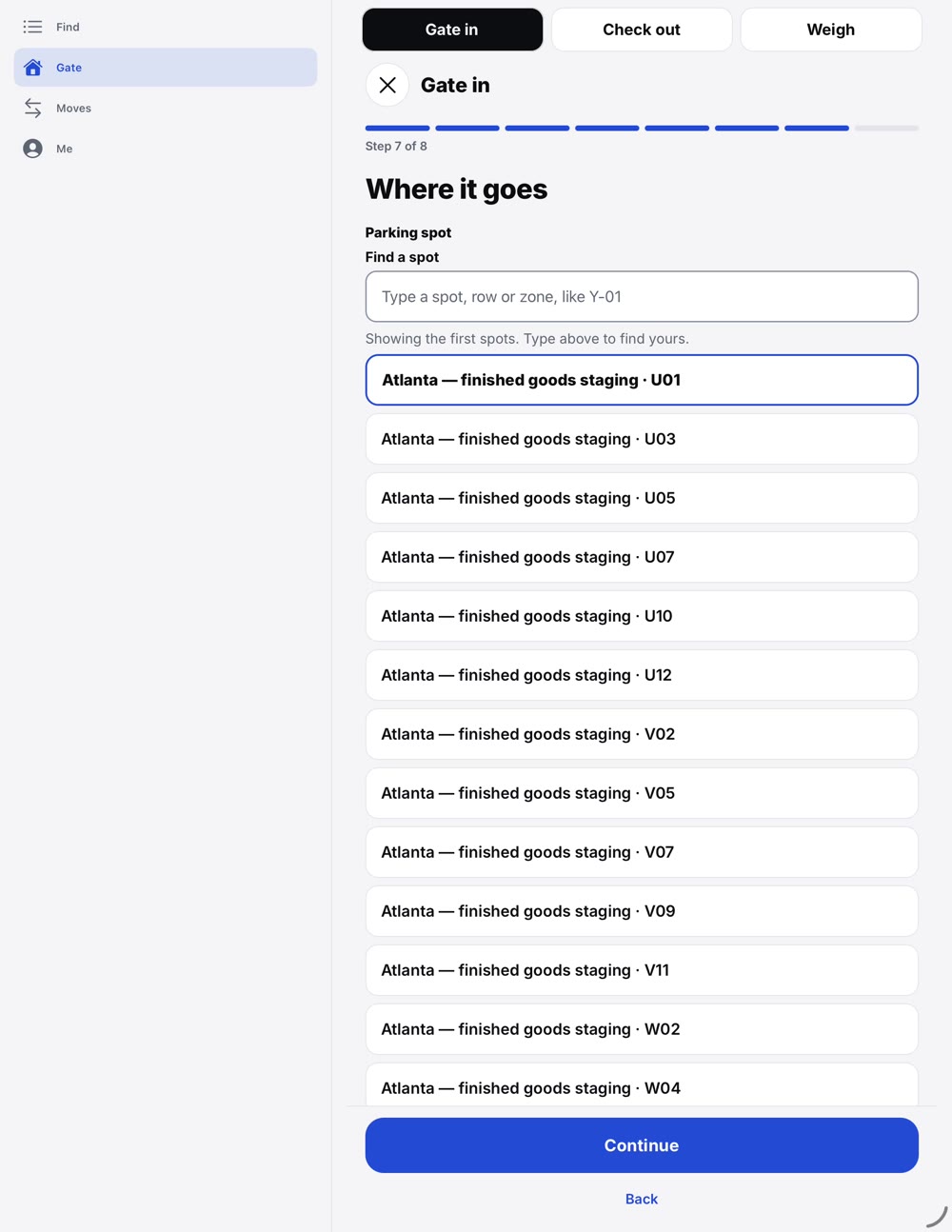
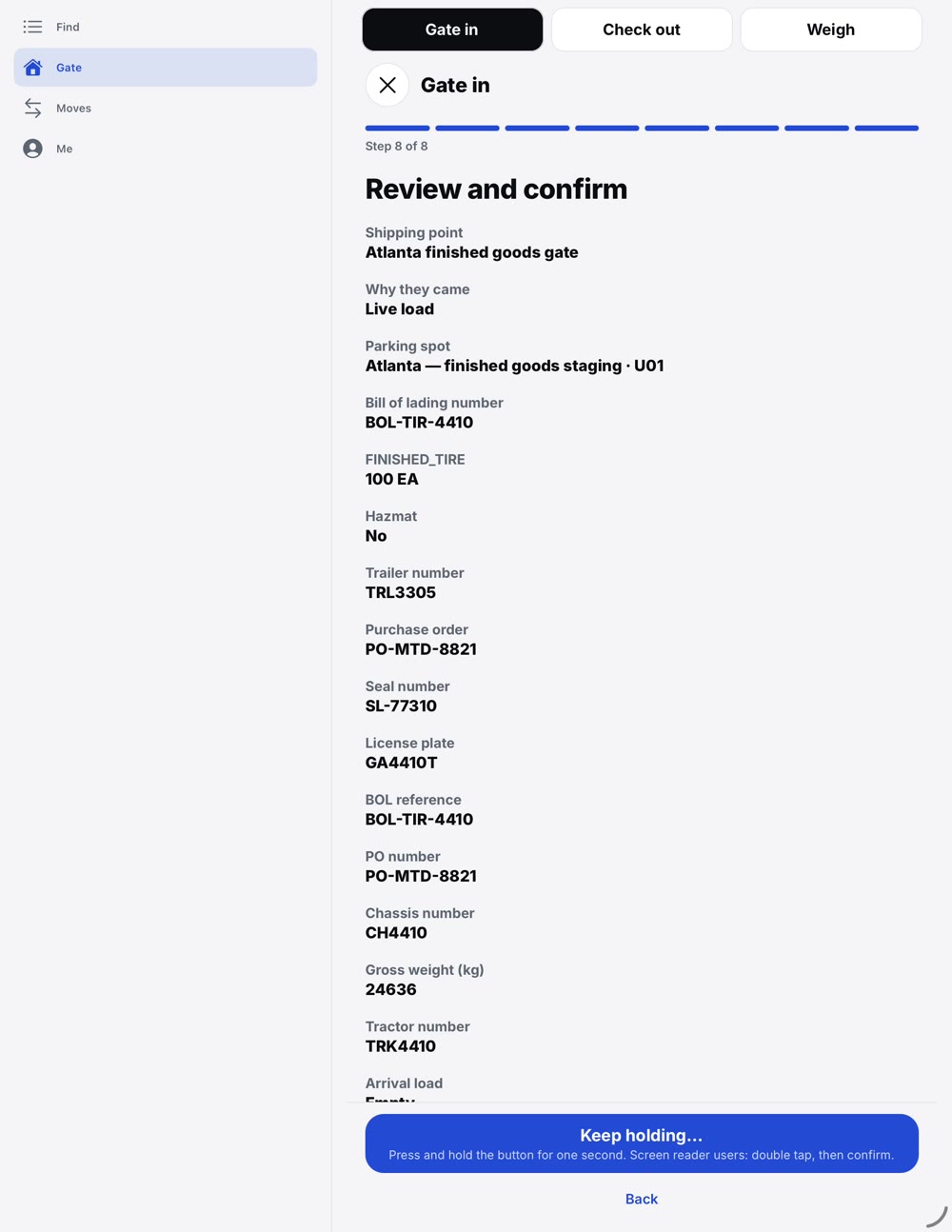
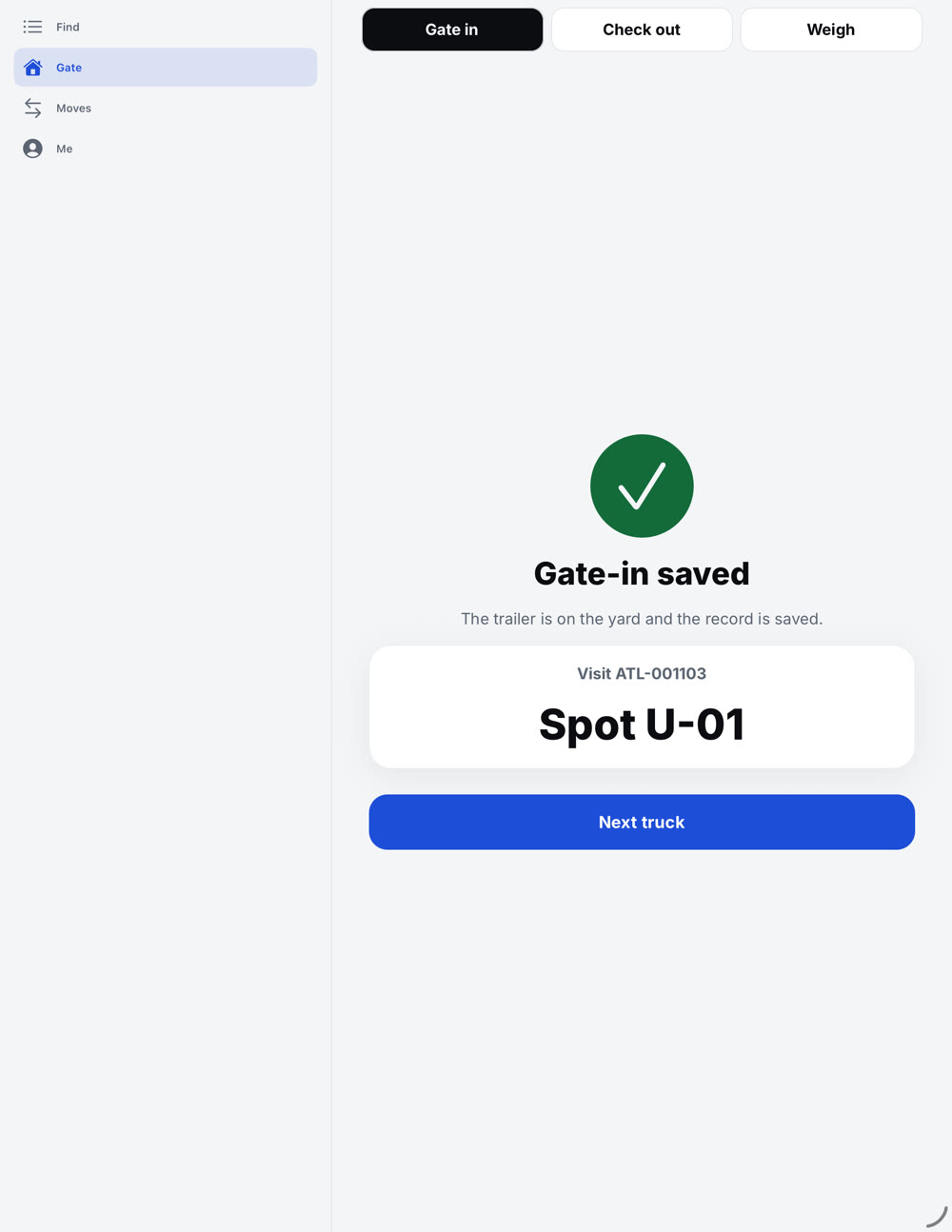
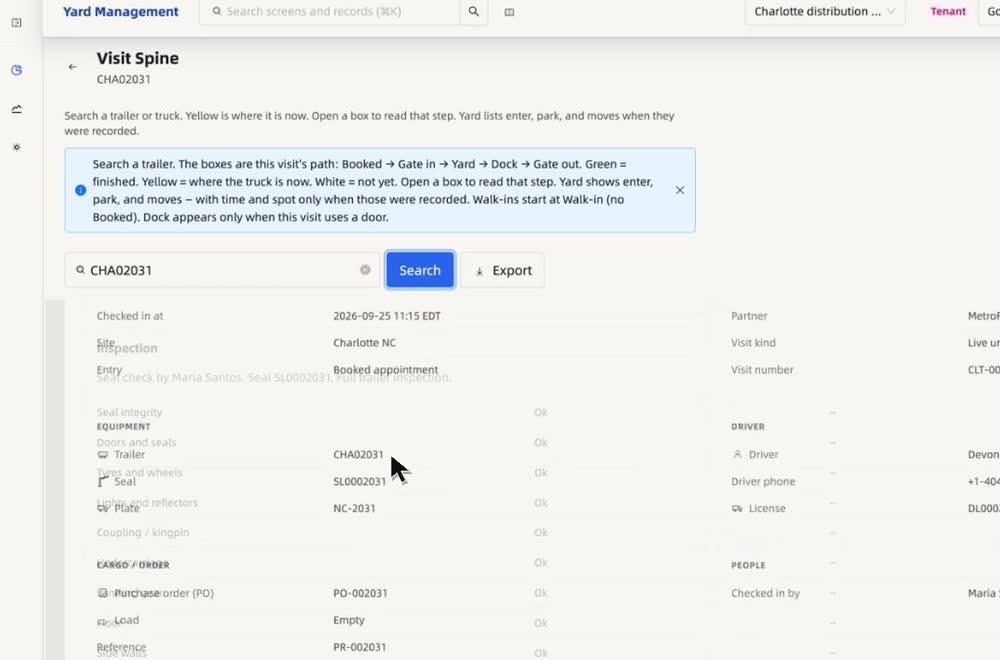
One guided check-in.
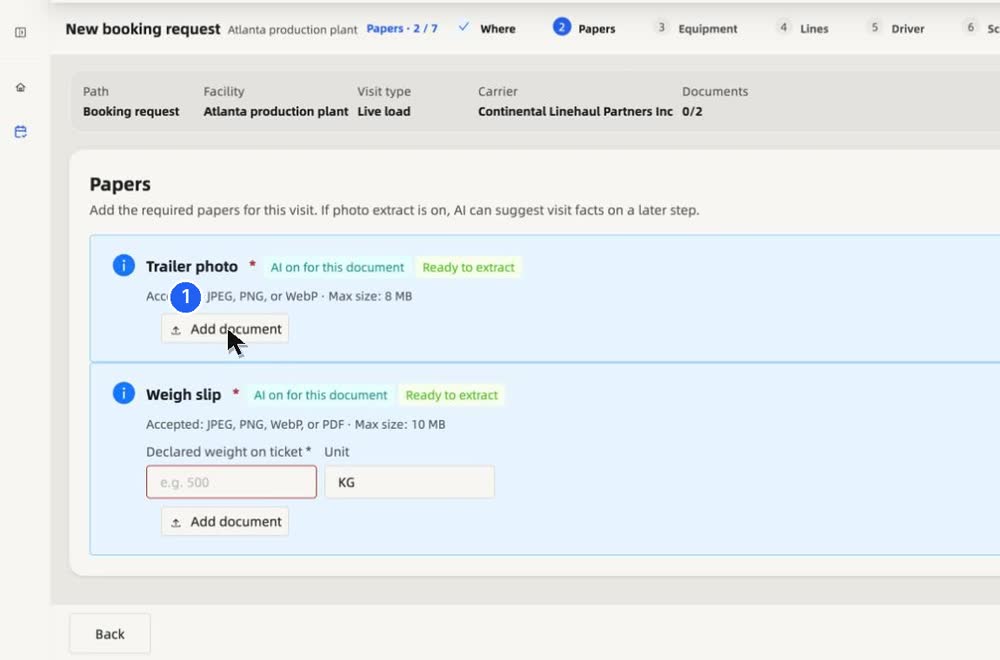
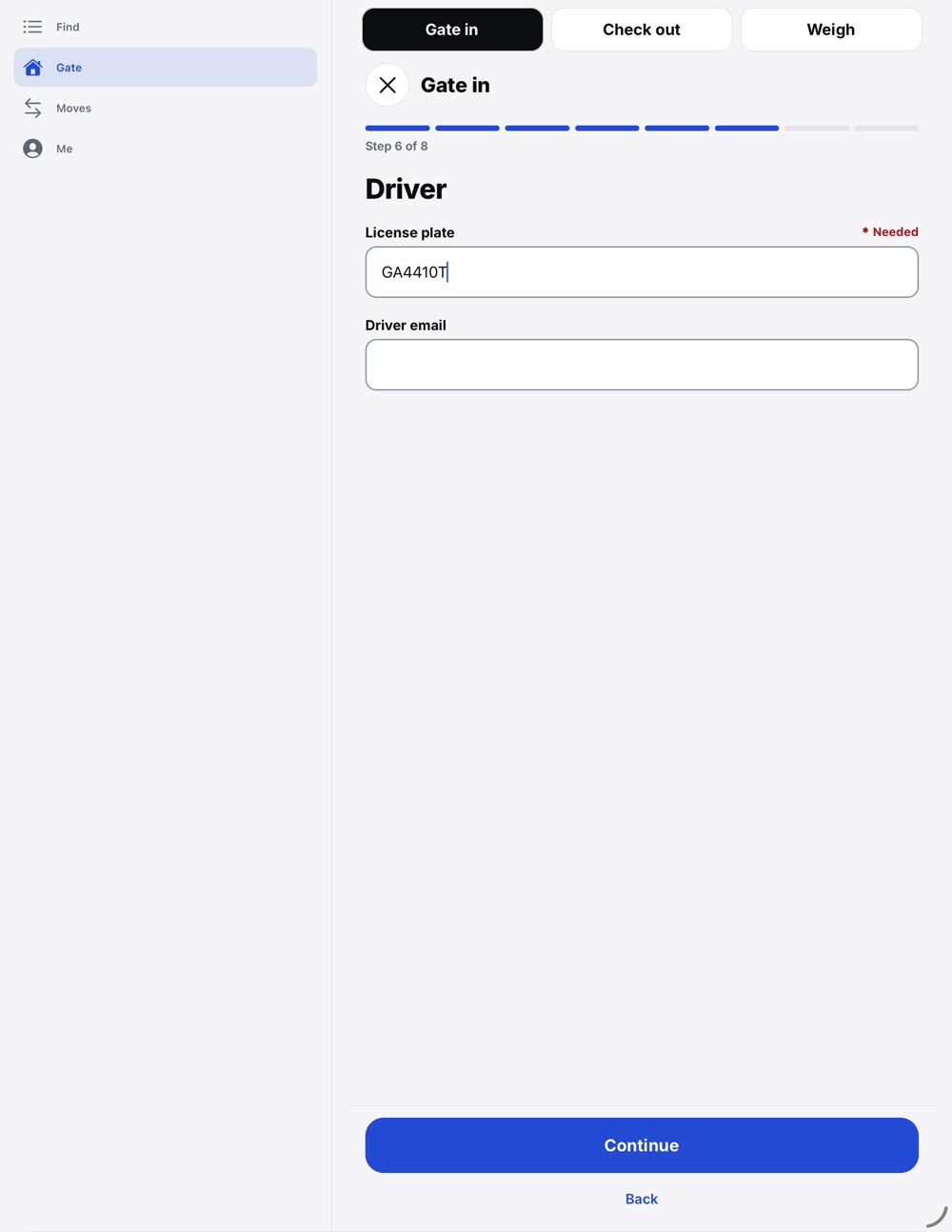
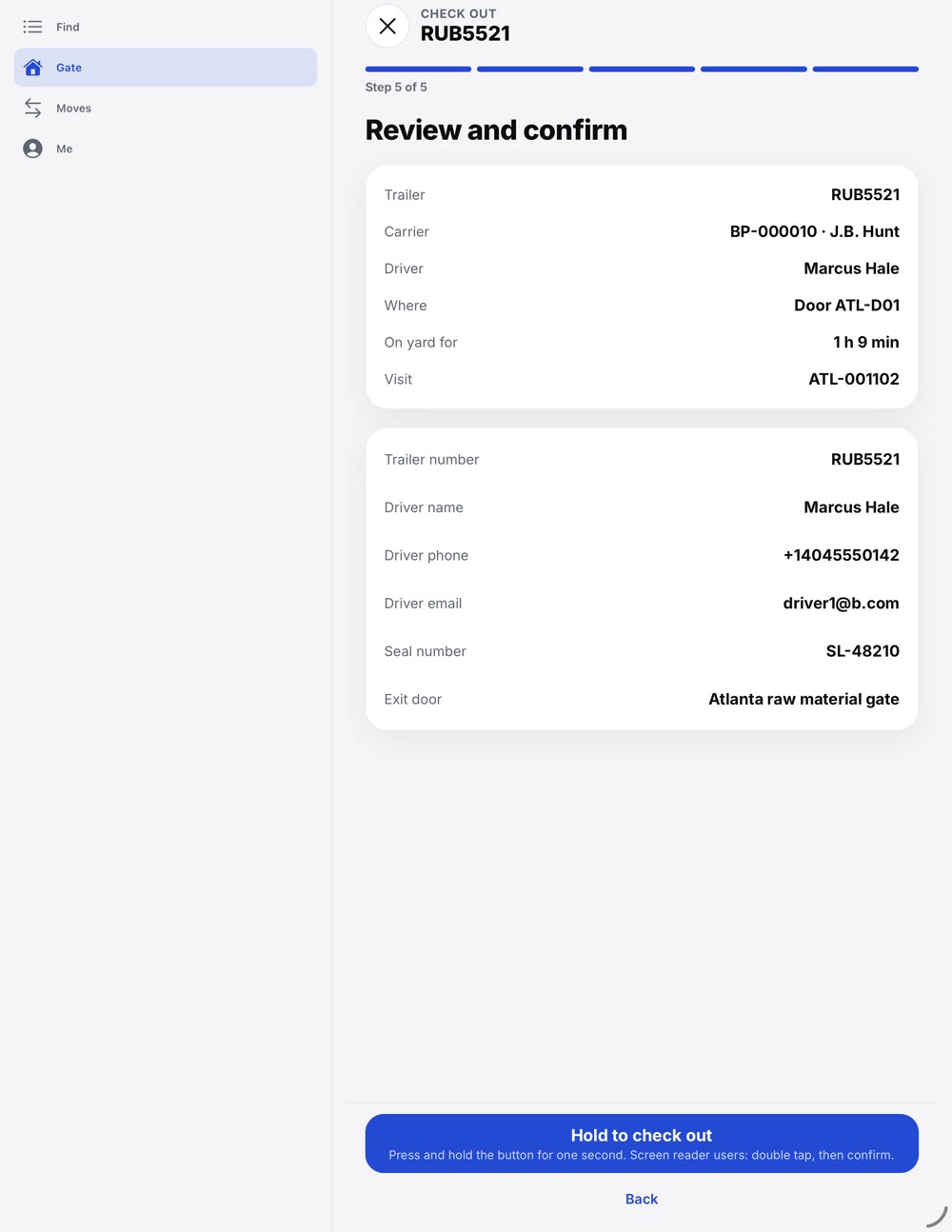
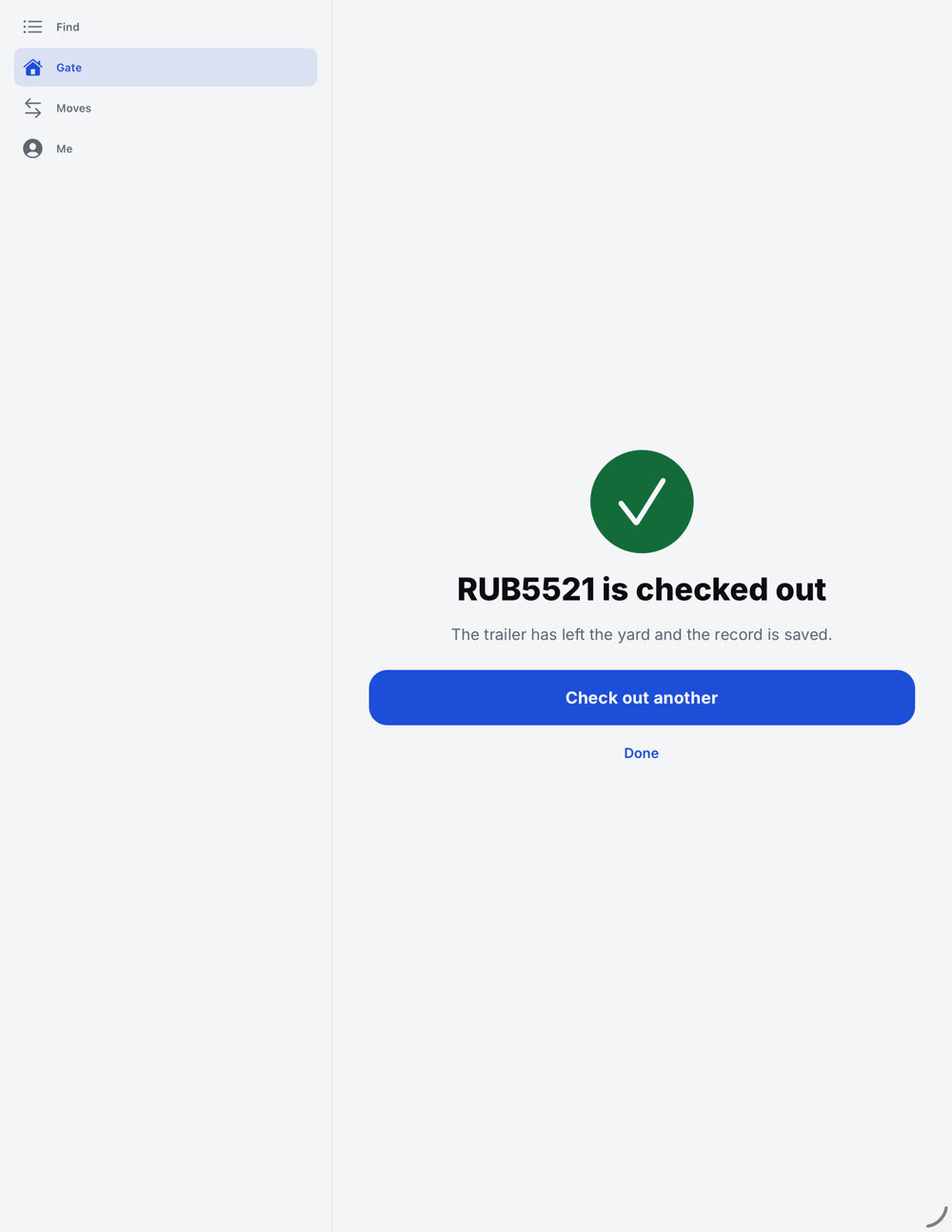
Find the booked visit, check the papers, pick a spot, hold to check in. The guard confirms. Nobody retypes what the carrier already sent.
03 · Yard app
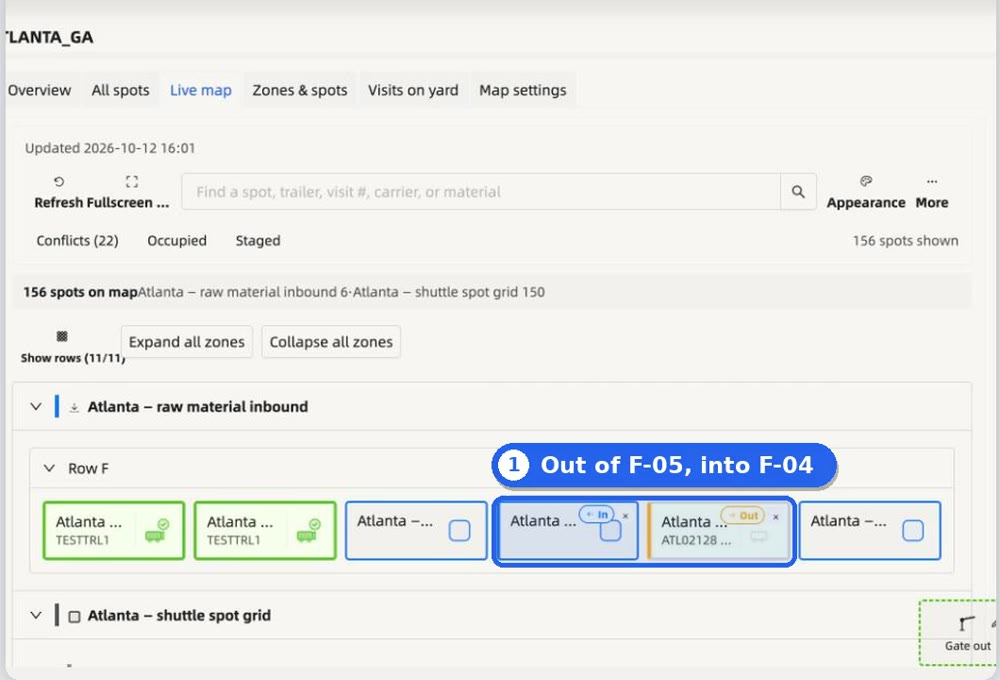
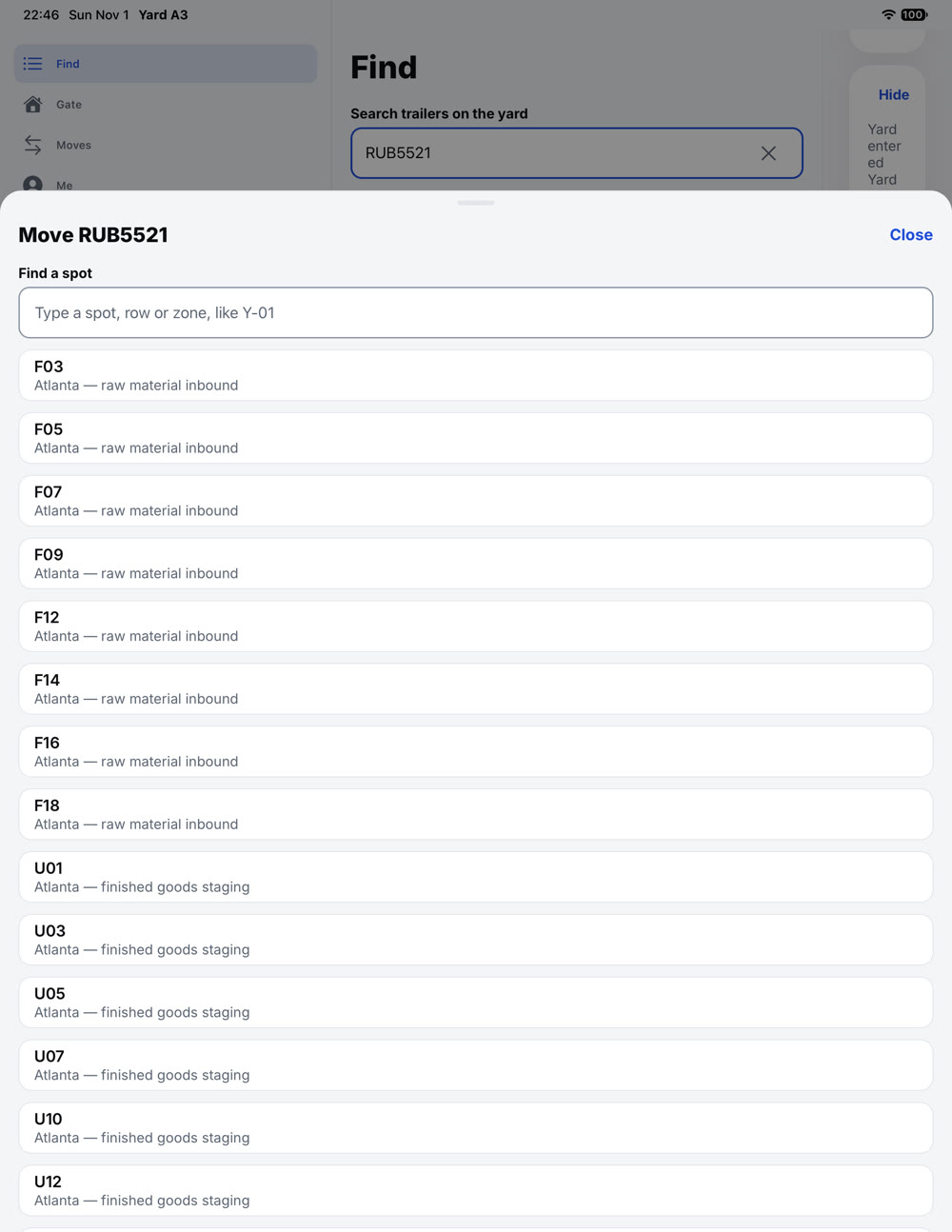
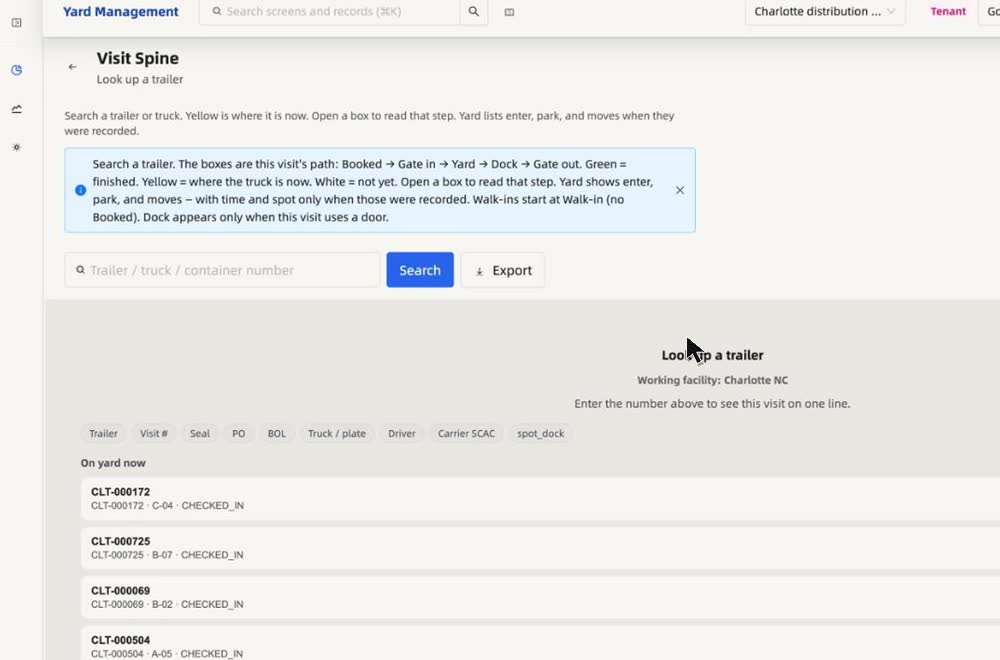
Find it. Move it. One request.
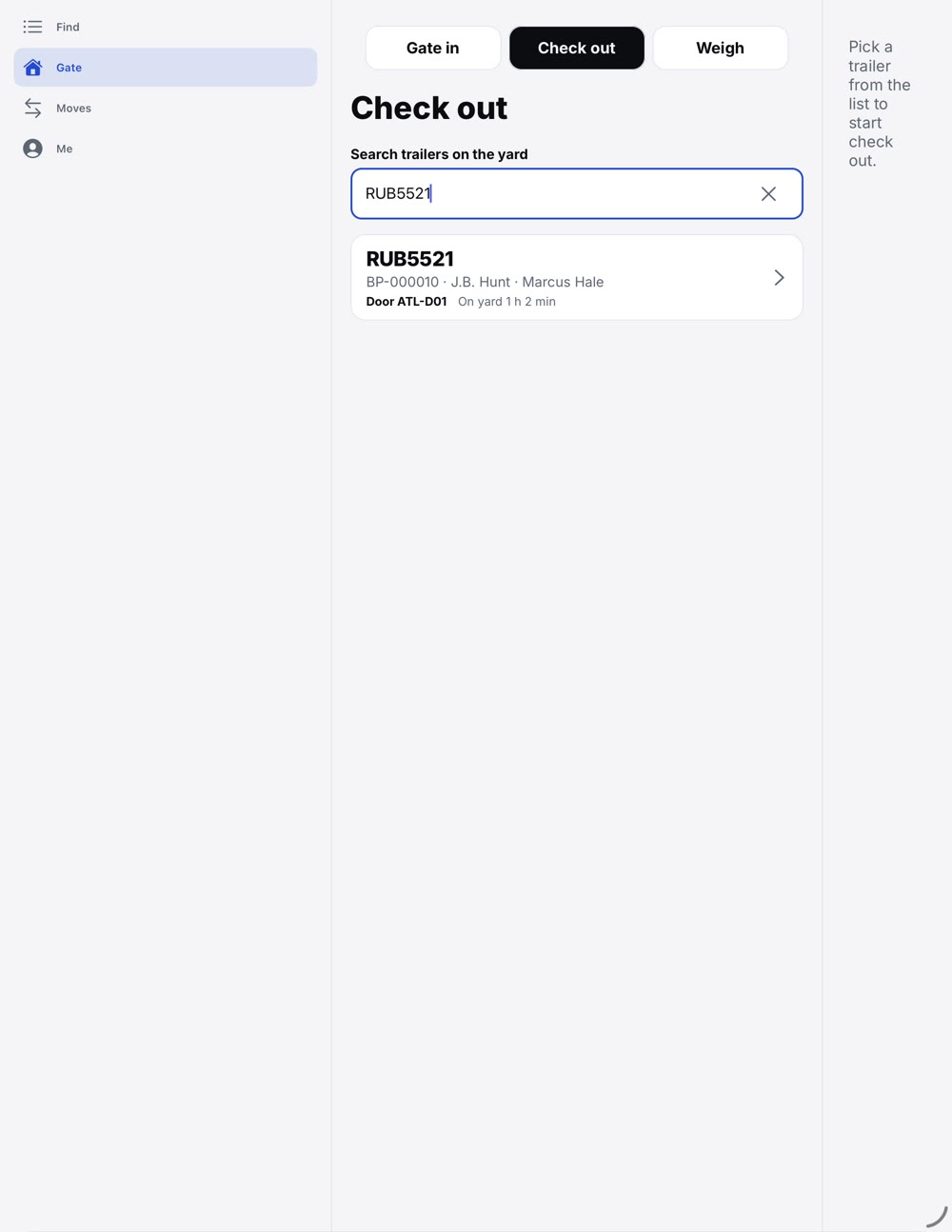
Search any trailer on the yard, choose its next spot and request the move. The driver gets it in Go.
04 · Doors and papers
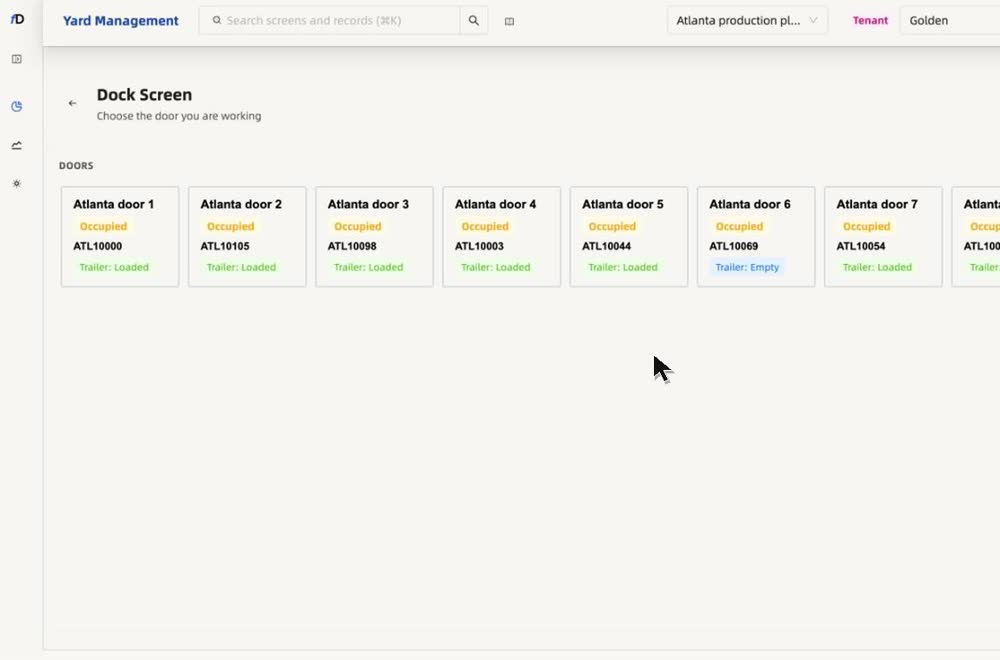
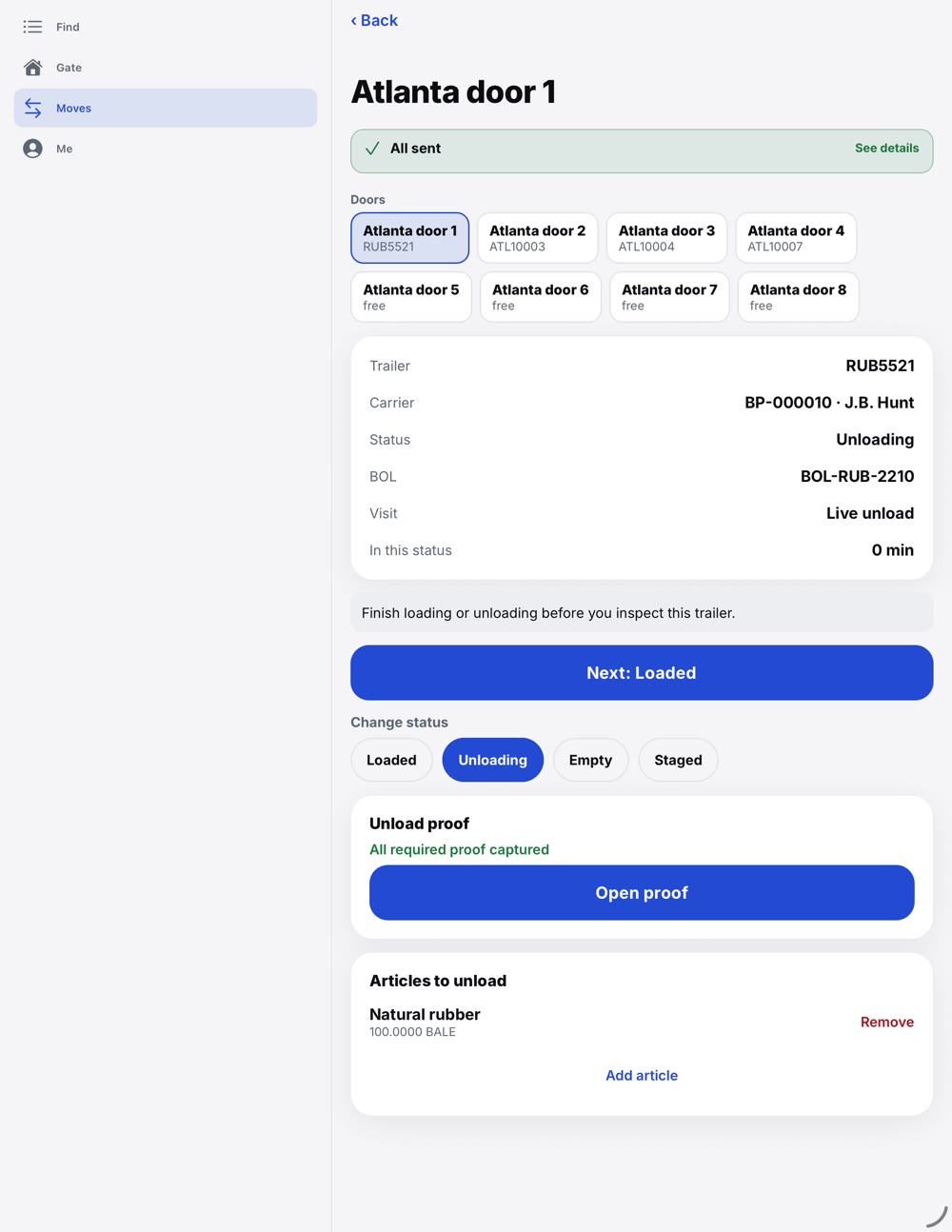
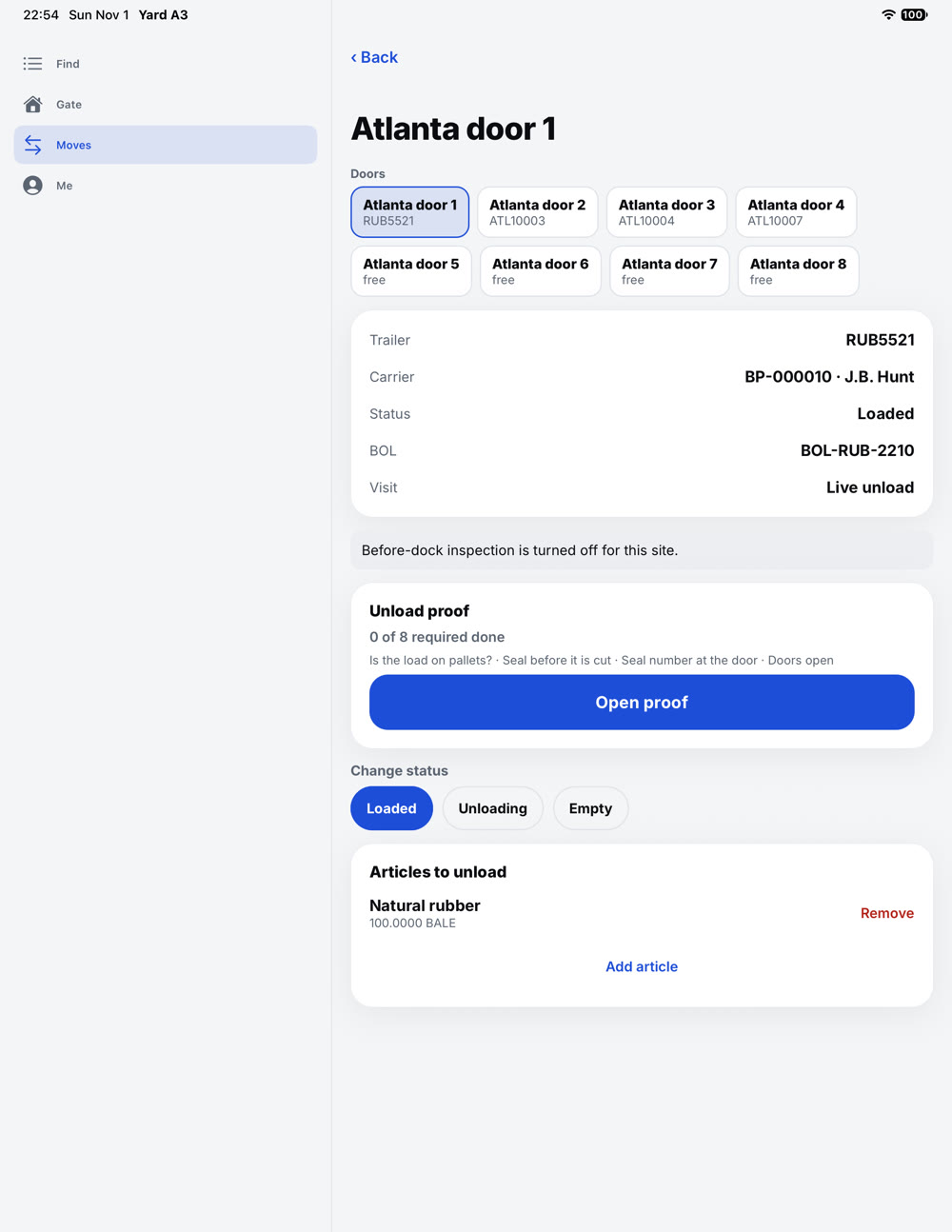
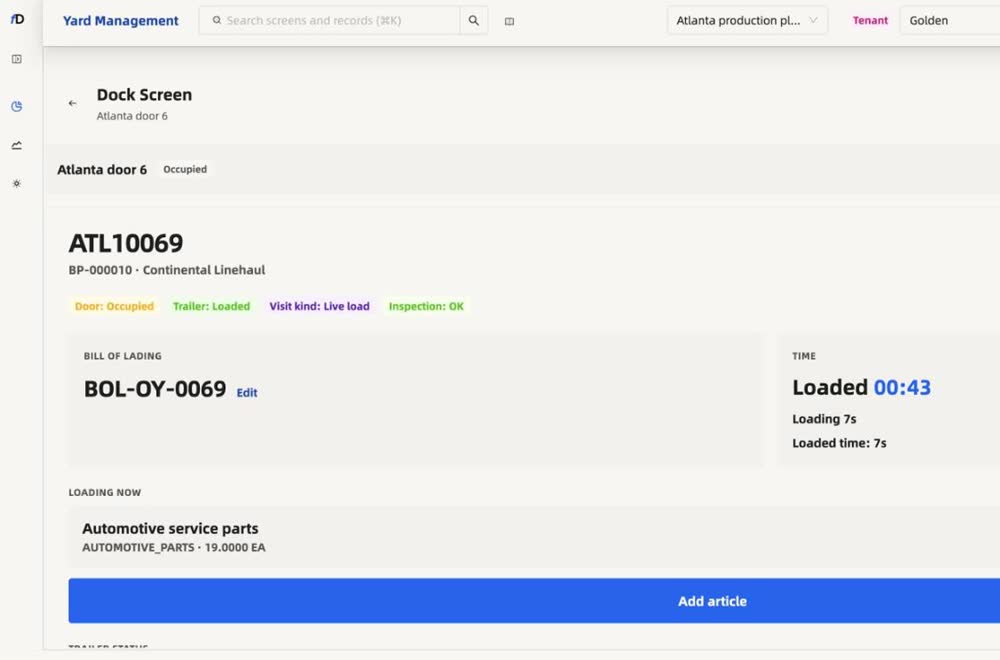
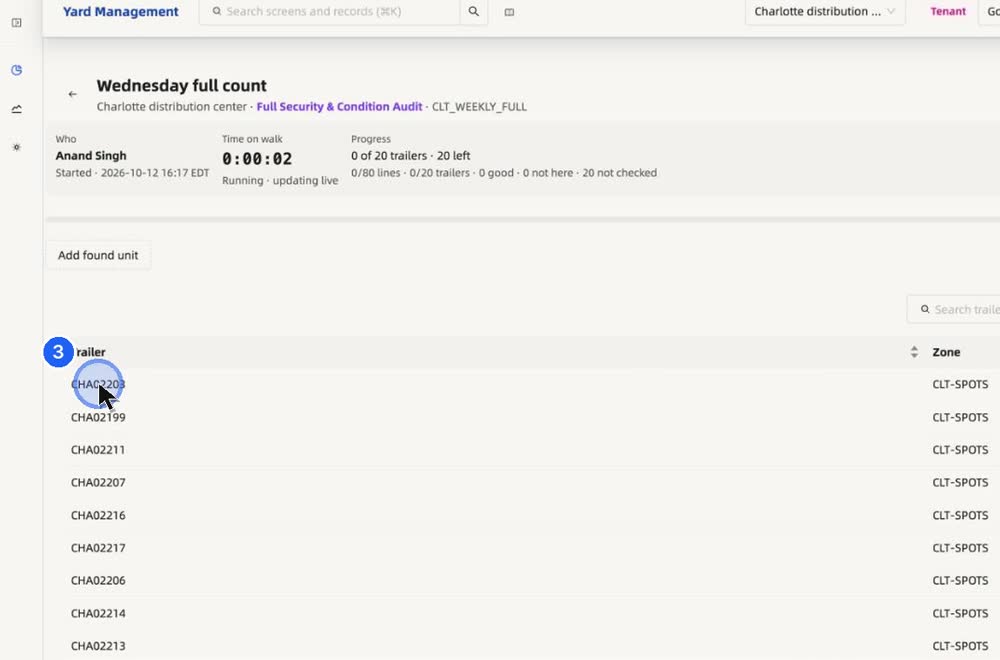
Every door, with its trailer and its papers.
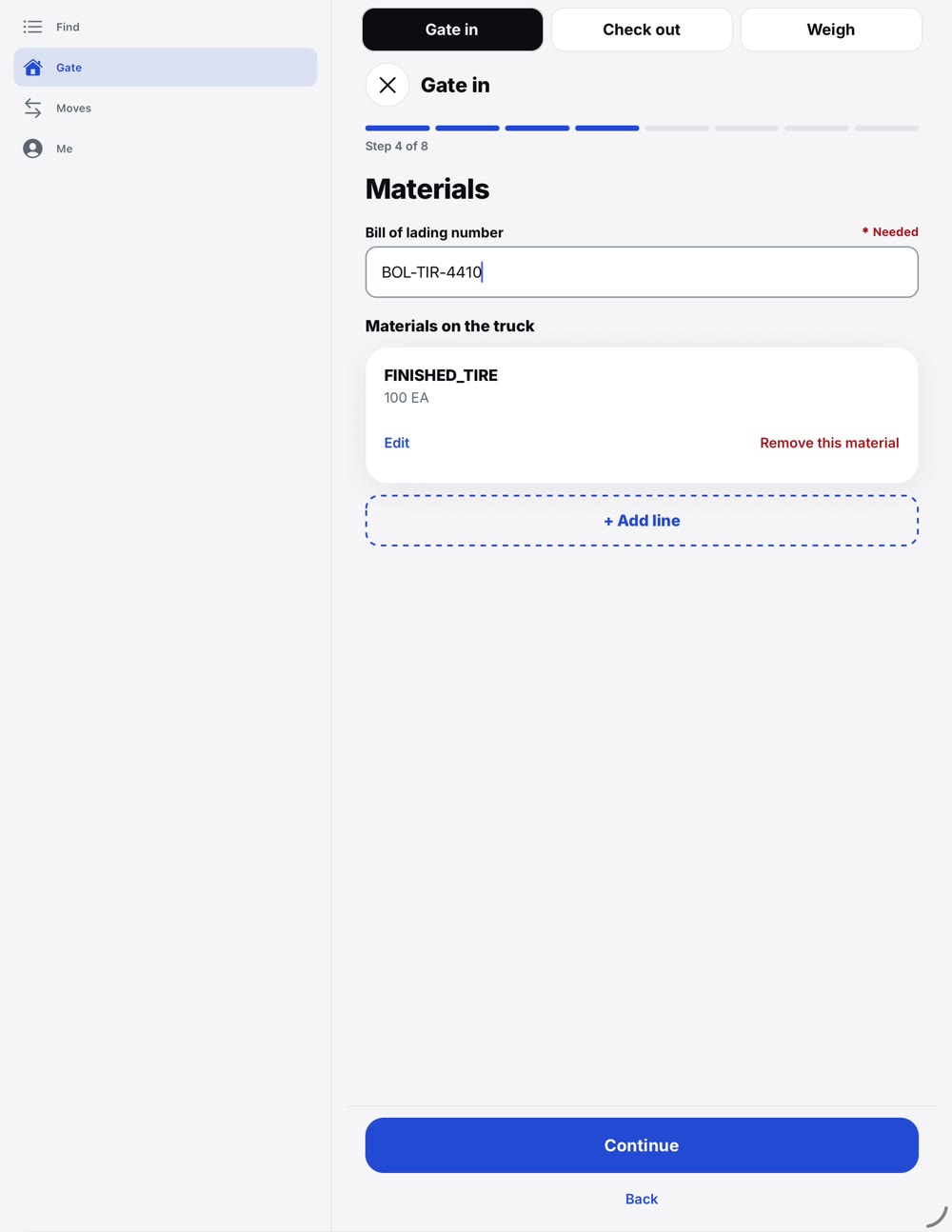
Open a door and see the trailer, its bill of lading and what is still to do. The documents sit on the visit, not in a camera roll.
05 · Before, during, after
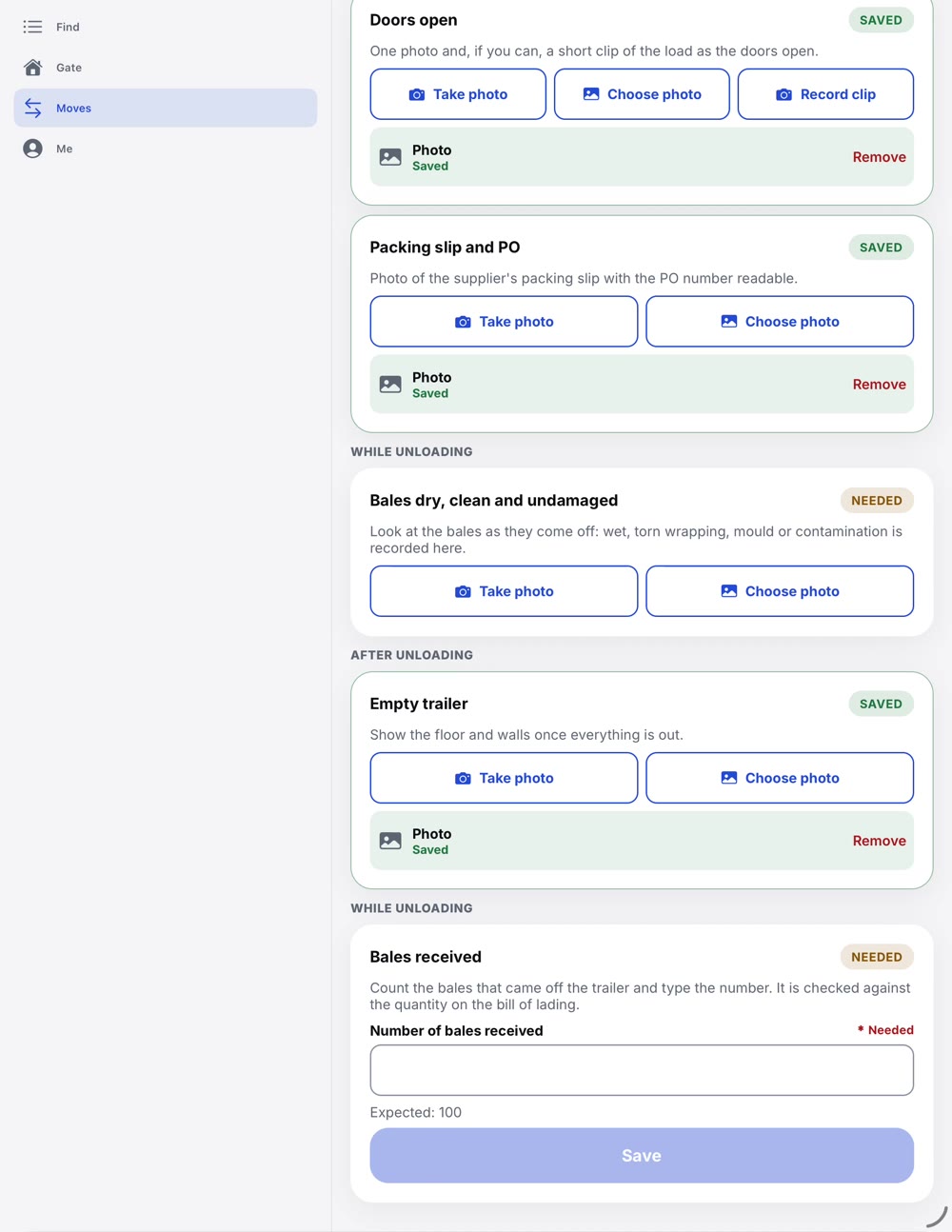
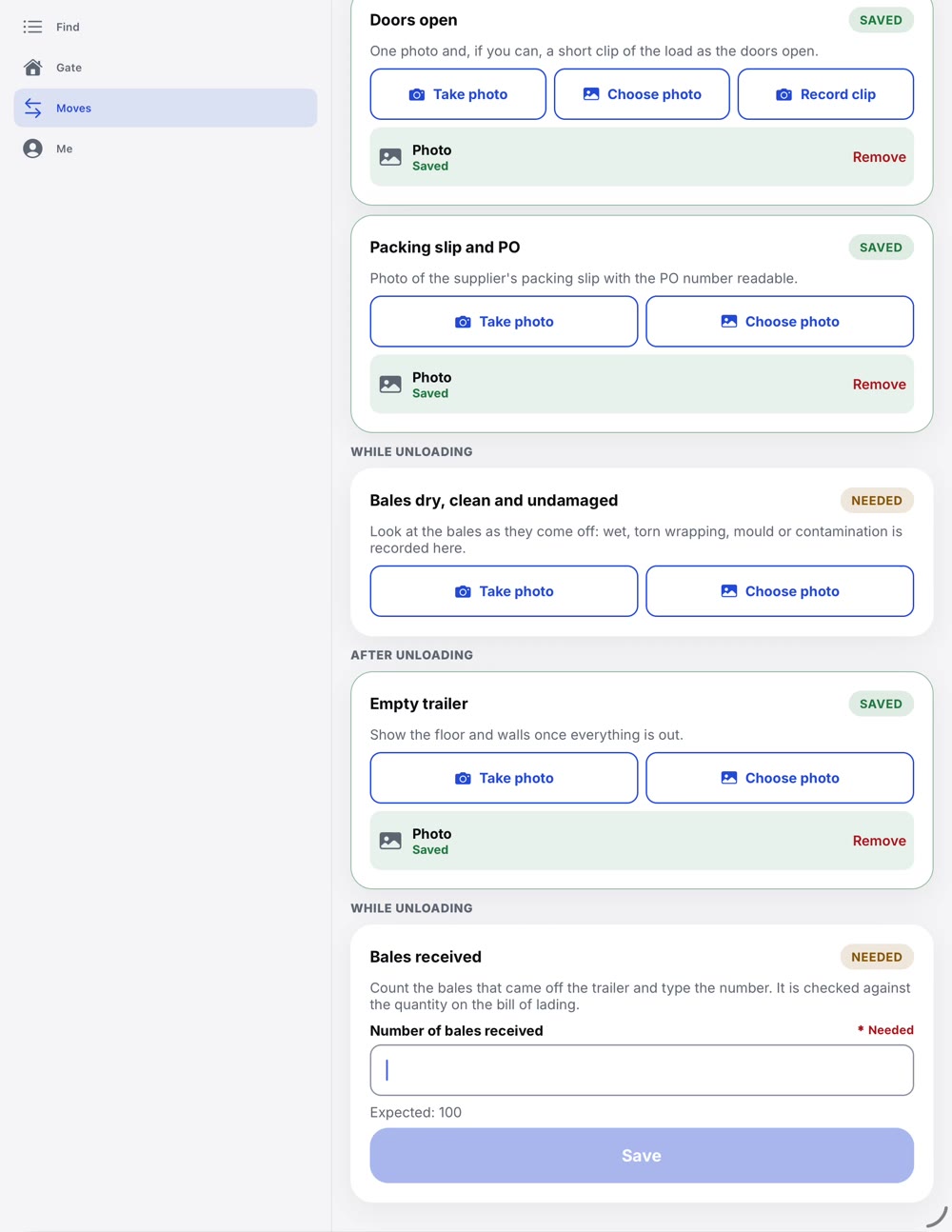
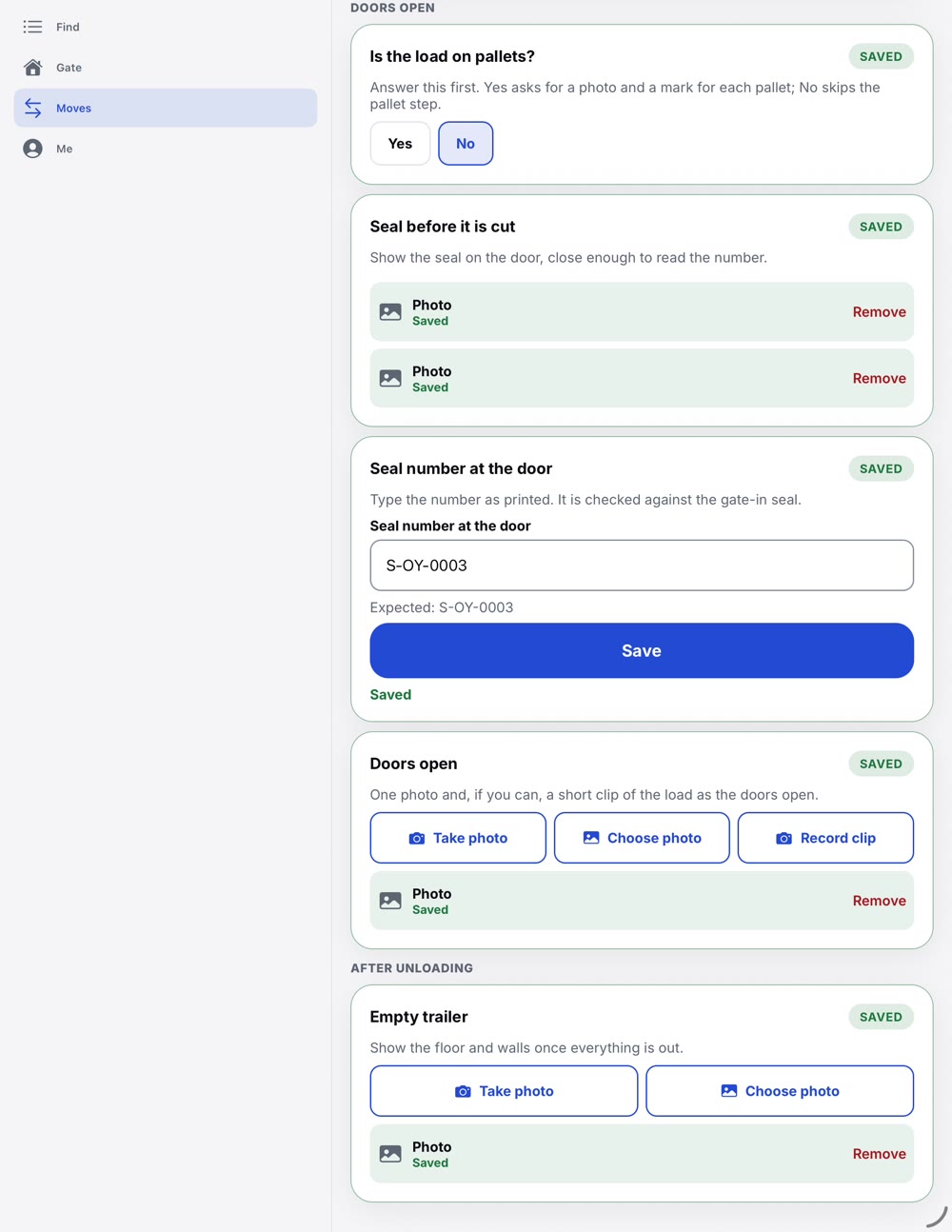
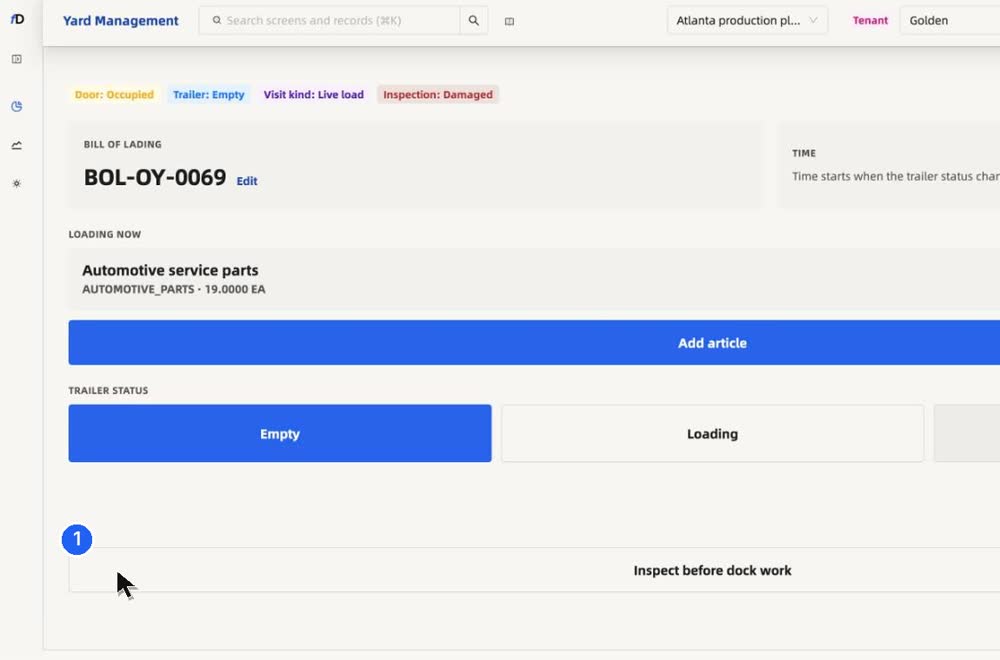
Load proof is captured at the door.
Seal, doors open, packing slip, count and the empty trailer. Each one photographed on the tablet and saved on the visit.
06 · Running clock
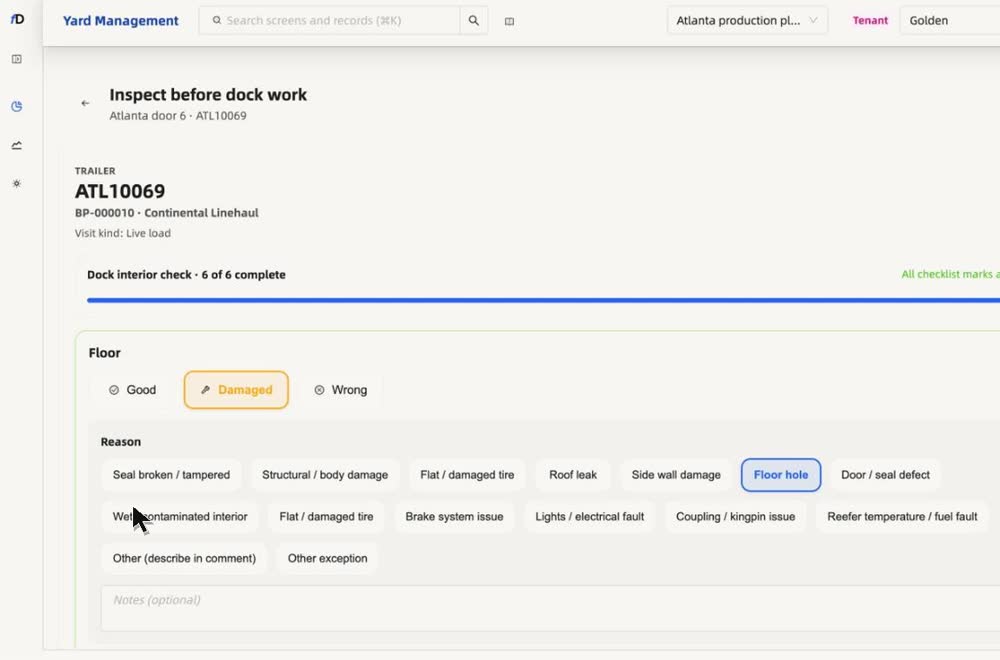
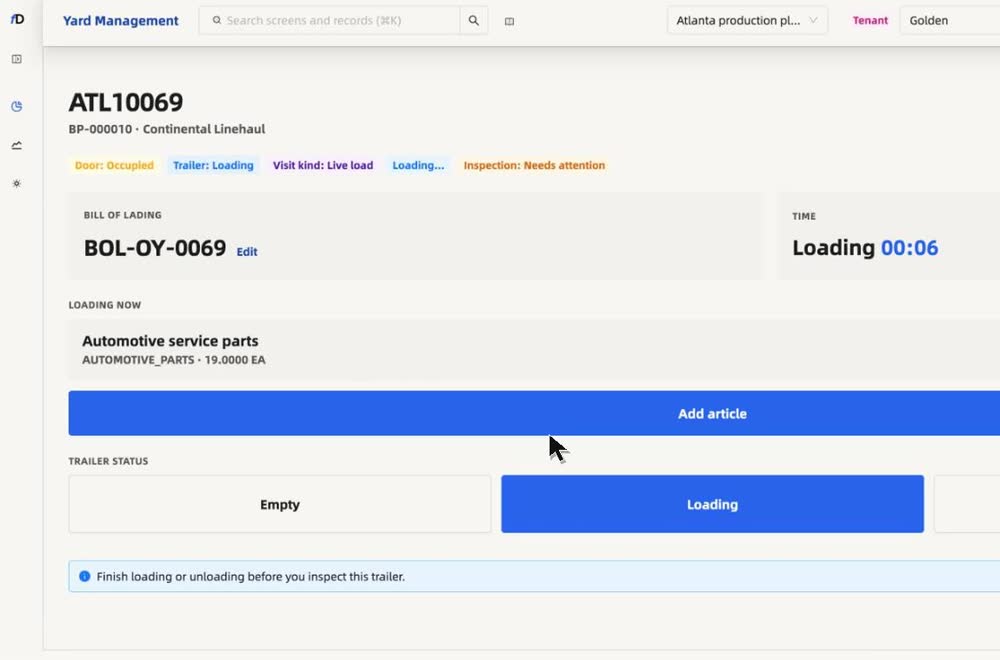
Loading, with a running clock.
Work the trailer, say what is wrong, and watch the clock from loading to loaded. The time it took is on the record.
07 · Evidence
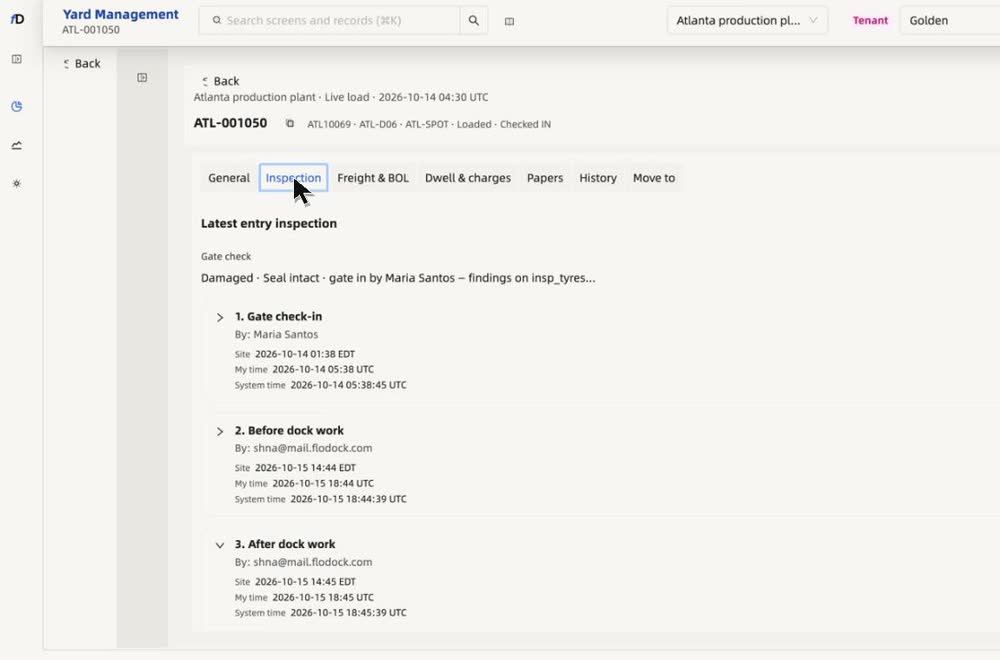
A claim with the proof attached.
Photos, counts, seals and dwell charges sit on the visit, in order. When a deduction notice arrives, open the claim from the record and share a secure, read-only evidence link with the carrier or the customer.
Share a secure evidence link with
08 · Carriers
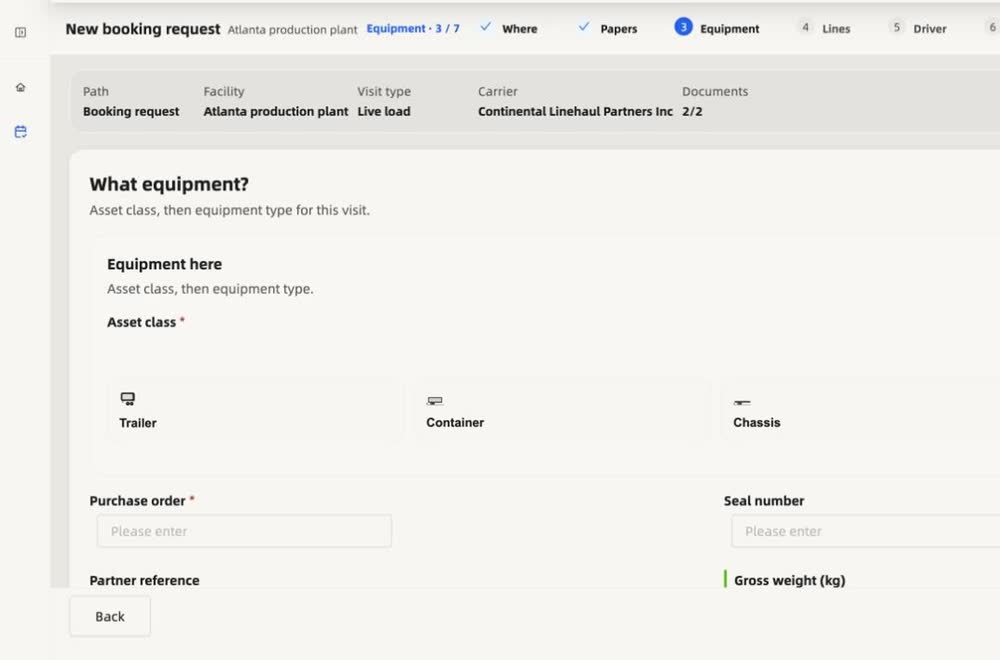
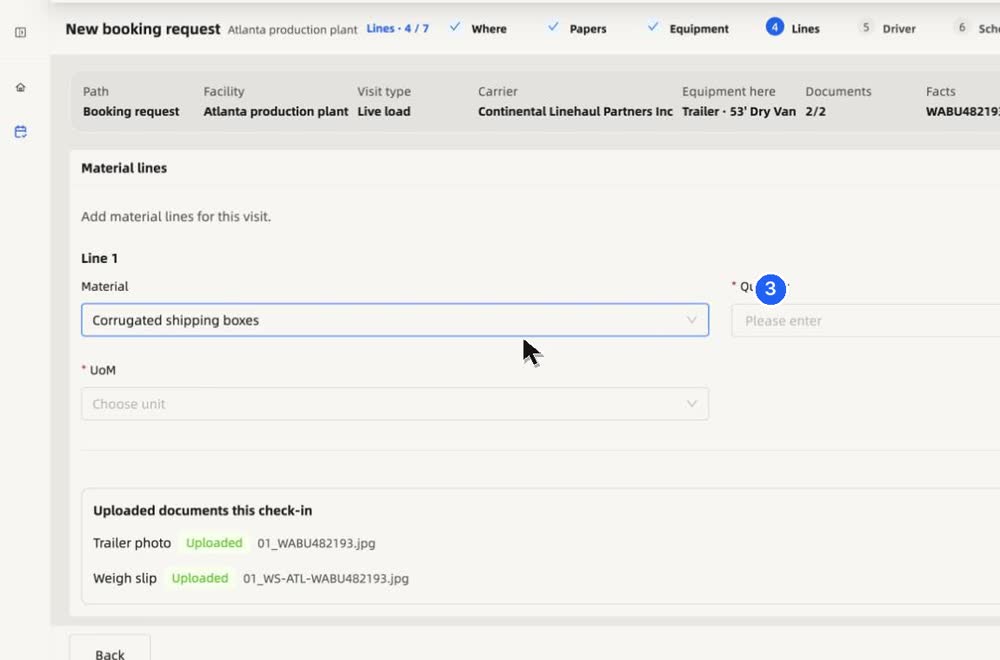
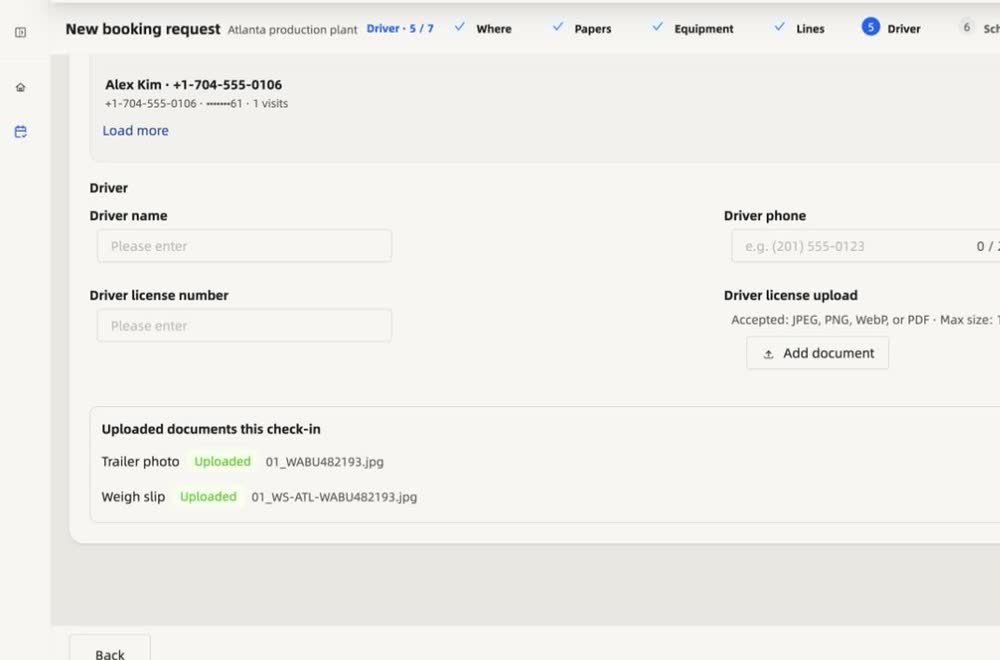
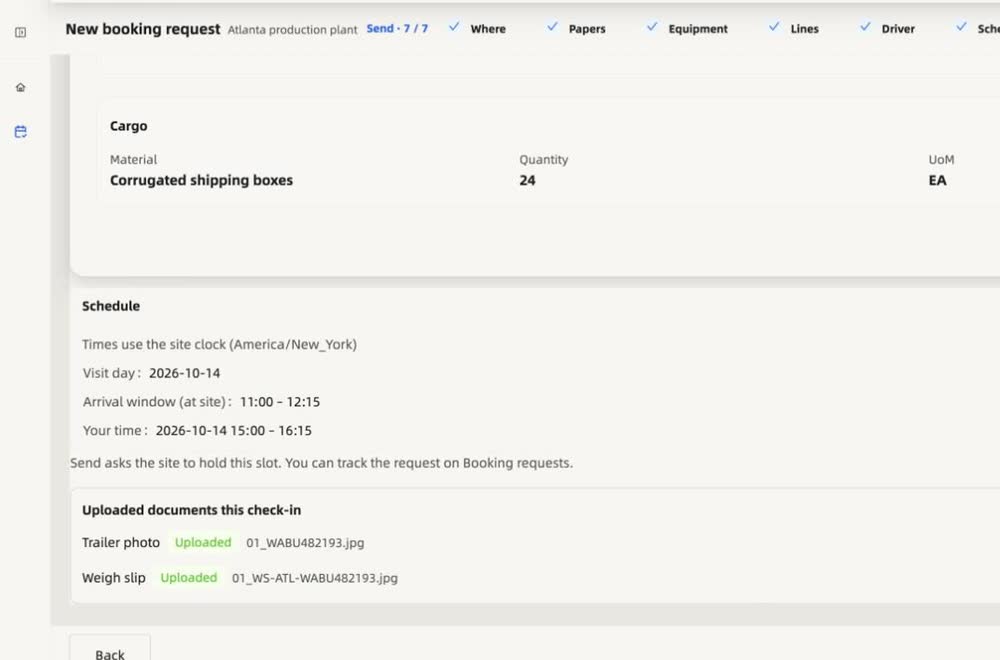
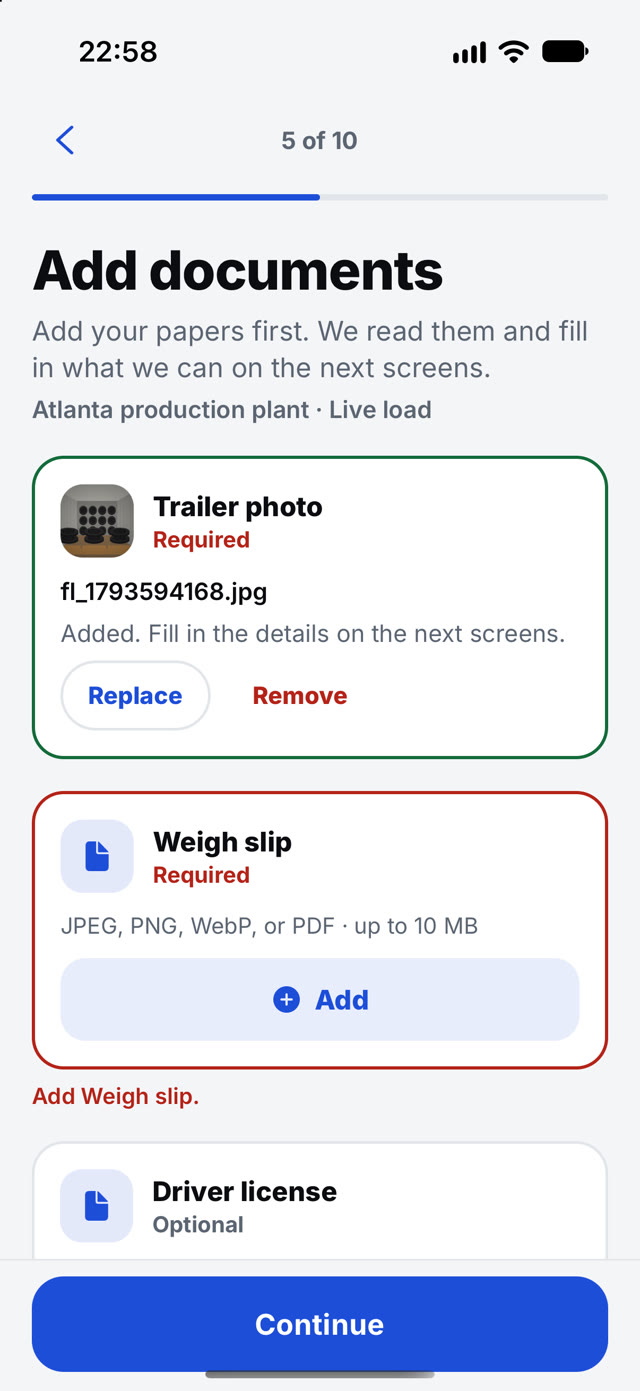
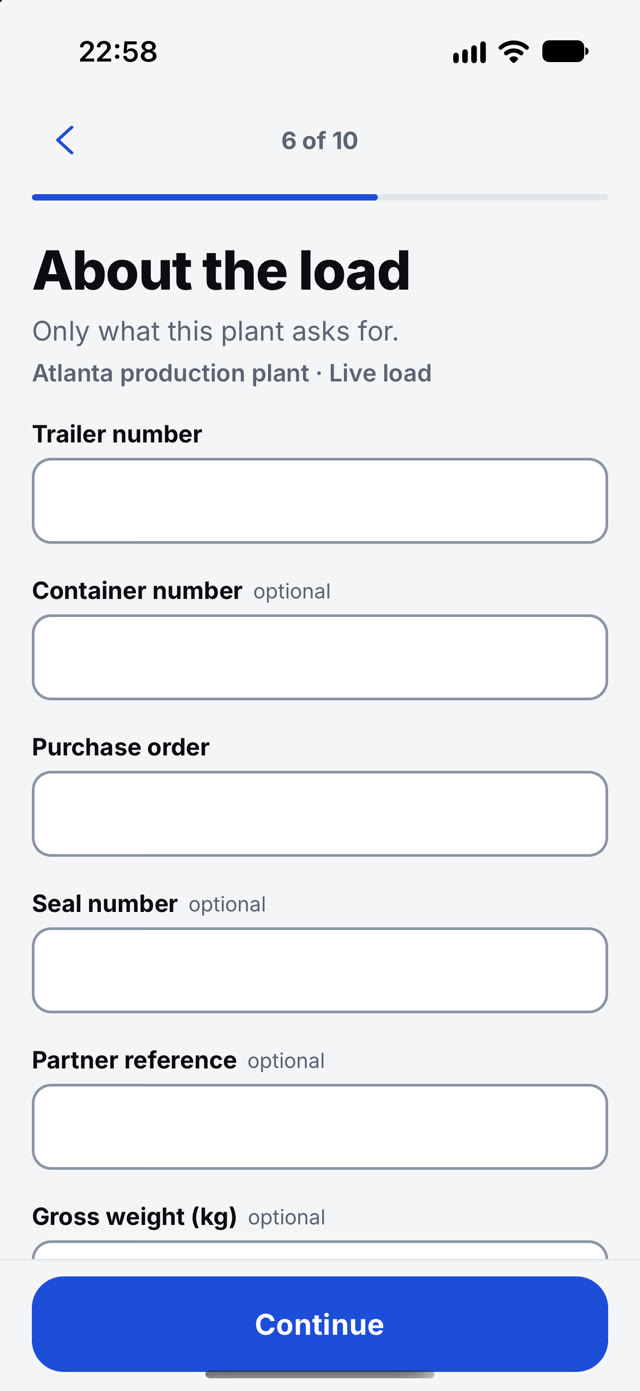
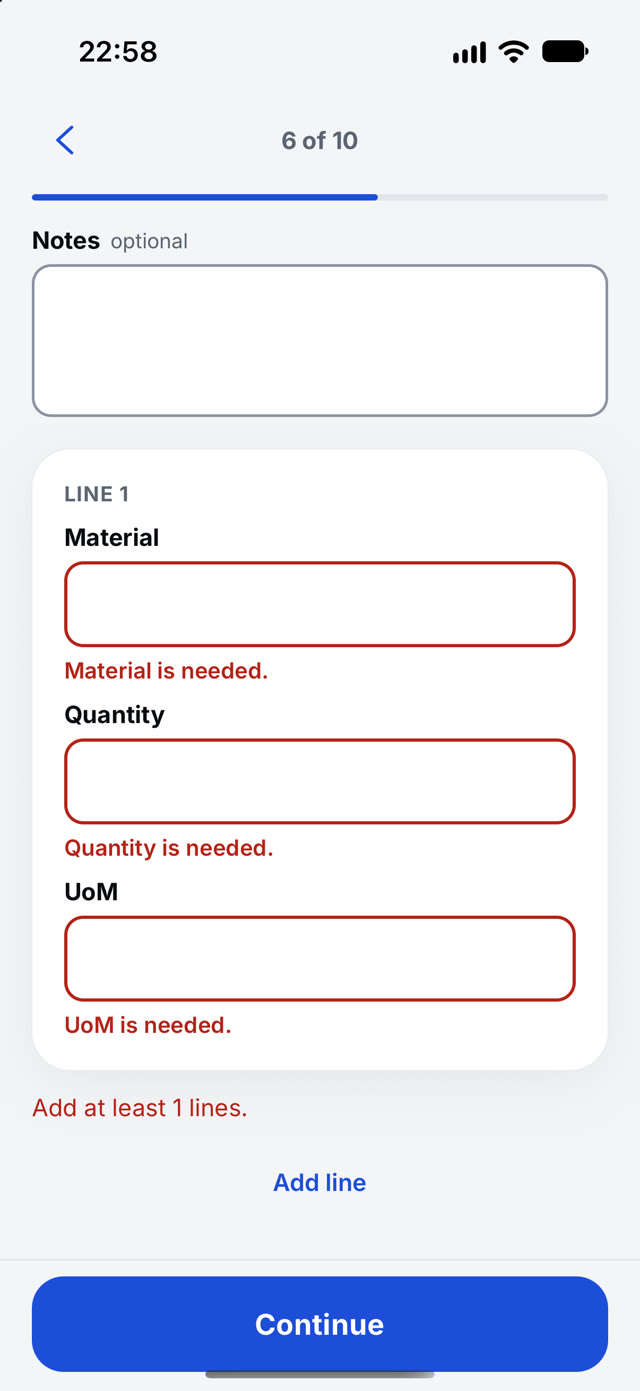
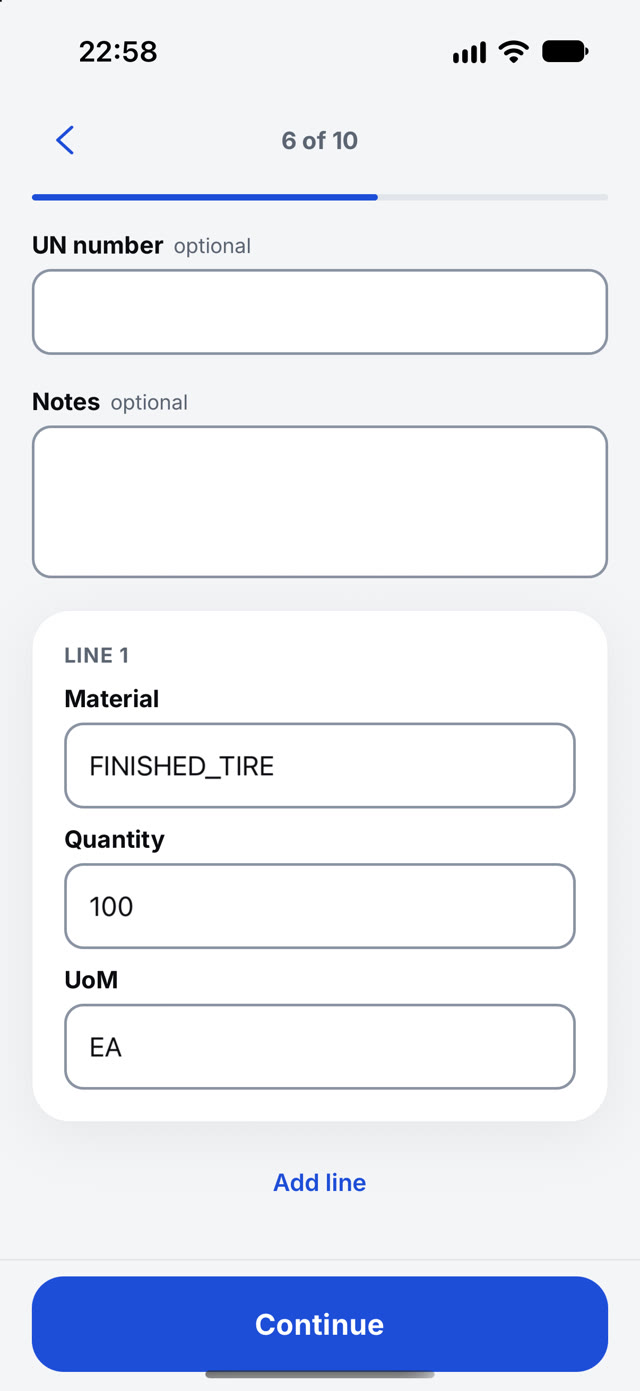
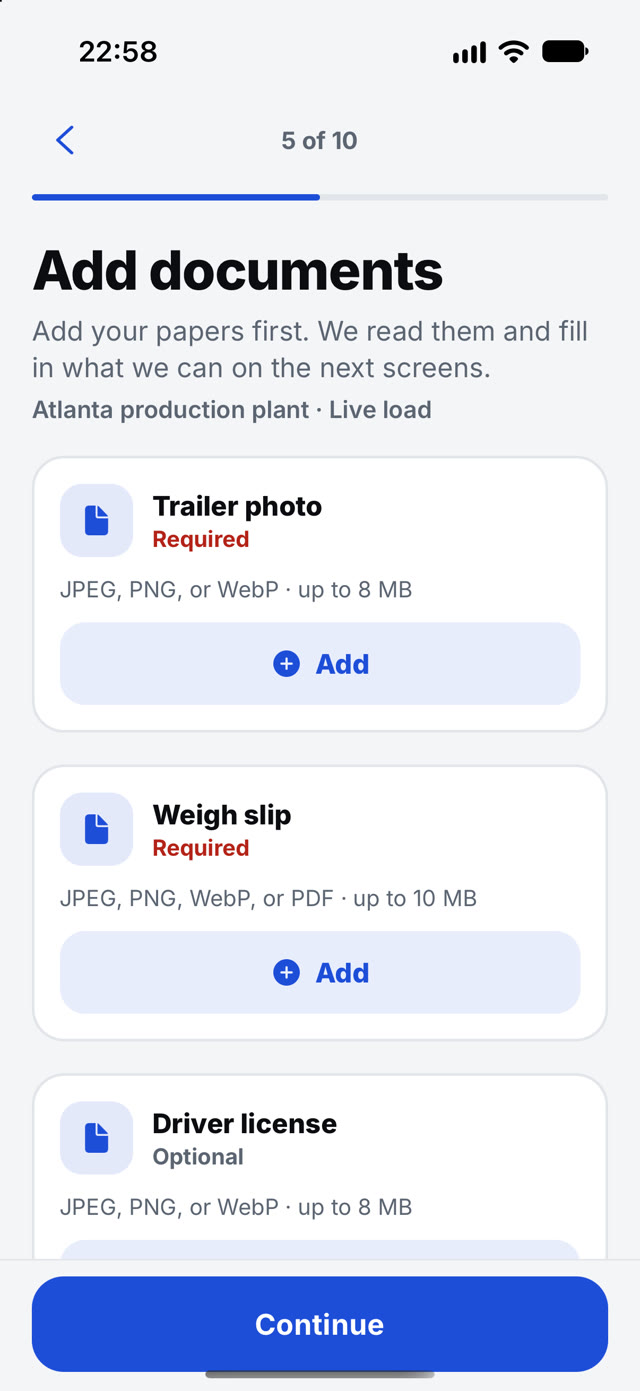
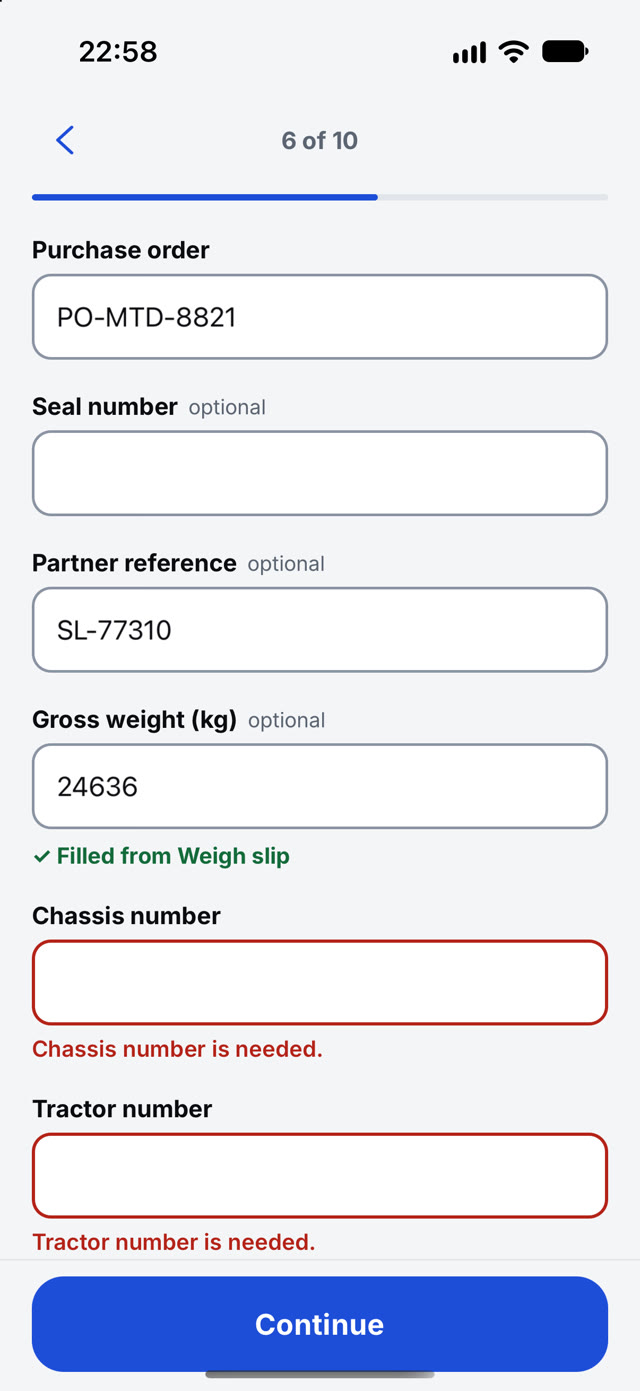
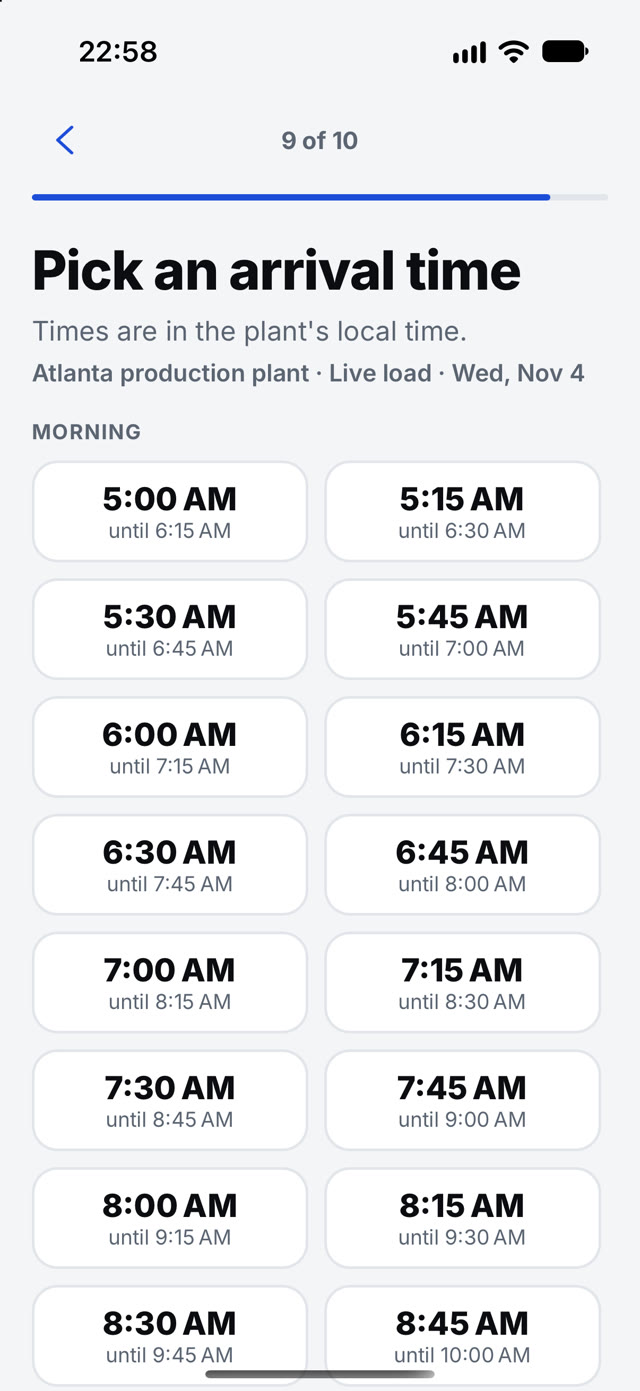
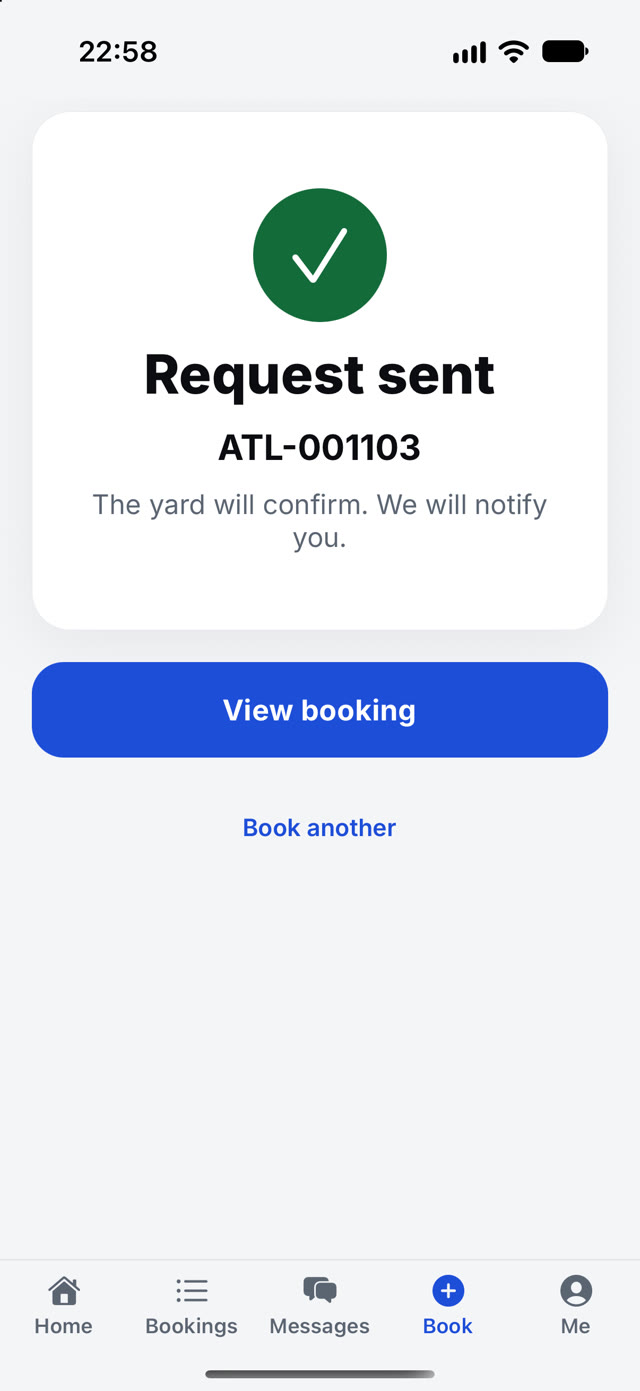
Carriers book from their phone.
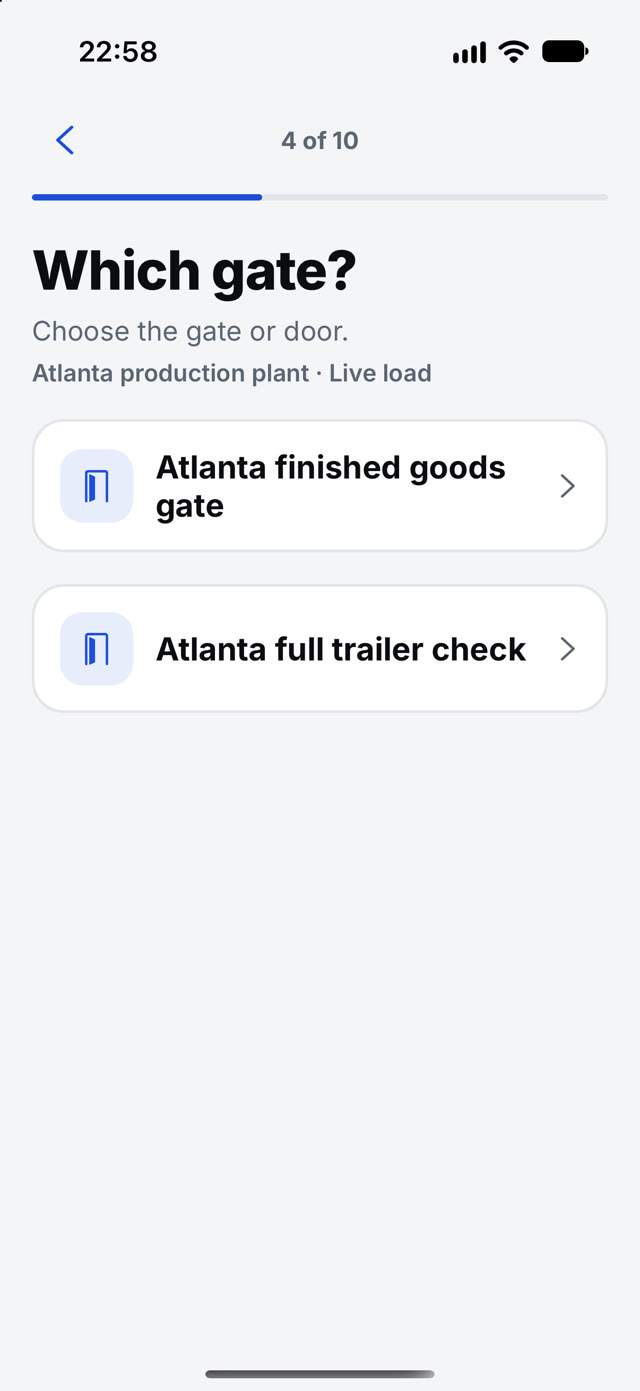
Papers first, then the gate, the load and a time from your open slots. The request arrives complete.
09 · Carrier authority
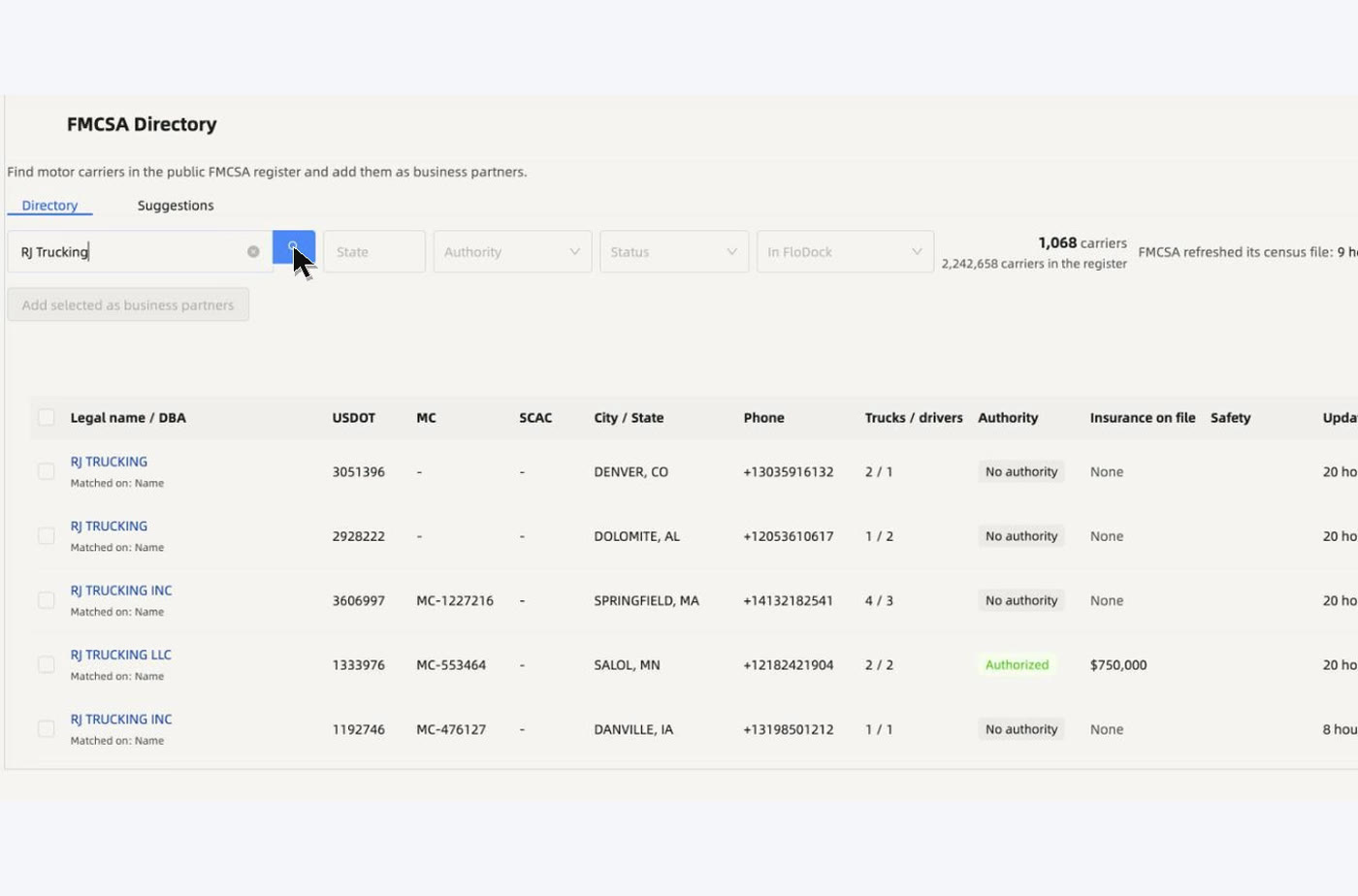
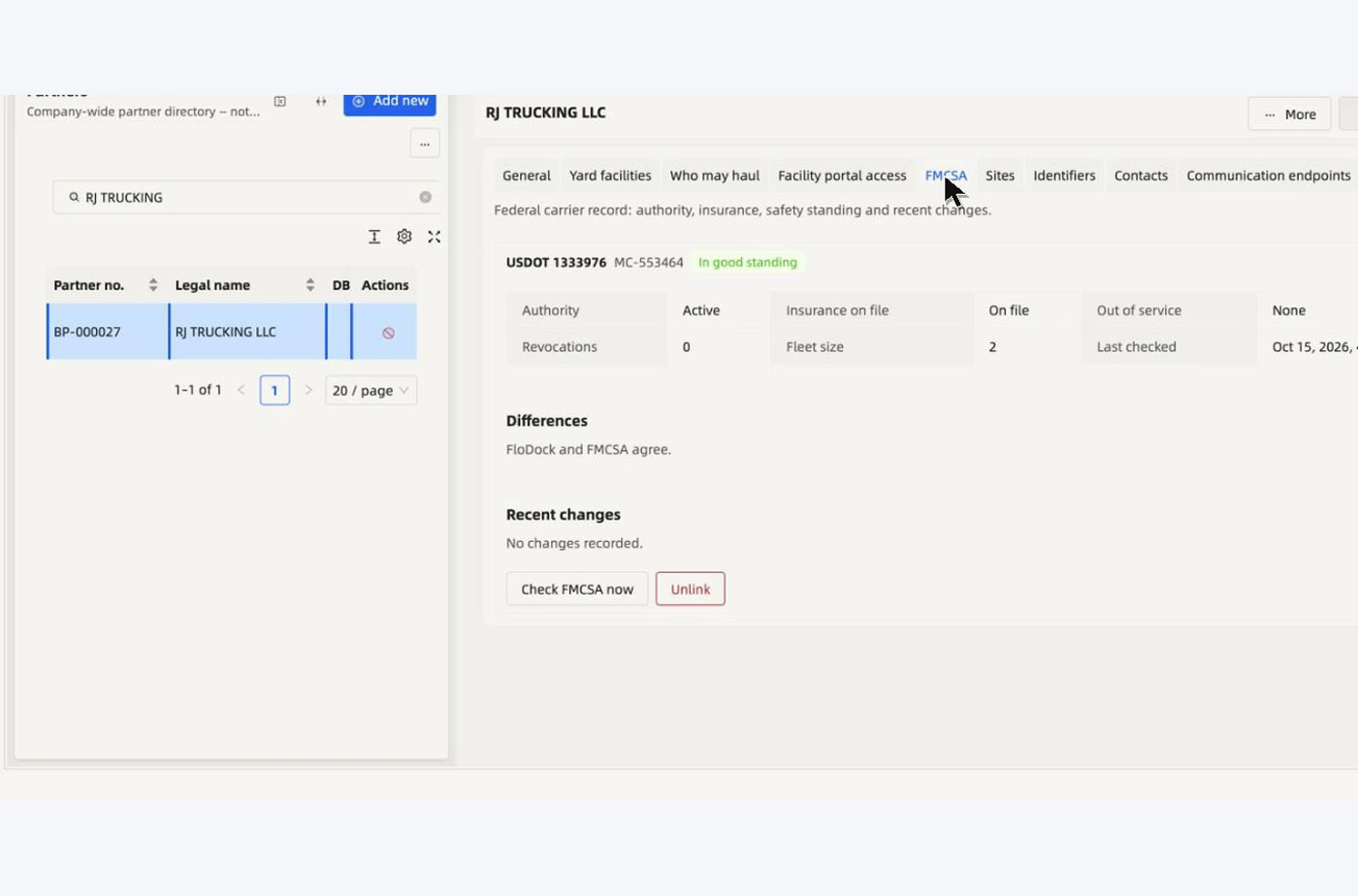
The carrier is checked before the booking.
Authority, insurance and out-of-service status from the FMCSA register, with the date it was last checked, on the carrier record.

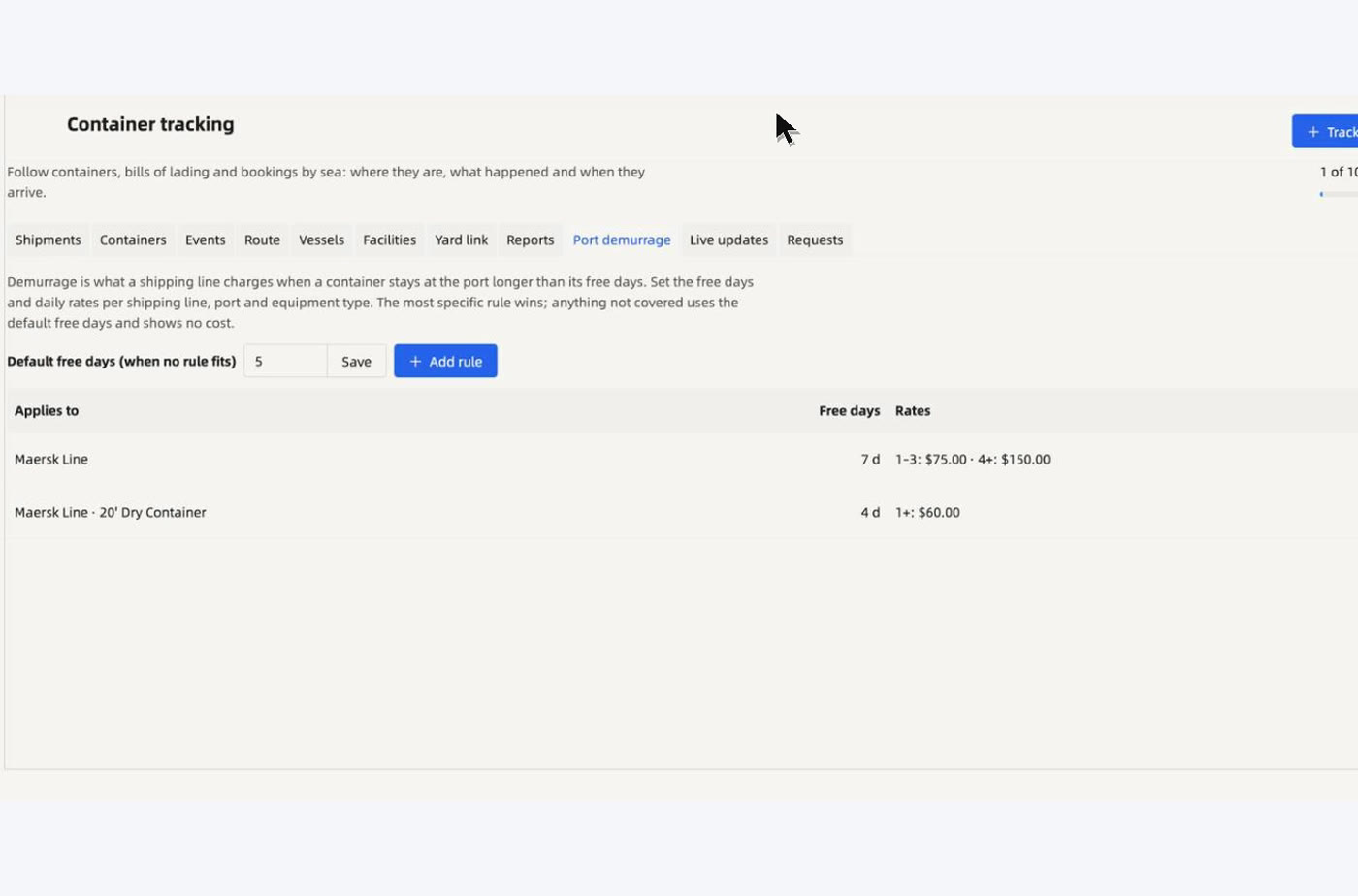
10 · Container tracking
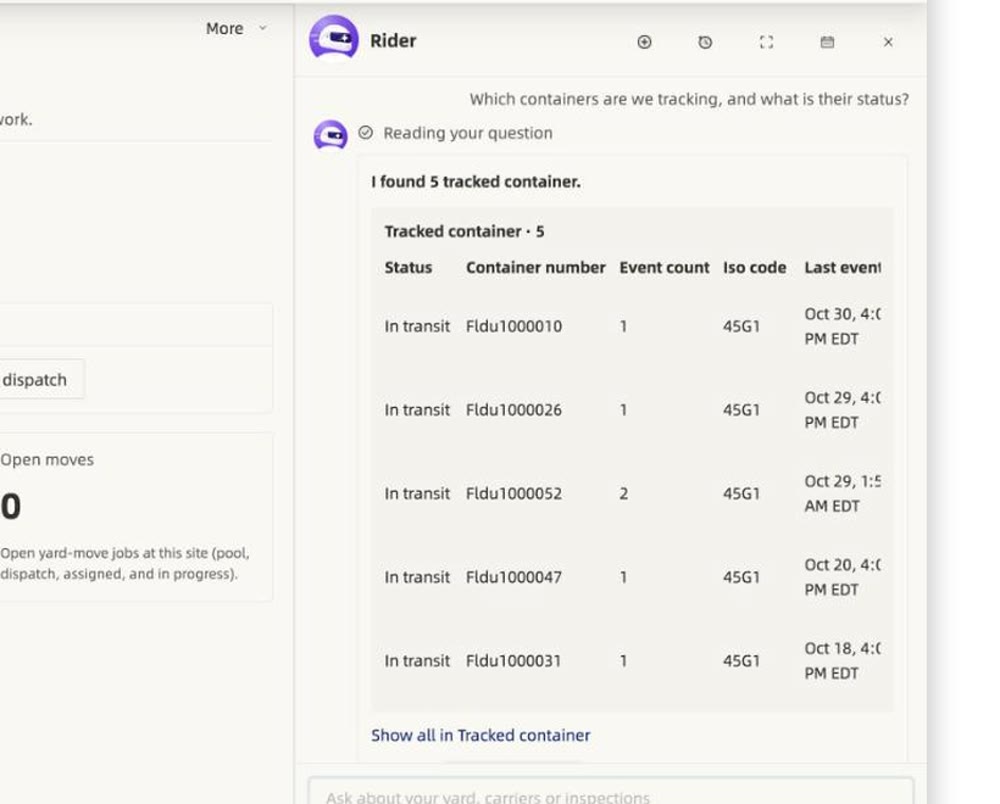
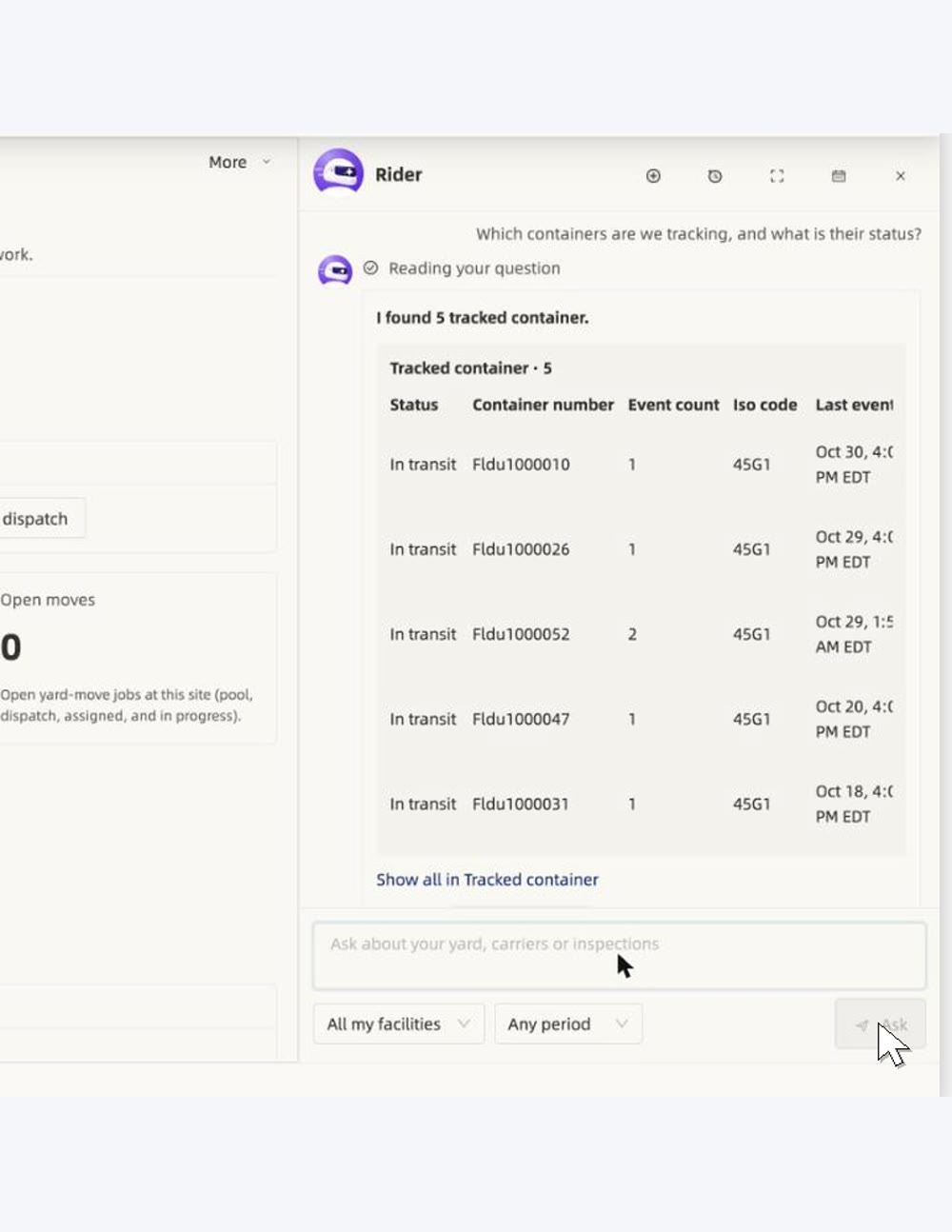
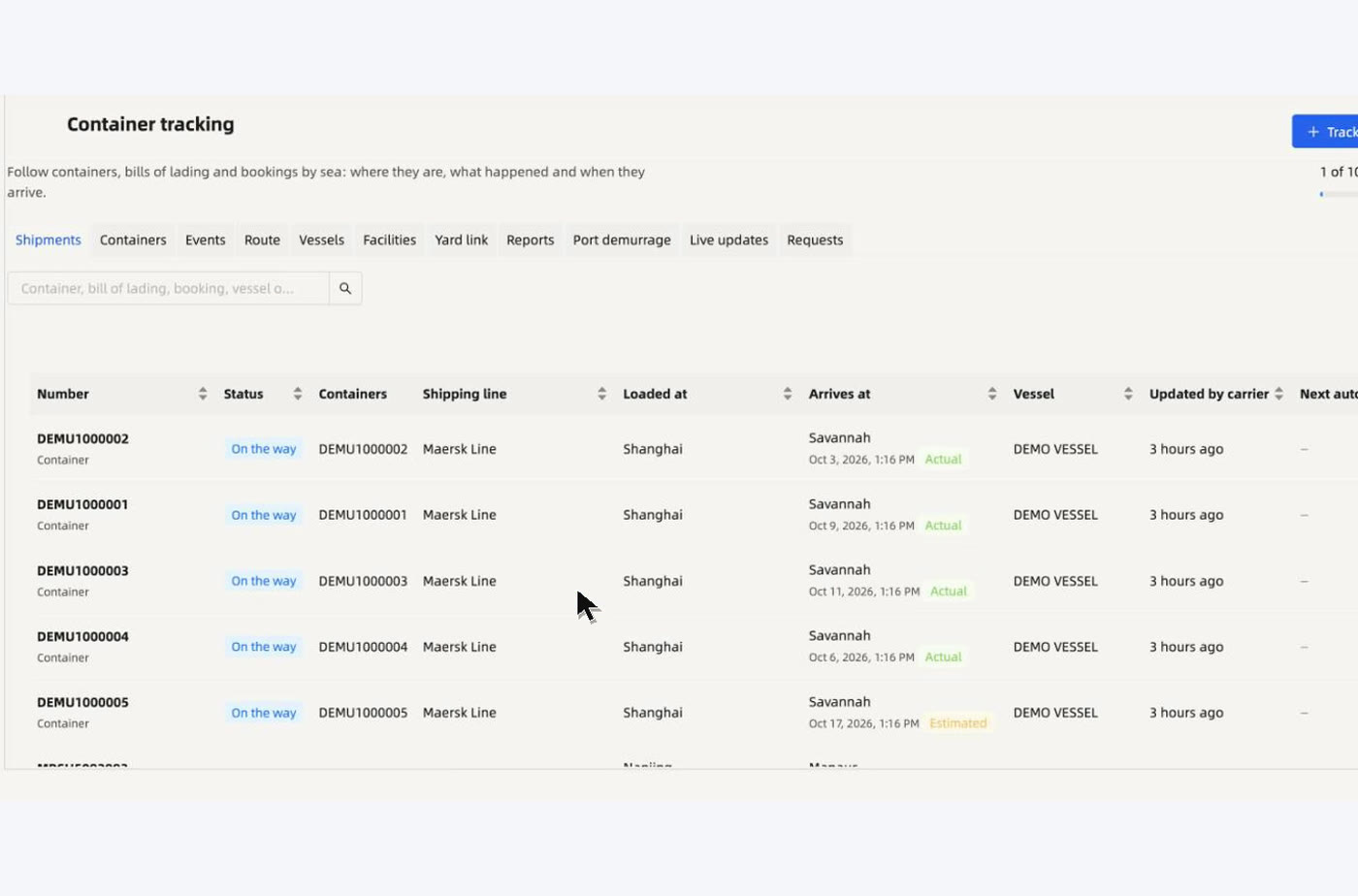
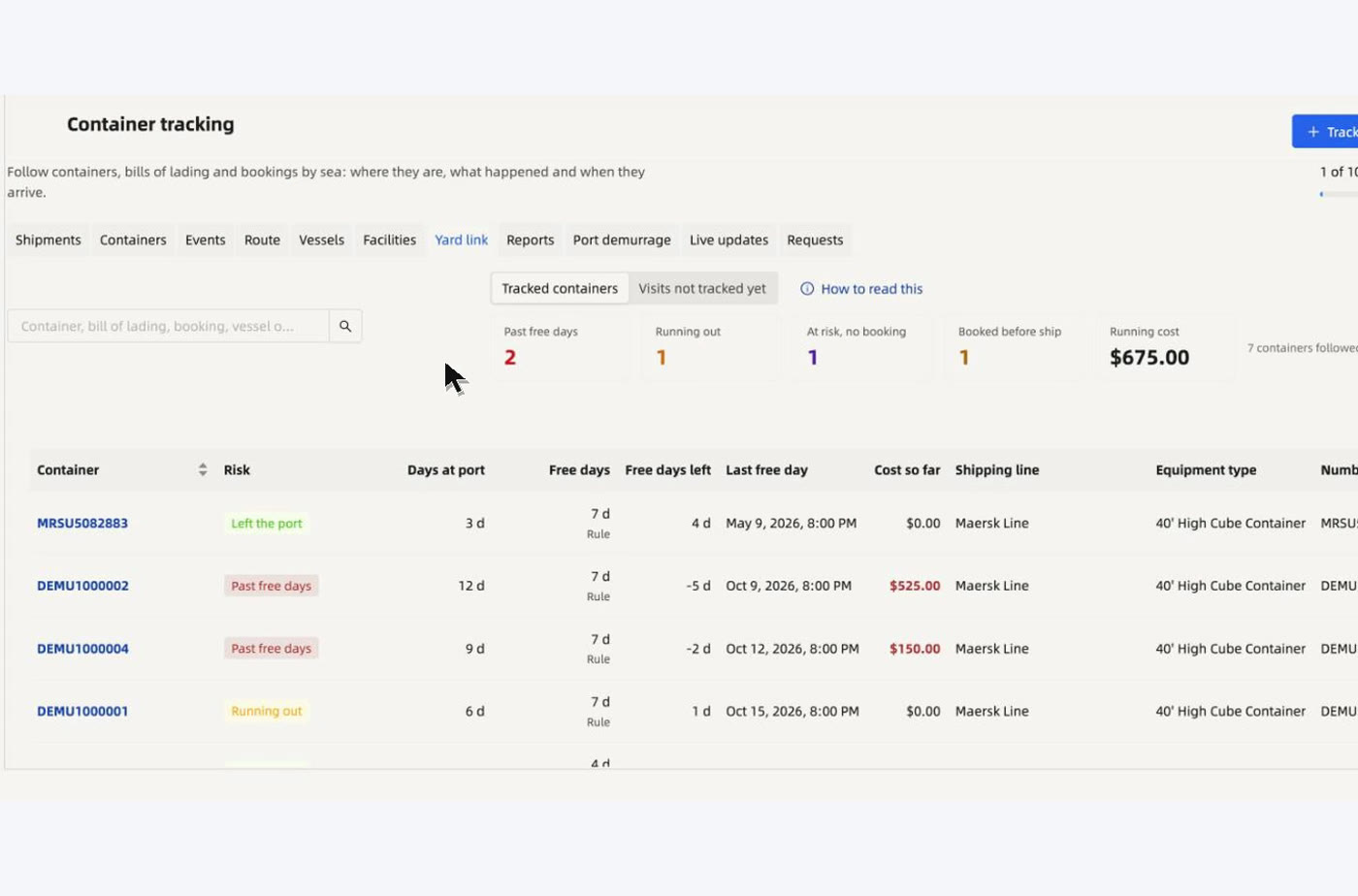
The box is followed, and joined to your booking.
Containers by sea from SafeCube, each one linked to its yard booking so pickup is planned when it lands. SafeCube is the first provider. Another tracking company, or your own API, plugs into the same screens.

11 · Ask your yard
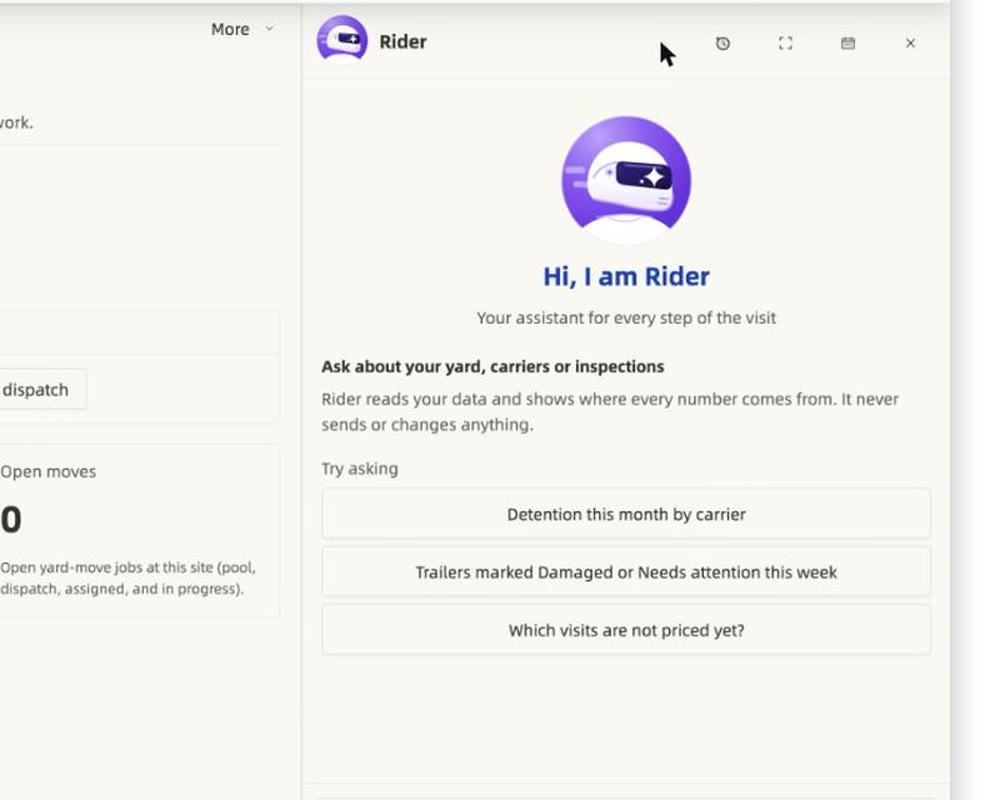
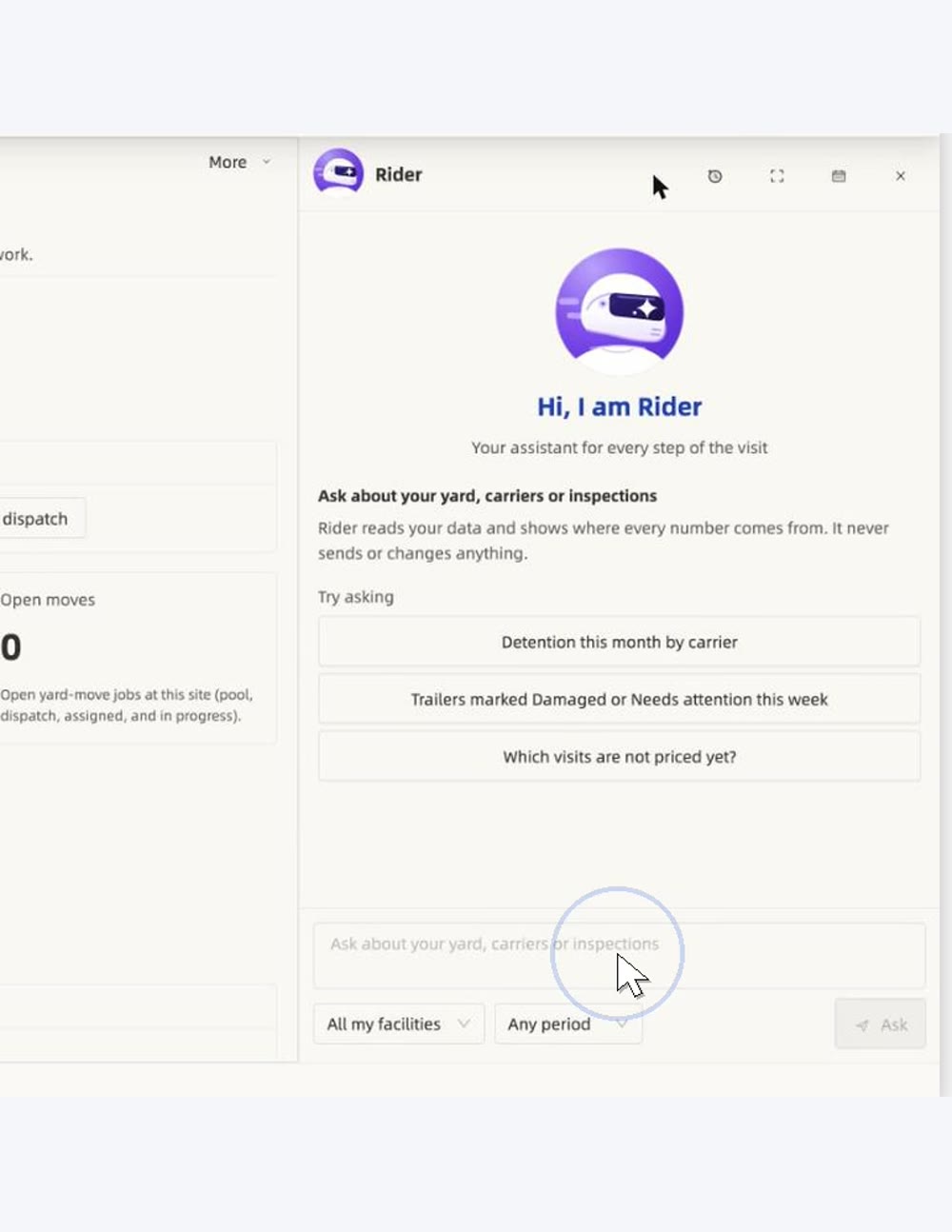
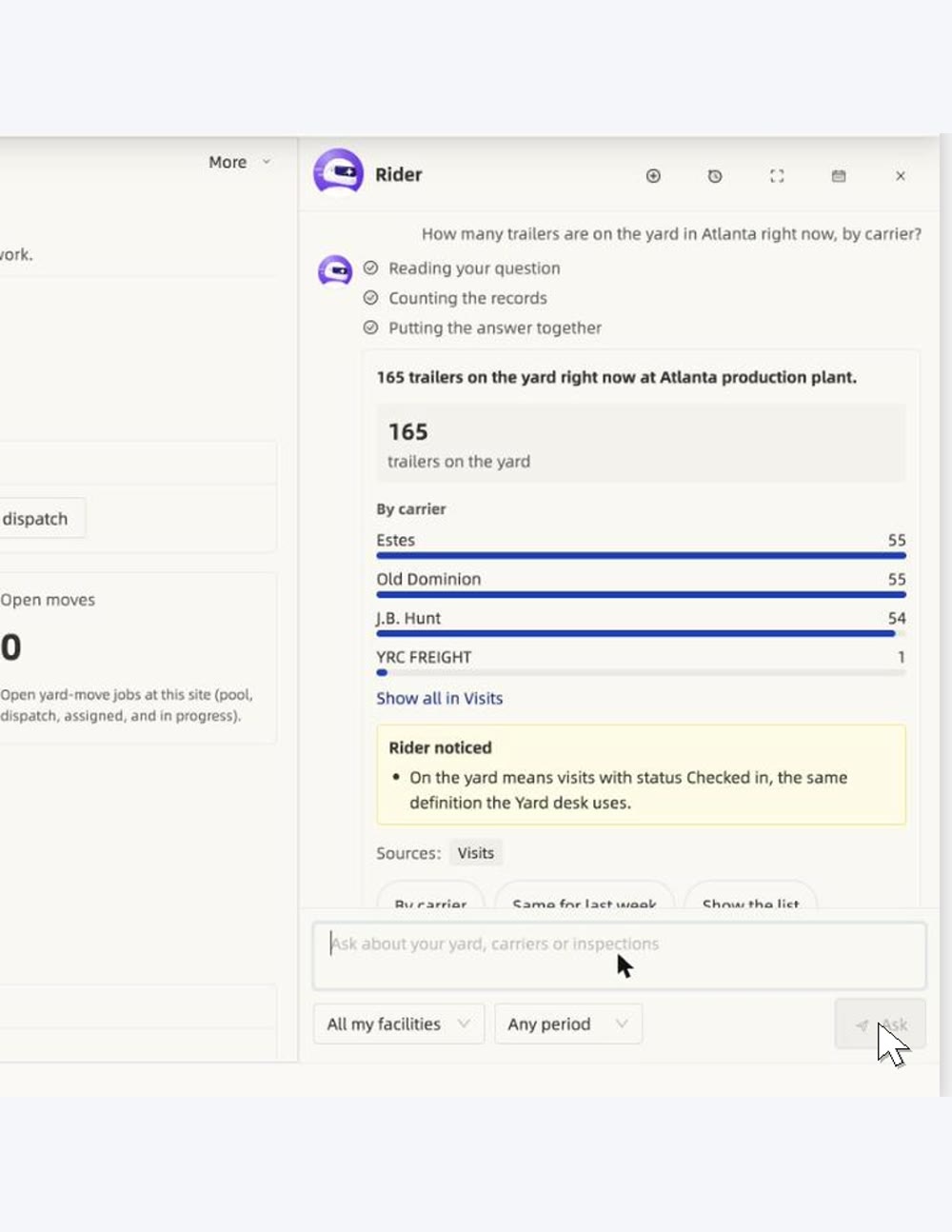
Ask in plain words.
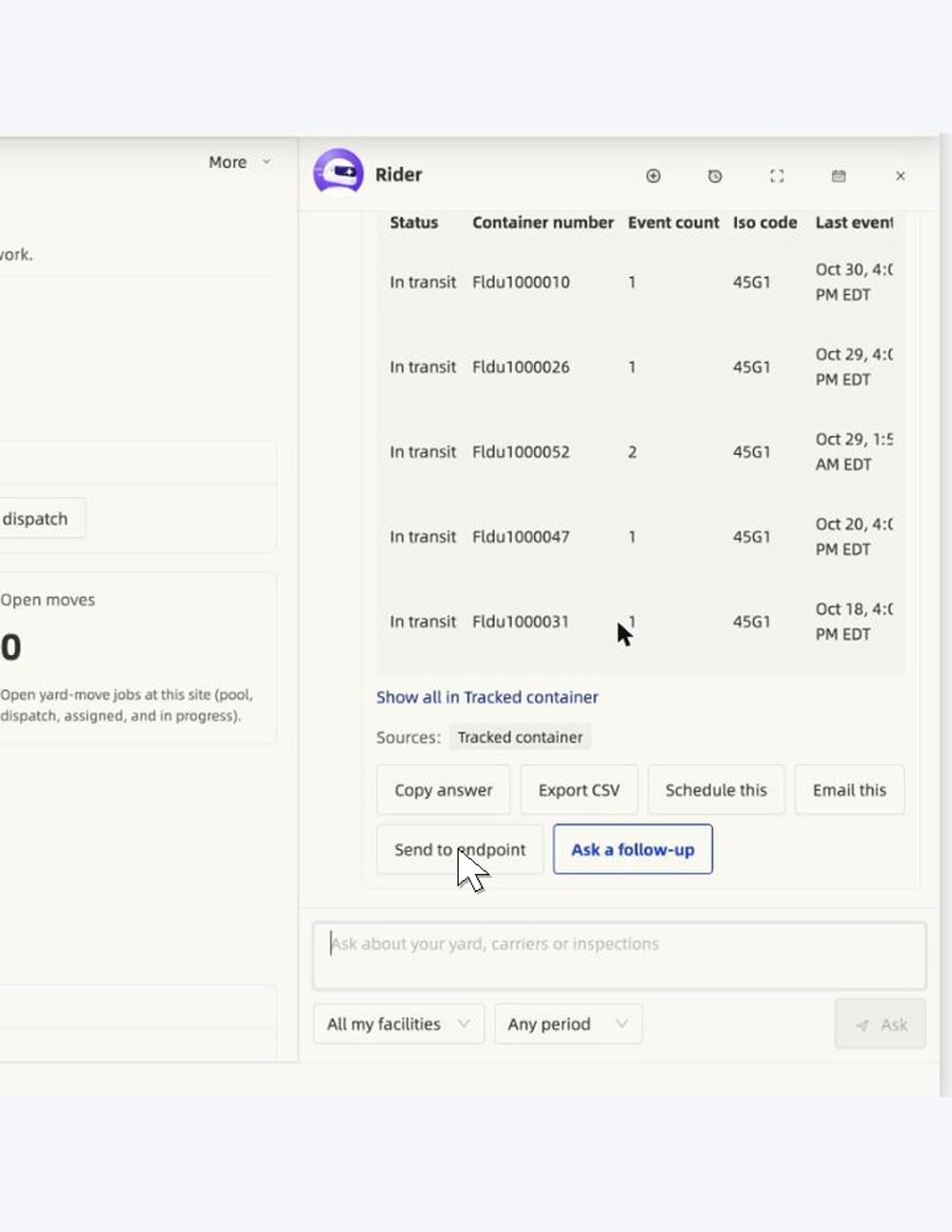
Rider reads your own data, shows where every number comes from, and can send the answer where you need it.