Apps
Three apps. One visit.
Carriers book in Partner. Drivers take the move in Go. The gate and the dock work in Yard. Each app picks up exactly where the last one left off, because they all write to the same record.

Partner
For carriers
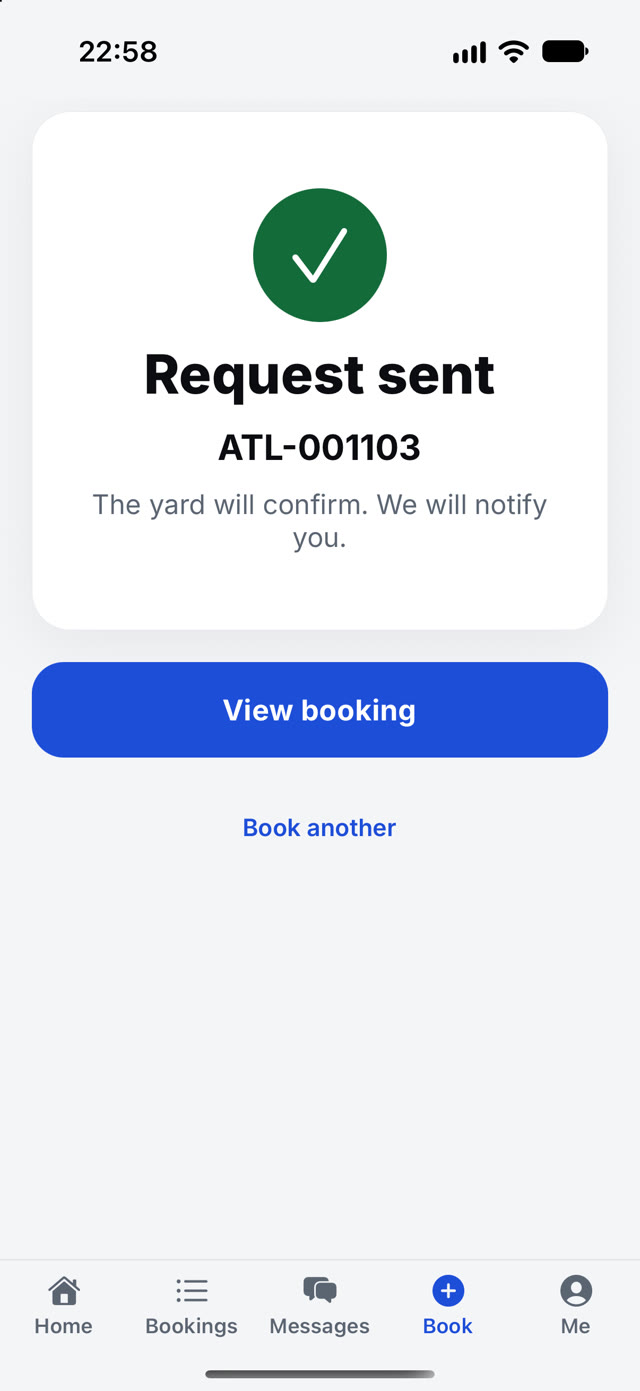
Book a visit, attach the papers, pick a time, and follow it.
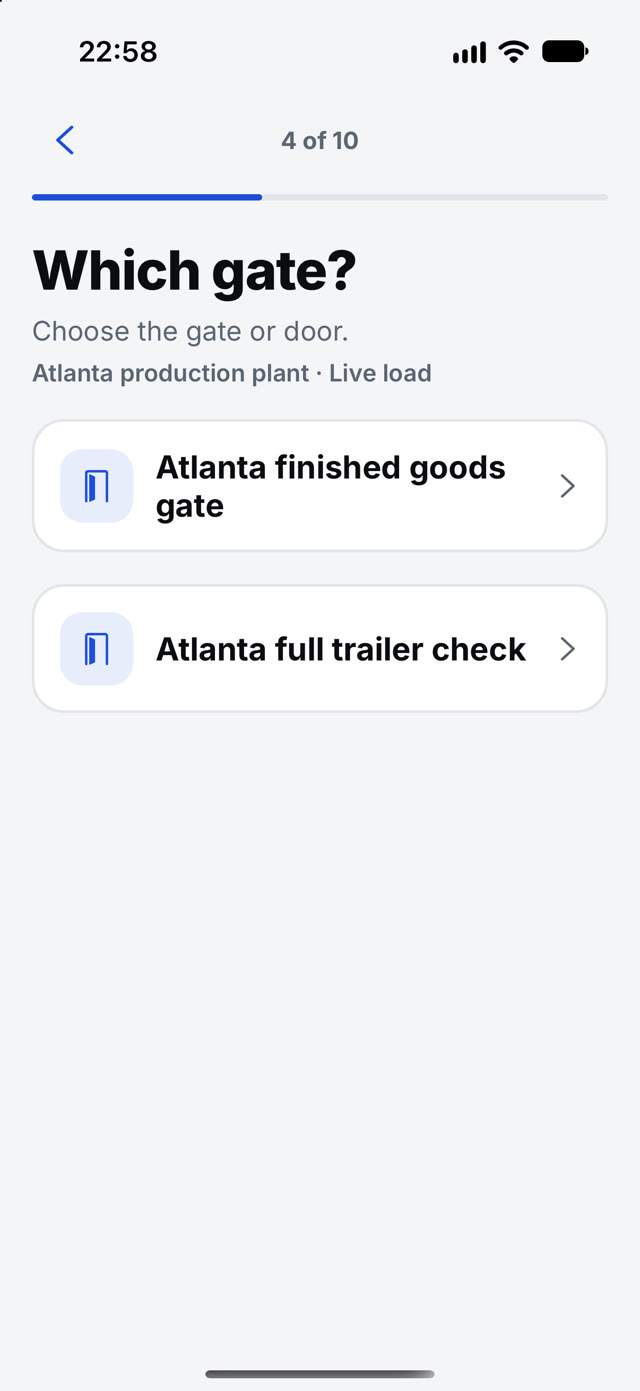
- Choose the gate and the kind of visit
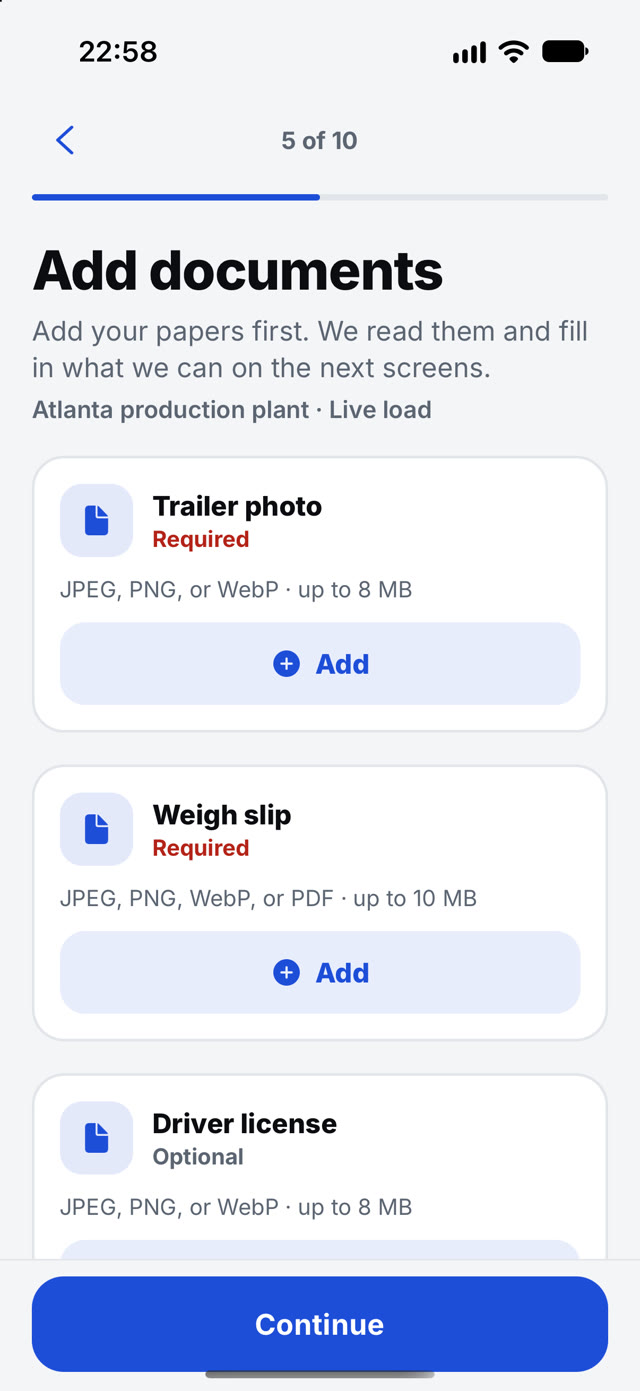
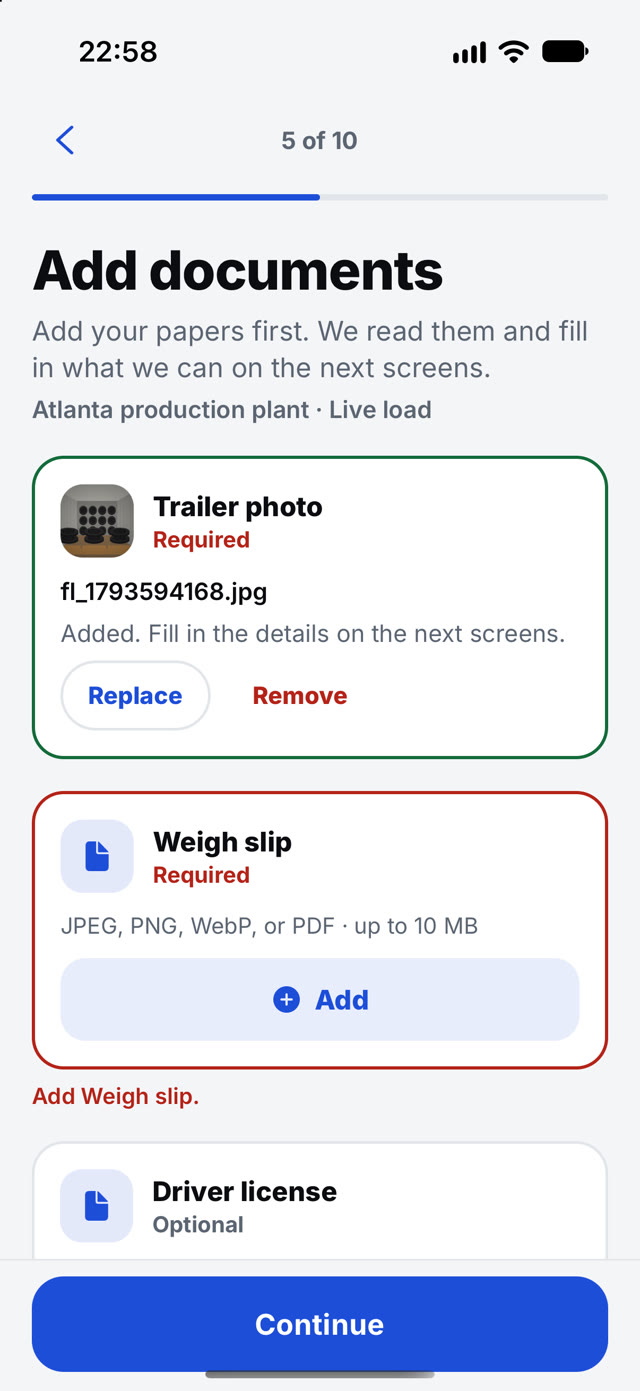
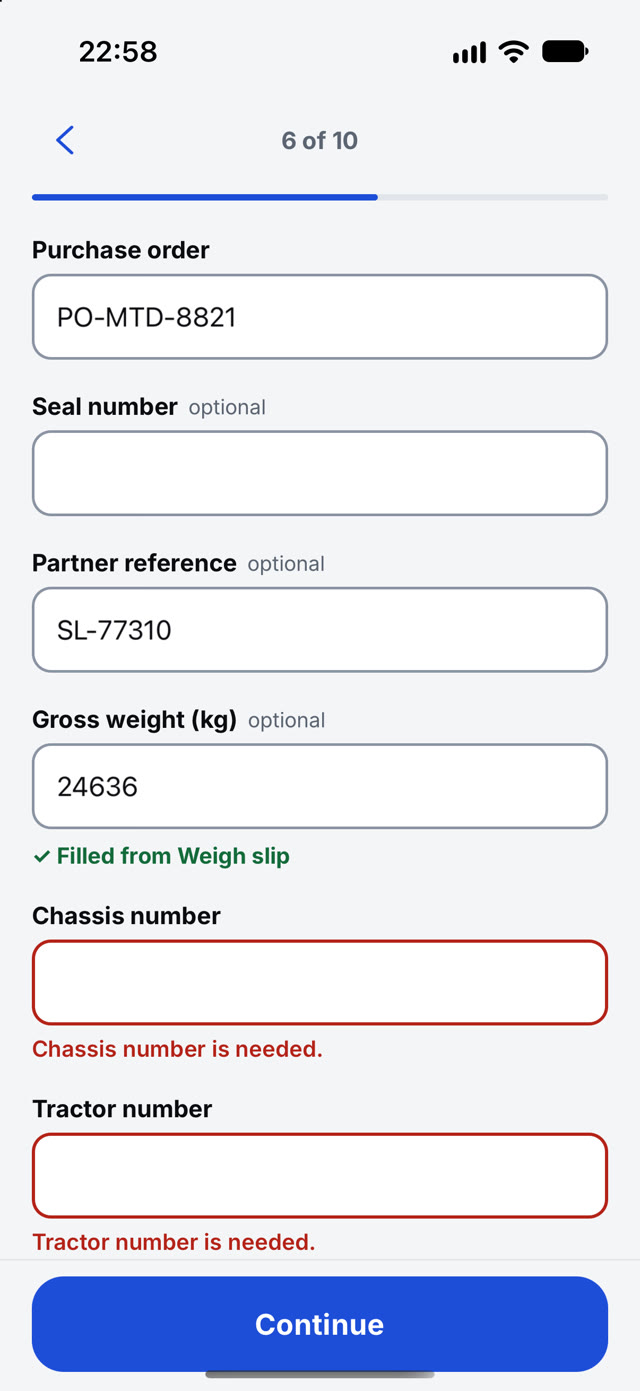
- Add your papers first. Partner reads them and fills in what it can on the next screens
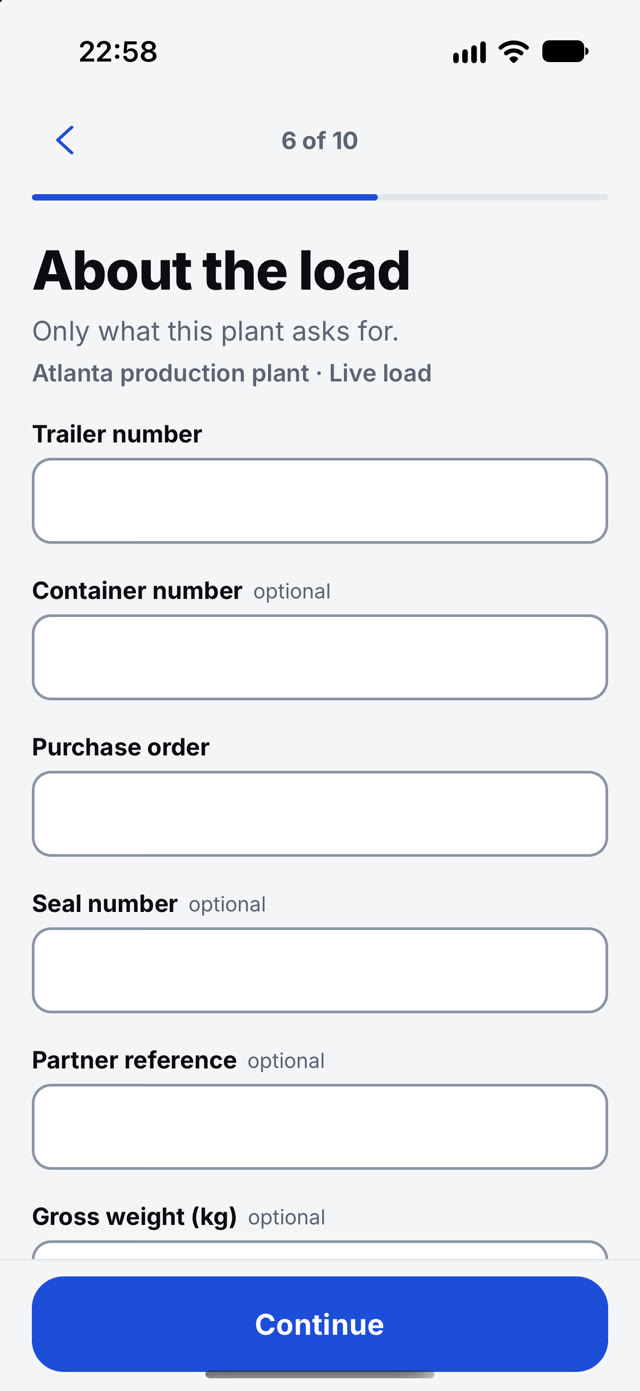
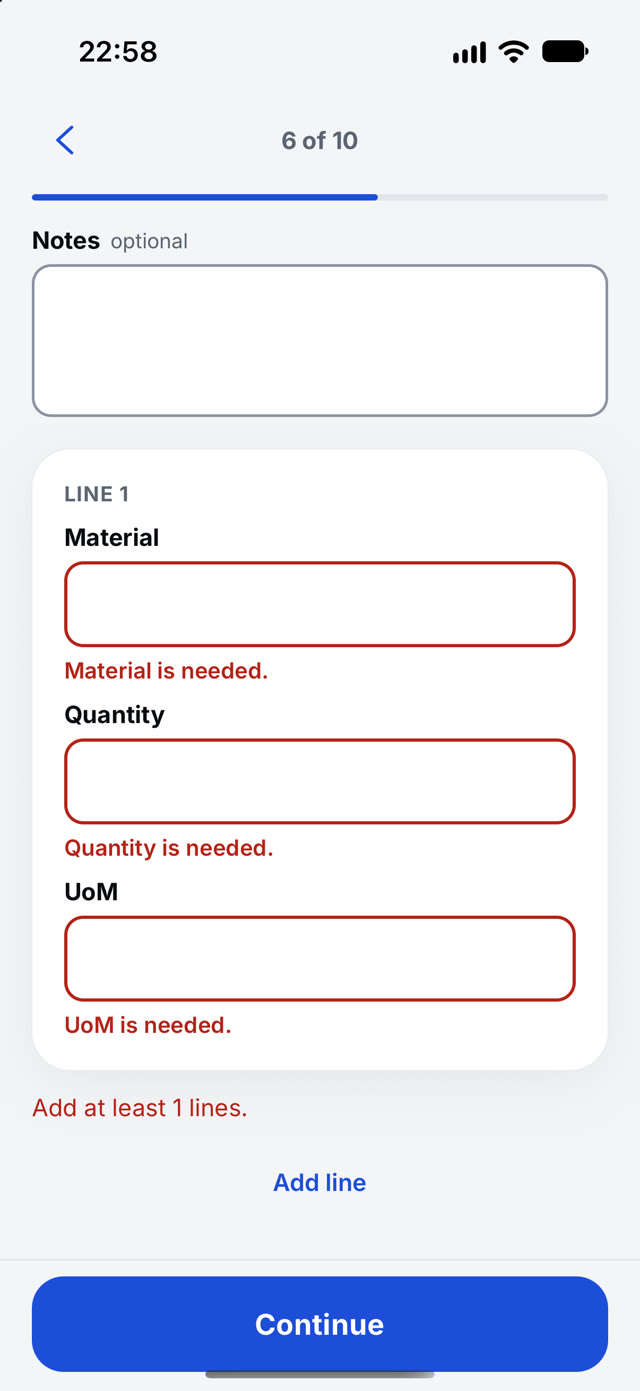
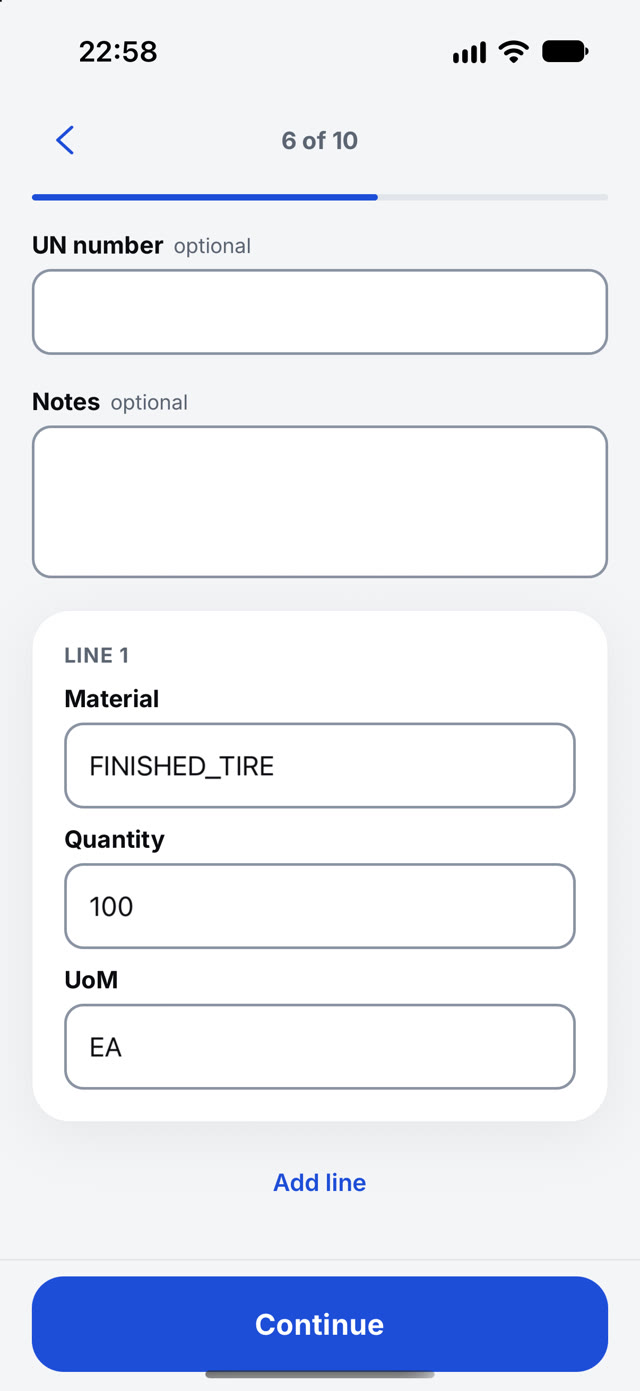
- Trailer, container, purchase order, seal, weight and material lines in one flow
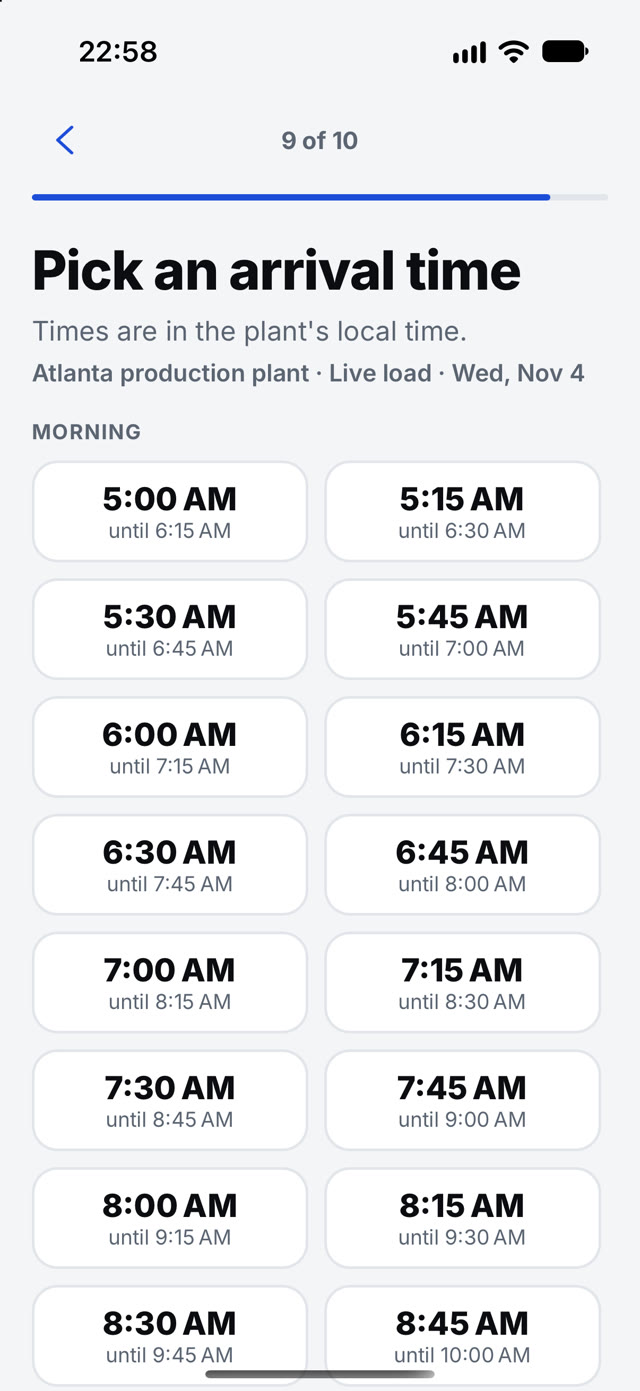
- Pick an arrival time from the plant's open slots
- The yard confirms and you are notified. Messages and bookings sit one tap away
- Tracking after the visit: left the yard, in transit, delivered, with a proof-of-delivery photo
- DOWNPhone calls to bookThe request goes in with papers attached, any time of day.
- UPBookings that arrive completeFacts come from the papers, so the gate is not retyping them.
- DOWNArrival surprisesSlots are the plant's own, so a confirmed time is a real time.

Go
For drivers
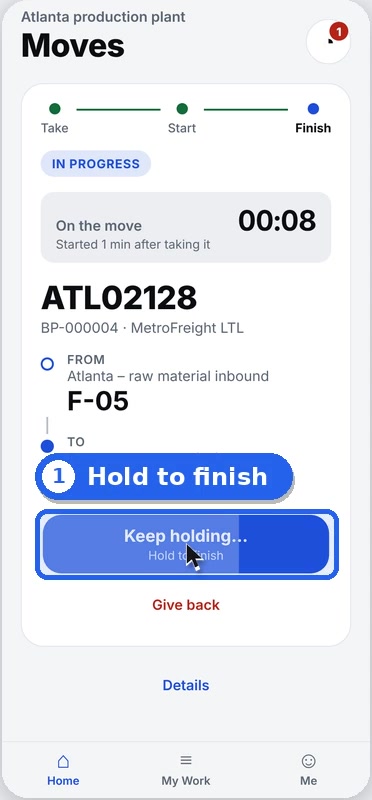
Take a move, work it, hold to complete.
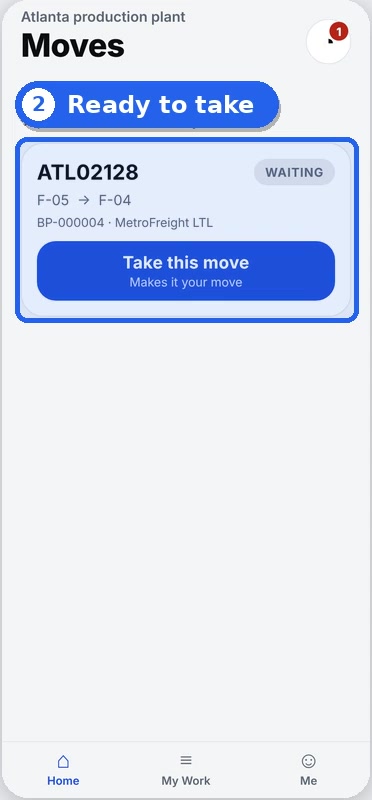
- A list of moves that are ready to take
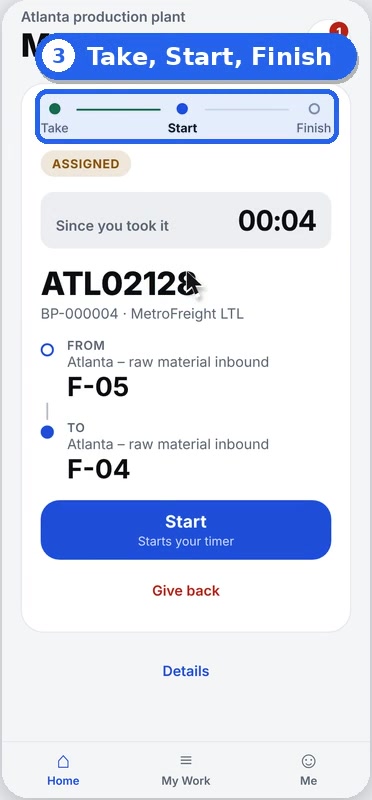
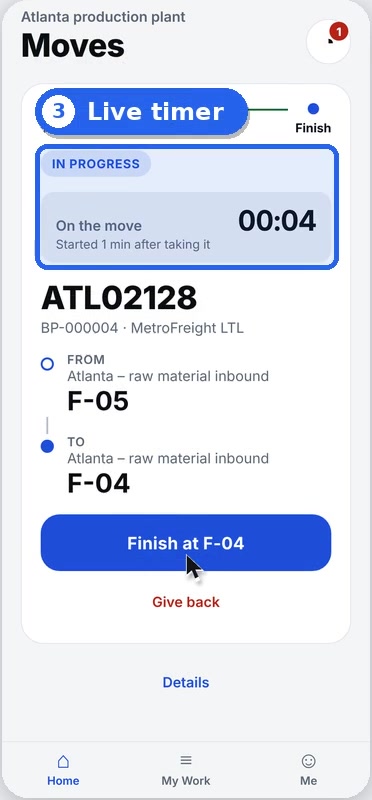
- Take, start and finish, with a live timer on every move
- Give a move back if it cannot be done
- Hold to complete, so a stray tap cannot close a move
- Trailer reports with a checklist, notes and photos, where your yard turns them on
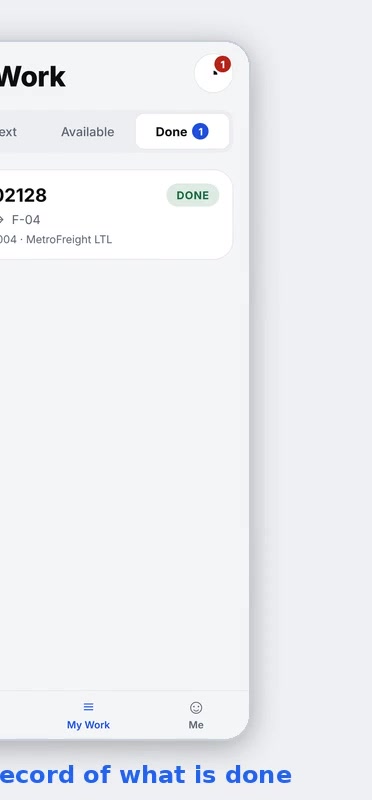
- My Work keeps the moves you have done
- Settings, language and signed-in devices in one place
- DOWNRadio calls and walking over to askThe move is on the driver's phone the moment it is saved.
- UPMoves done on timeA timer on every move shows where the minutes go.
- DOWNClosed by accidentHolding to finish means a tap cannot end a move early.


Yard
For gate and yard teams
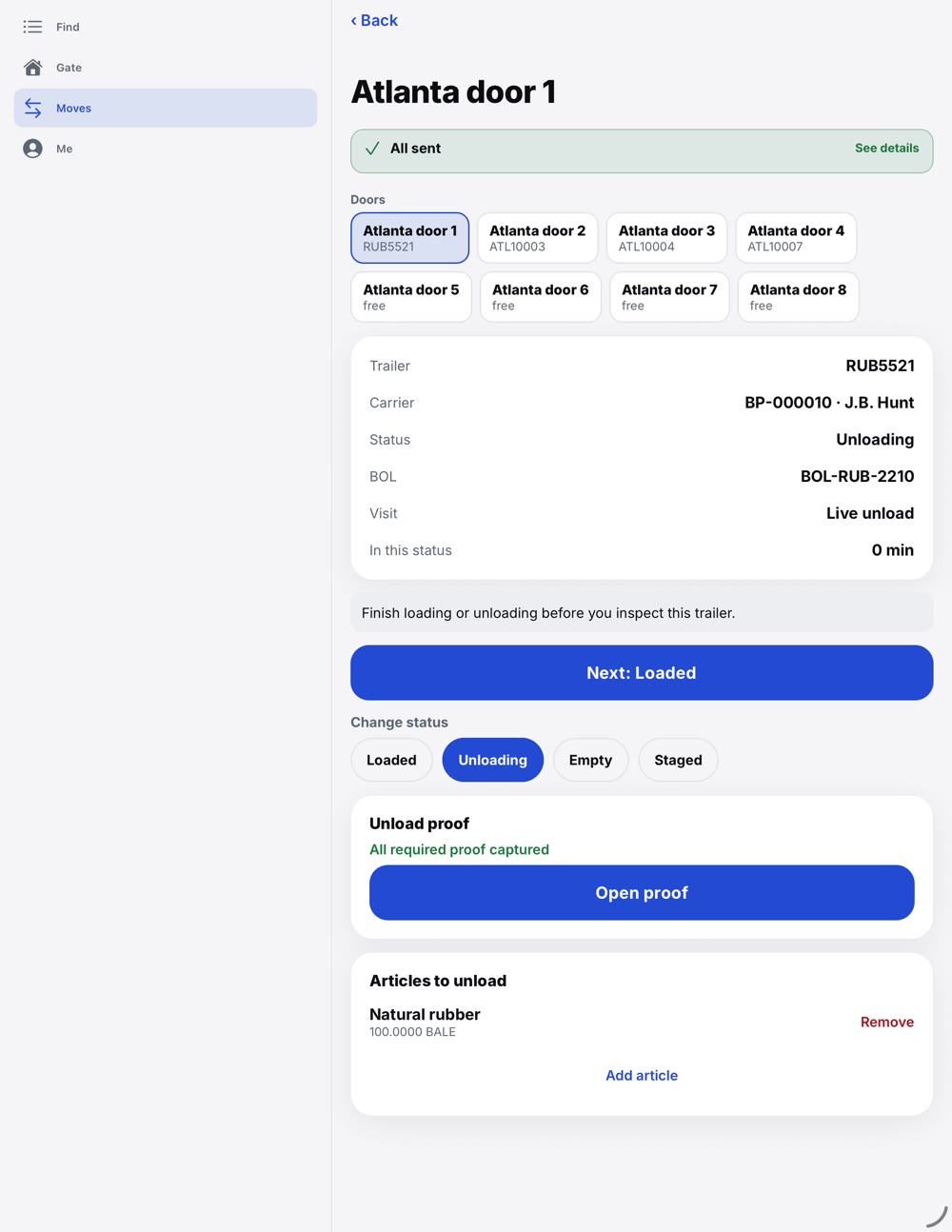
Gate in, find, move, load proof and gate out, on a tablet or phone.
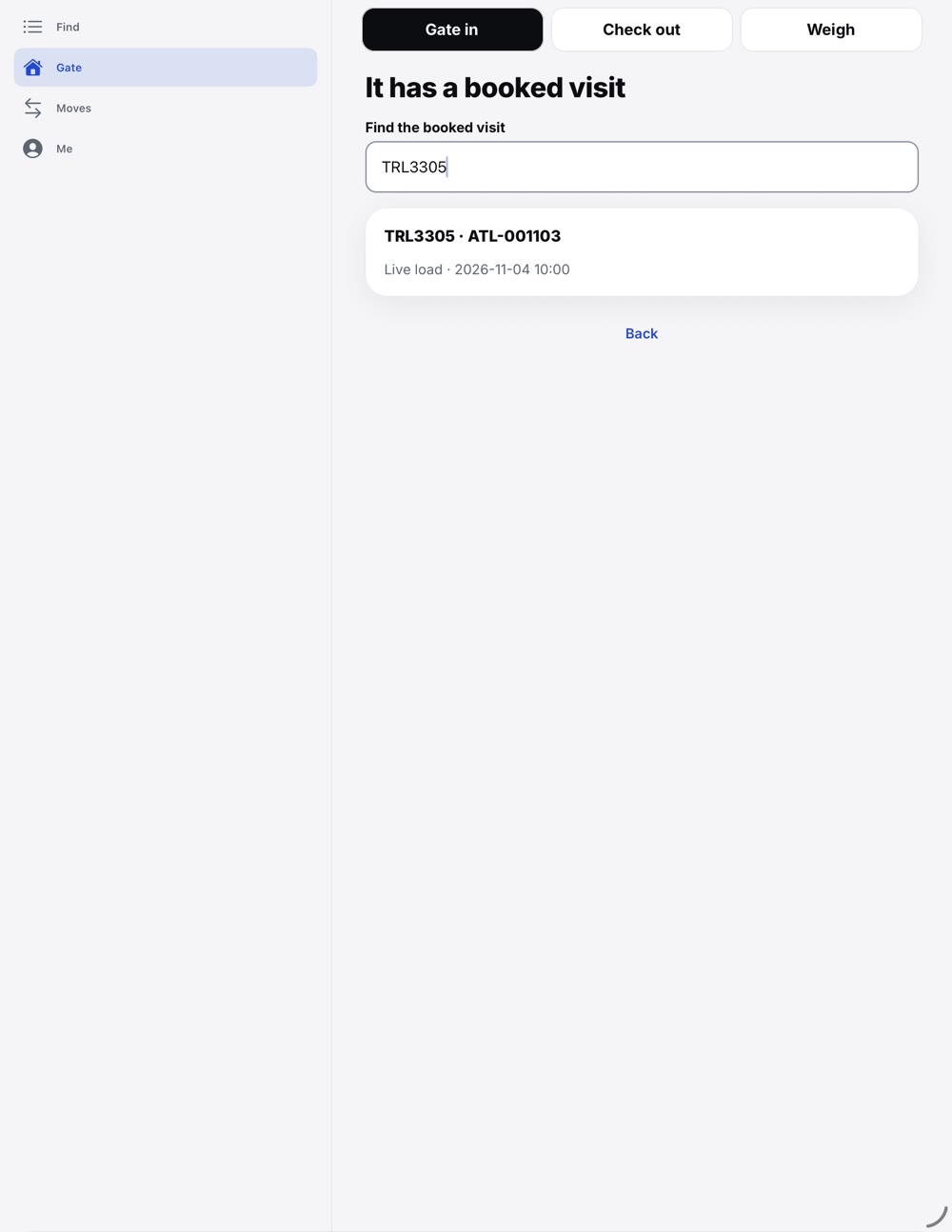
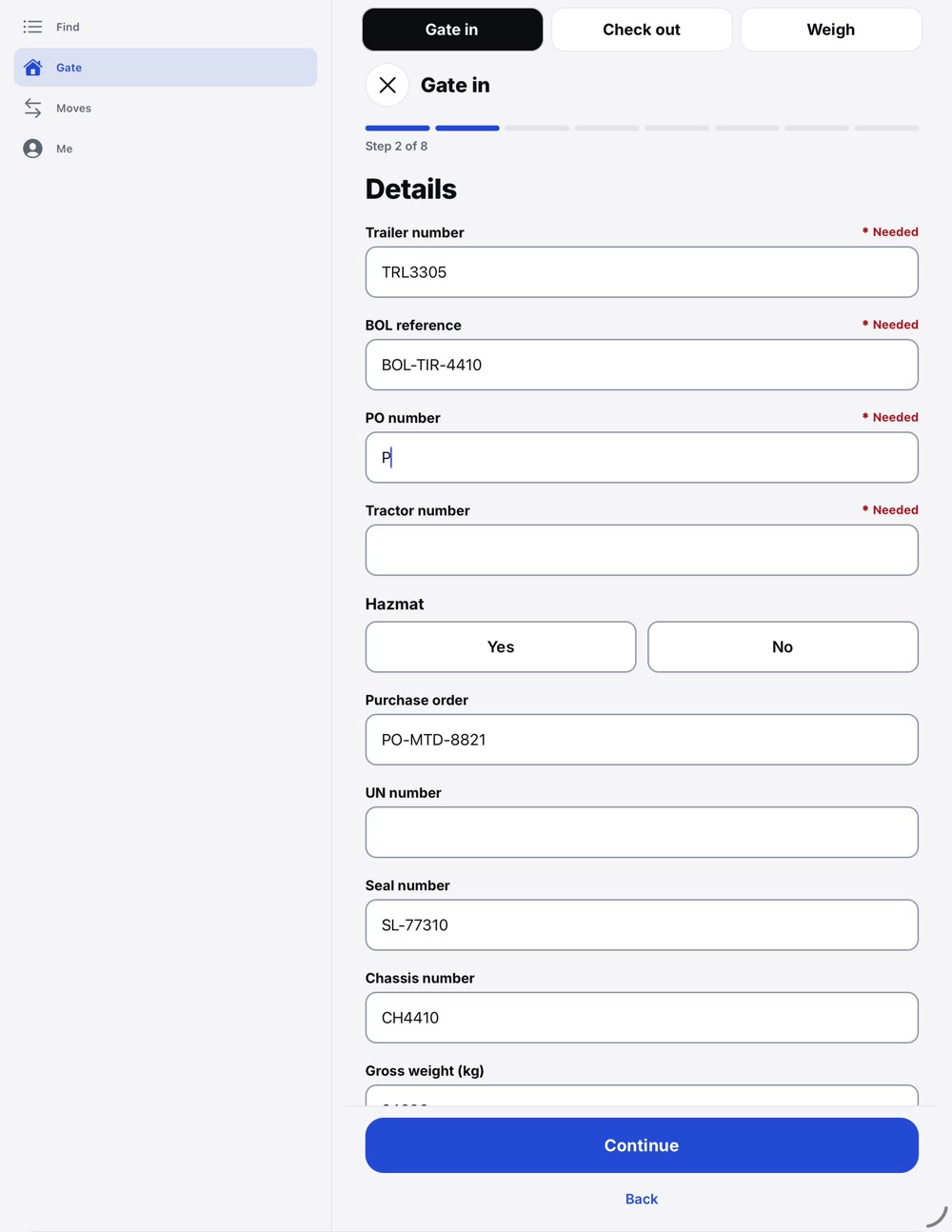
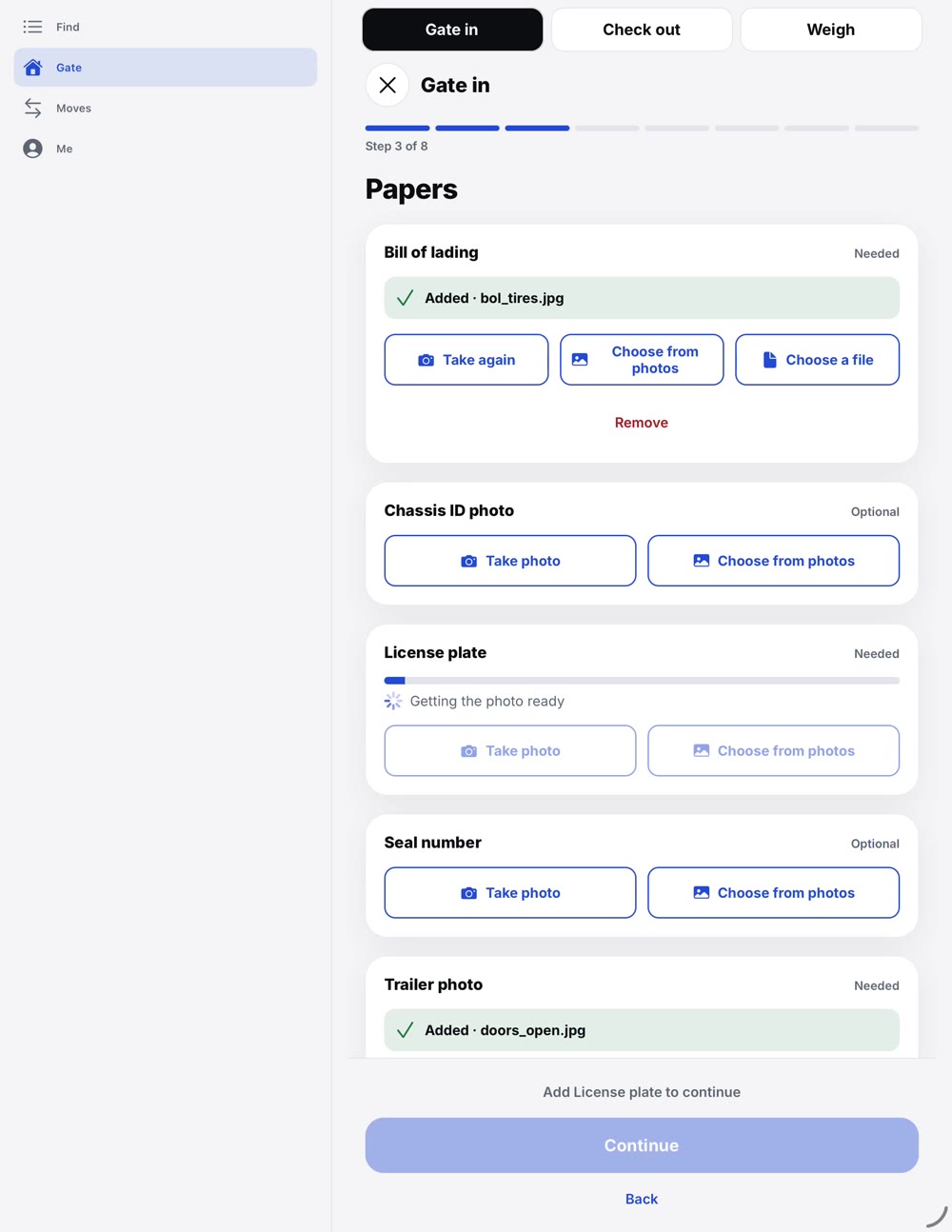
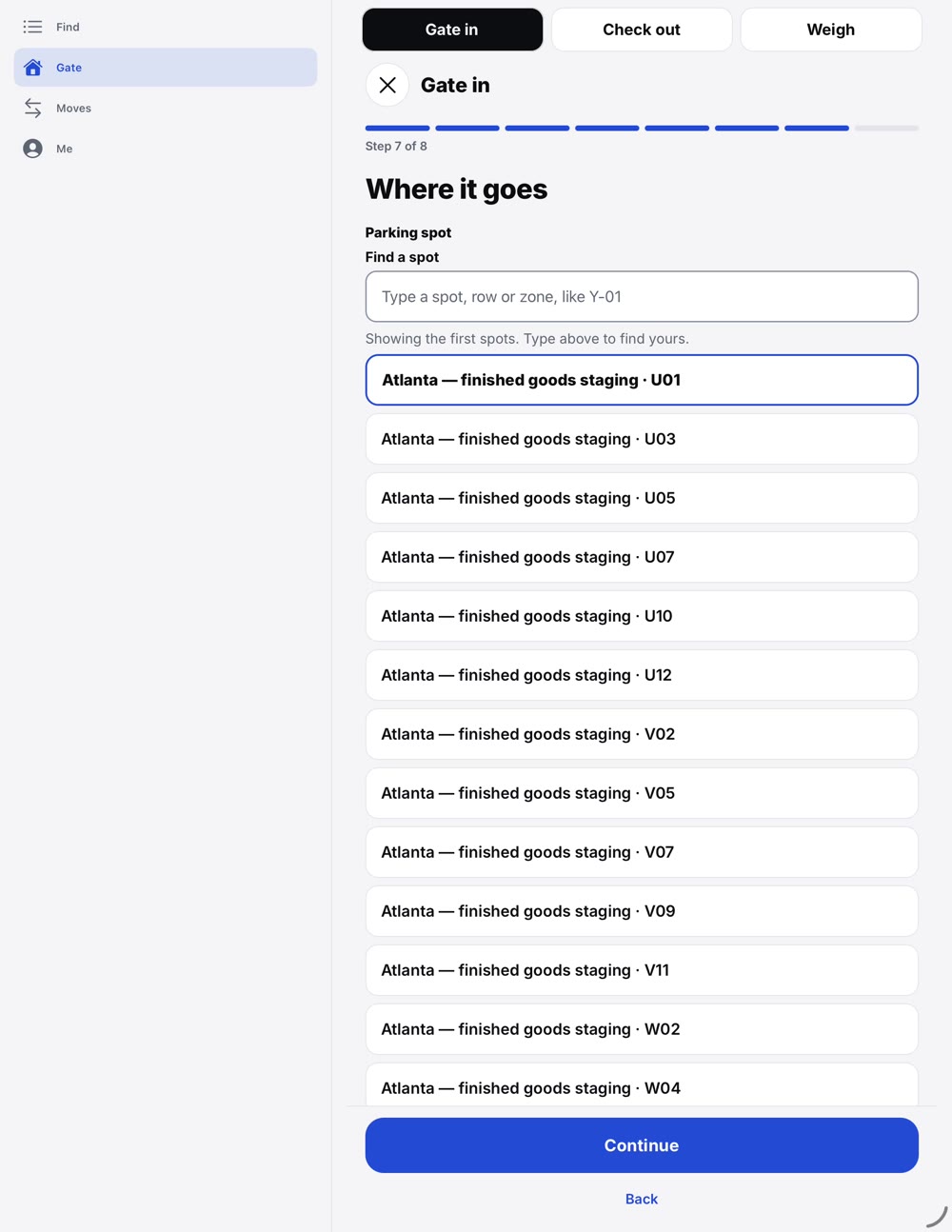
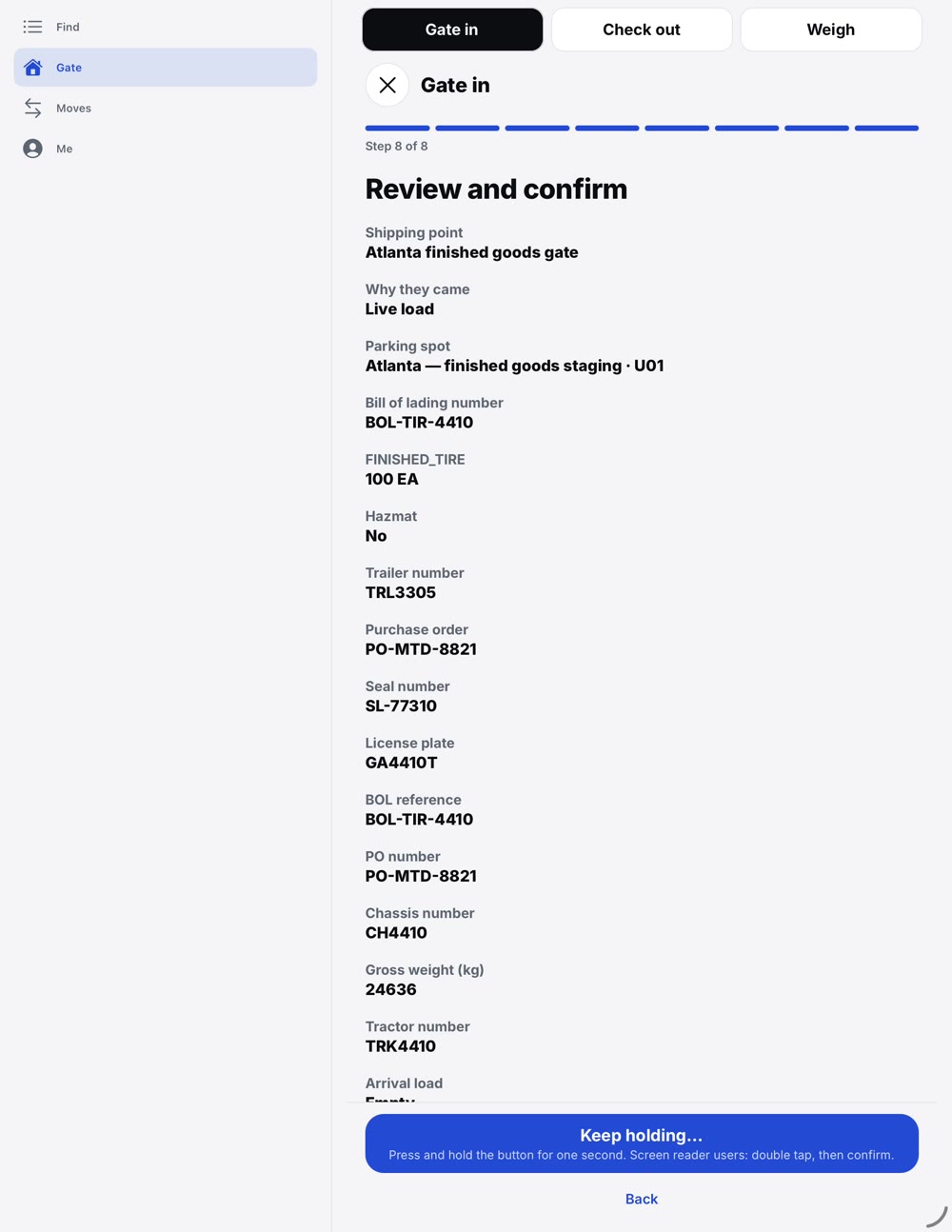
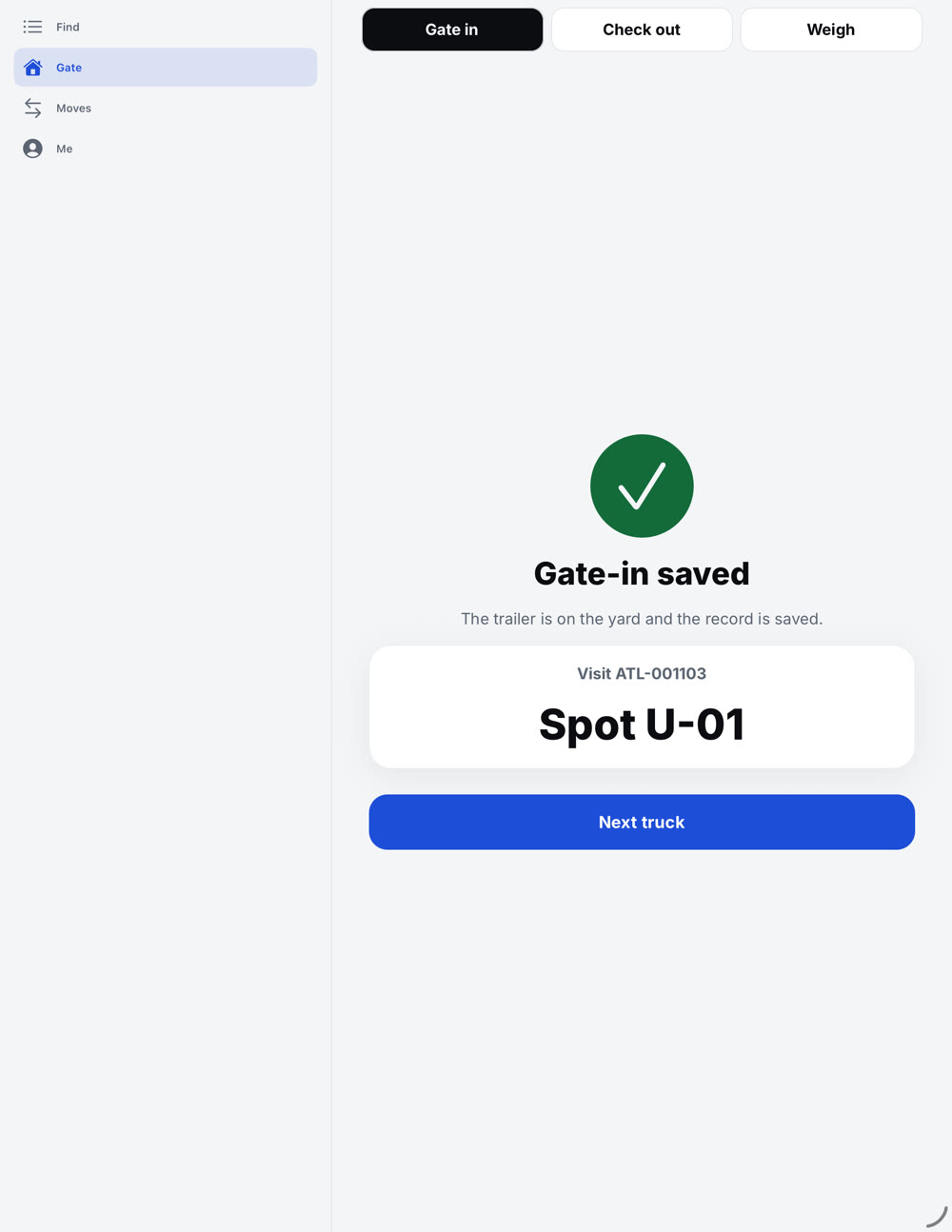
- Gate in: find the booked visit, check the papers, pick a spot, hold to check in
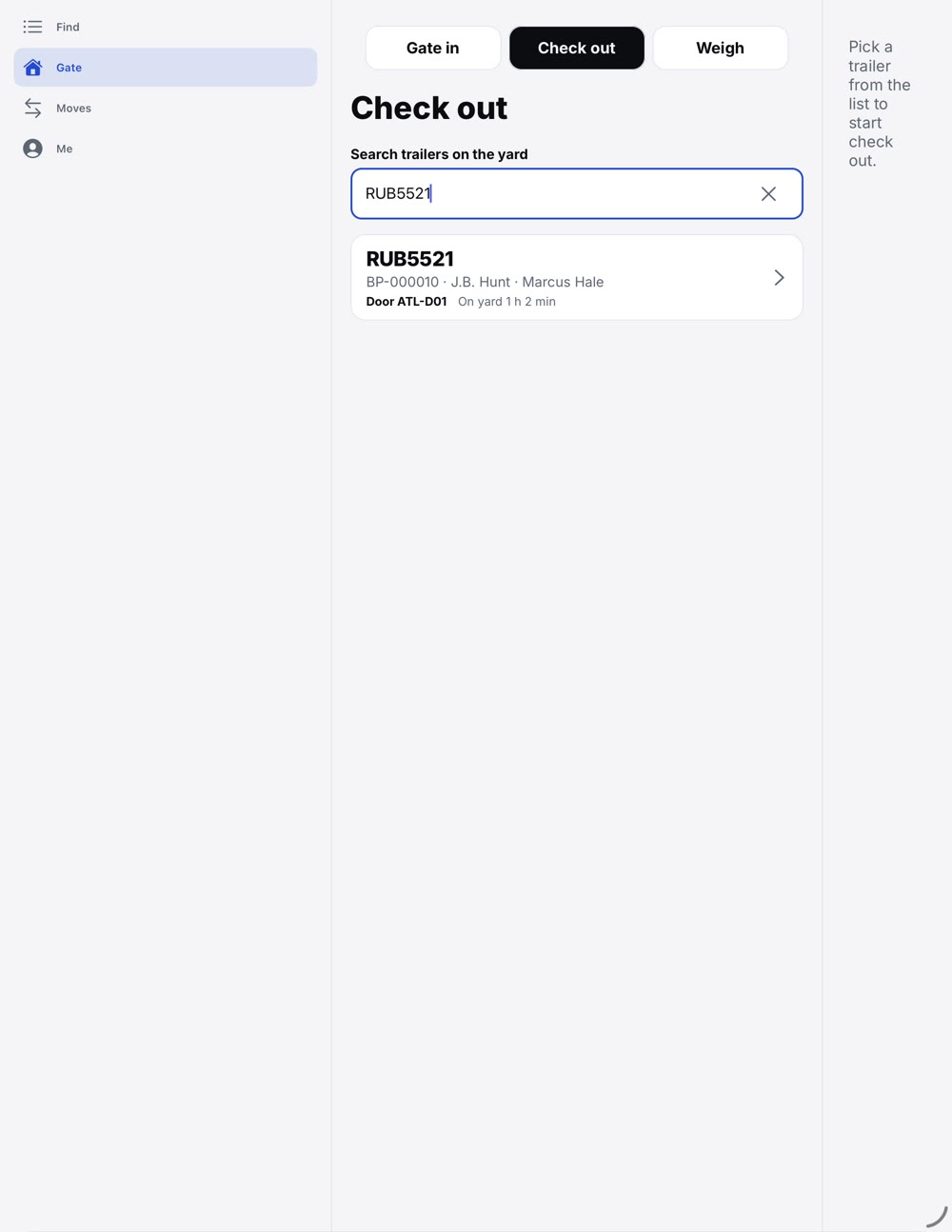
- Find any trailer on the yard, with its visit story
- Move a trailer: choose a spot and request the move
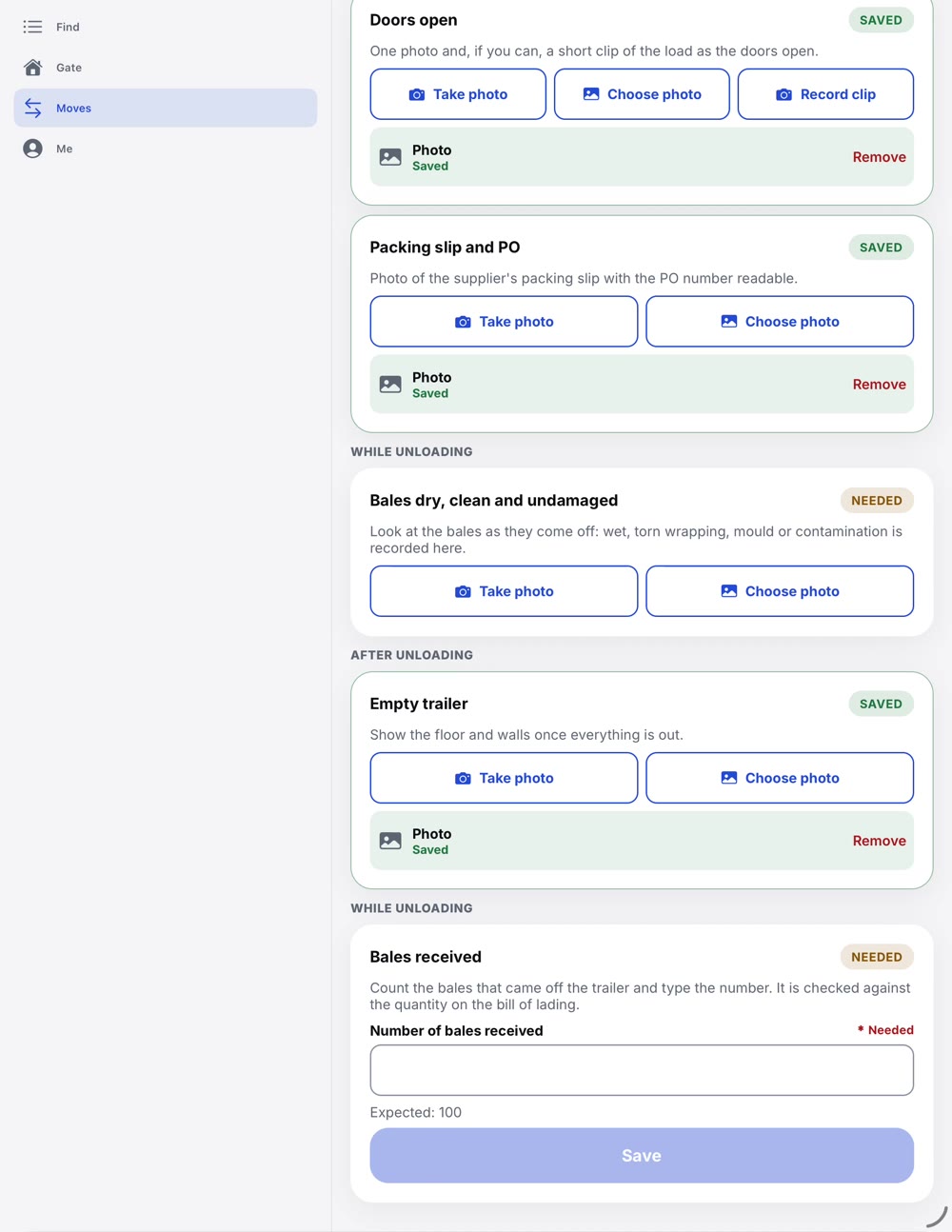
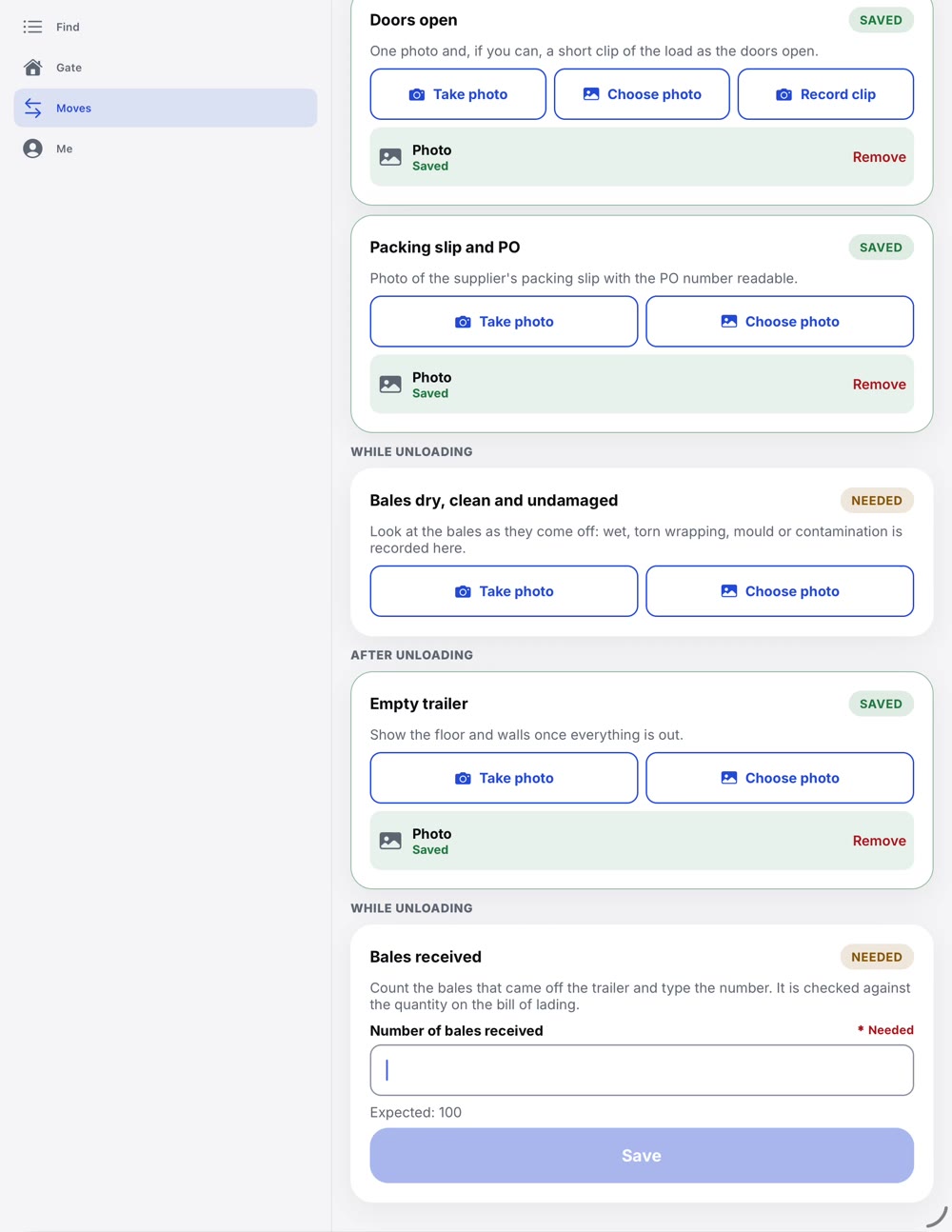
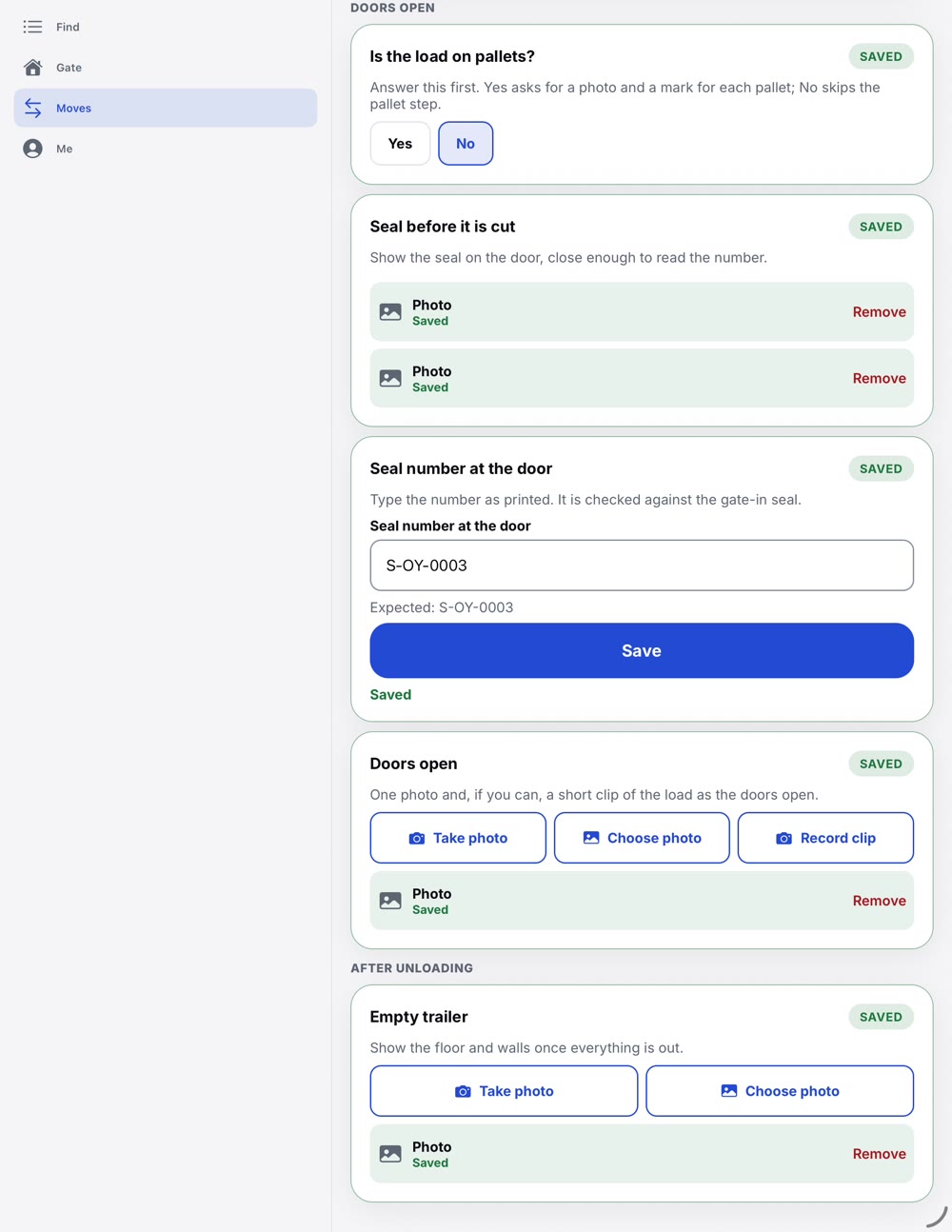
- Load proof: seal, doors open, packing slip, count and the empty trailer, before, during and after
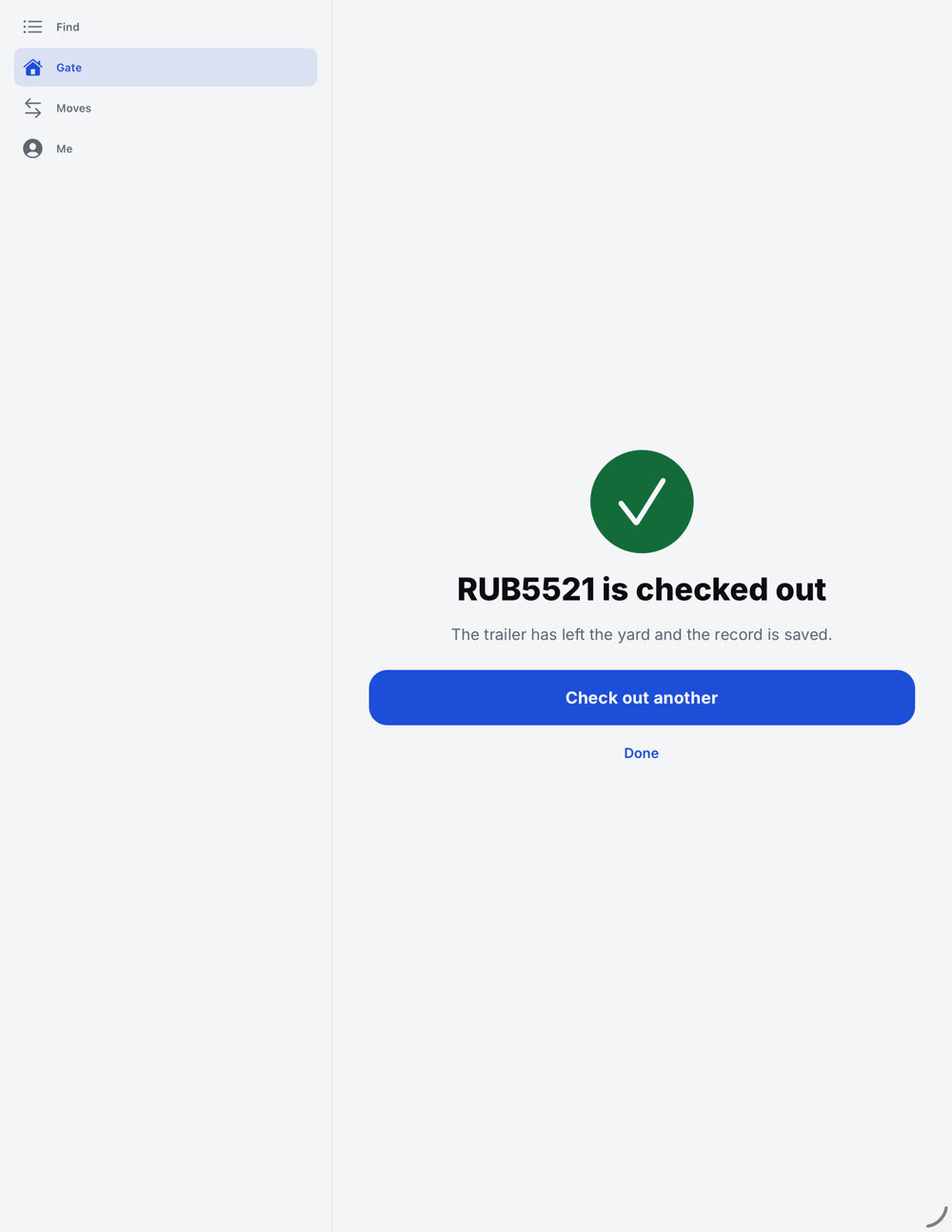
- Gate out: check the trailer, plate and carrier against what arrived
- Works offline and syncs when the signal is back
- UPTrucks through the gateOne guided check-in replaces the clipboard and the repeat questions.
- DOWNChargebacks and claimsPhotos and counts are saved on the visit, at the door.
- DOWNTrailers you cannot findSearch finds it, and the move is one request away.
See all three on your own yard.
Talk to our team and we will walk through your gates, doors and carriers.
Talk to our team