Yard management suite

Orchestrate every visit on the connected yard platform.

From carrier request to gate-out: gate capture, real-time yard map, dock orchestration, AI-assisted dwell and exception alerts, freight, documents, and automated ERP closeout — one yard management system (YMS) your gate, yard, dock, and carrier teams run together.

Yard intelligence

See the whole visit. Act before it costs you.

AI runs underneath every visit decision — matching, exception detection, dwell risk, and document readiness — while operators stay in control on the connected yard platform.

One orchestrated flow for the whole visit

The yard management suite connects carrier request through gate-out on the connected yard platform — real-time visibility for gate, yard, dock, and carriers.

Gate, yard map, and partner booking orchestrate on one visit — not three tools.
  • Partner request through closeout in one visit lifecycle
  • Dwell and delays visible to yard and carrier before status calls
  • Shared timeline carriers trust without calling the gate
AI-assisted exceptions before detention

Missing paperwork, lane conflicts, no-shows, and stalled closeouts surface on the intelligence panel — predictive dwell risk while operators stay in control.

Intelligence runs underneath visit decisions — your team approves every action.
  • AI-assisted exception detection on the alert panel
  • Open issues show age and recommended next action
  • Dwell, documents, and lane problems flagged before disputes

Gate to dock on one yard map

Staging, door assignment, and live occupancy share the yard map your jockeys run — automated handoffs from gate capture to dock readiness.

Staging and doors follow real-time occupancy — operators stay in control.
  • Assigned spot vs truck actually there — conflict detection
  • Door ready before the truck reaches the apron
  • Printouts and photos tied to each visit stage

Event-driven closeout at gate-out

Gate passes, PDFs, alerts, and ERP events fire automatically from what happened on site — API-first closeout on the connected yard platform.

Automated printouts and ERP events from gate-out — not a separate checklist.
  • Gate pass, BOL, and dispatch pack at gate-out
  • Partners and ERP get the same times, door, and PO
  • Immutable audit trail when finance asks what happened

Connected yard platform

Gate-in to gate-out — one orchestrated yard management system.

Gate, map, dock, partners, documents, and ERP — each module in the suite shares the visit lifecycle with automated handoffs and AI-assisted exception detection where it matters.

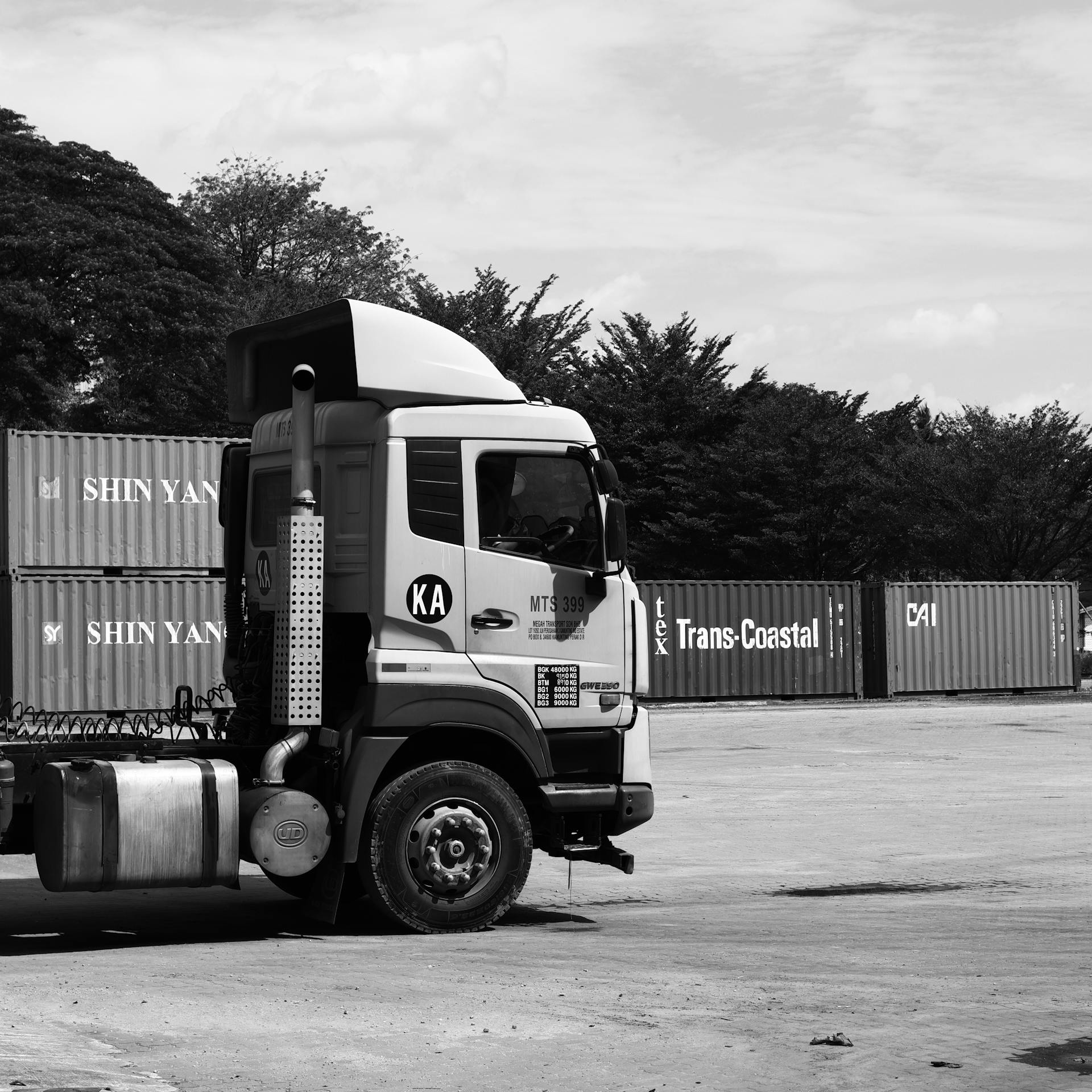
  • Semi truck cab parked in a freight yard
    Gate teamCapture once at the lane

    Driver, trailer, lane, and documents — not a guard log the warehouse never sees.

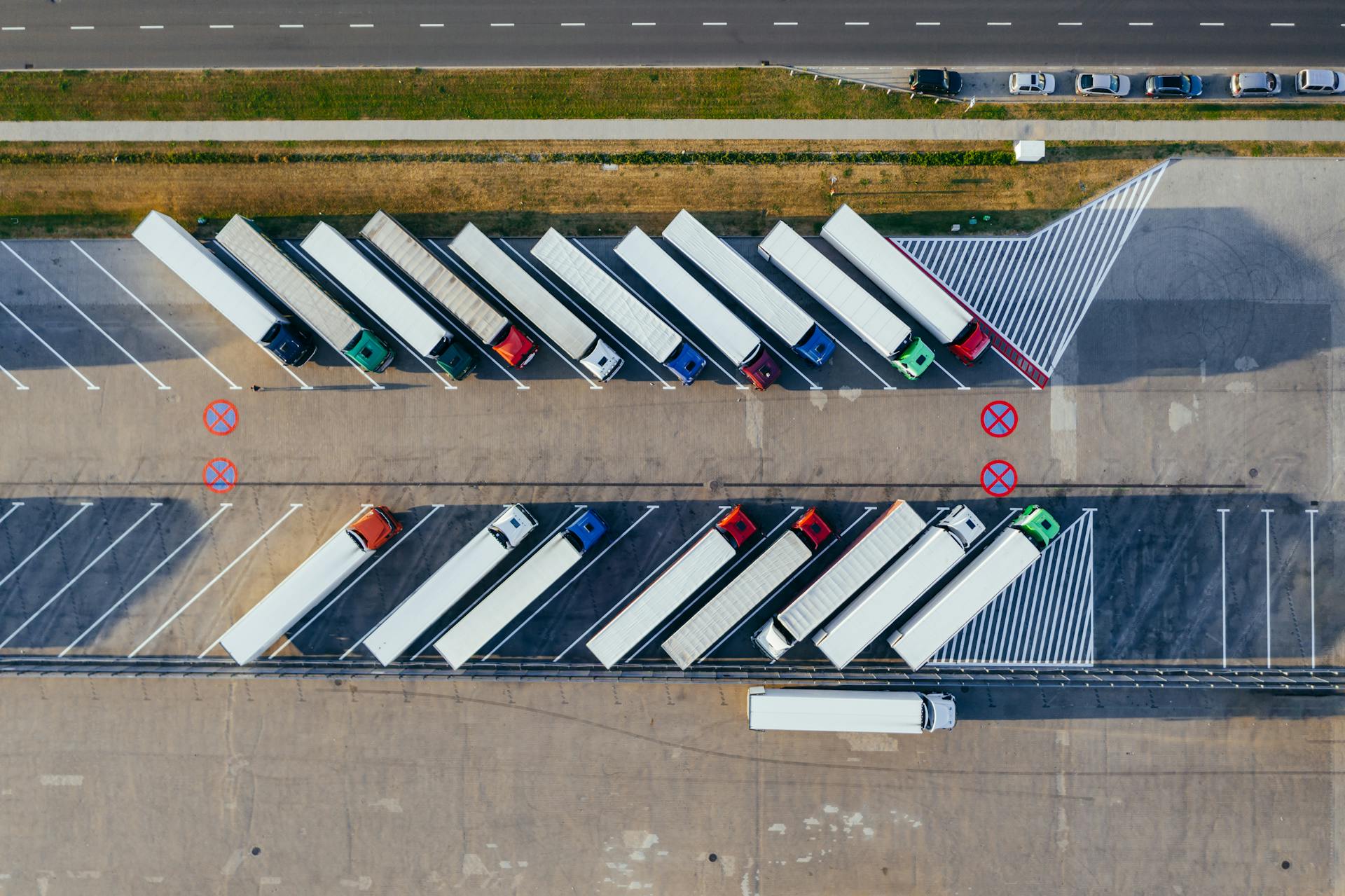
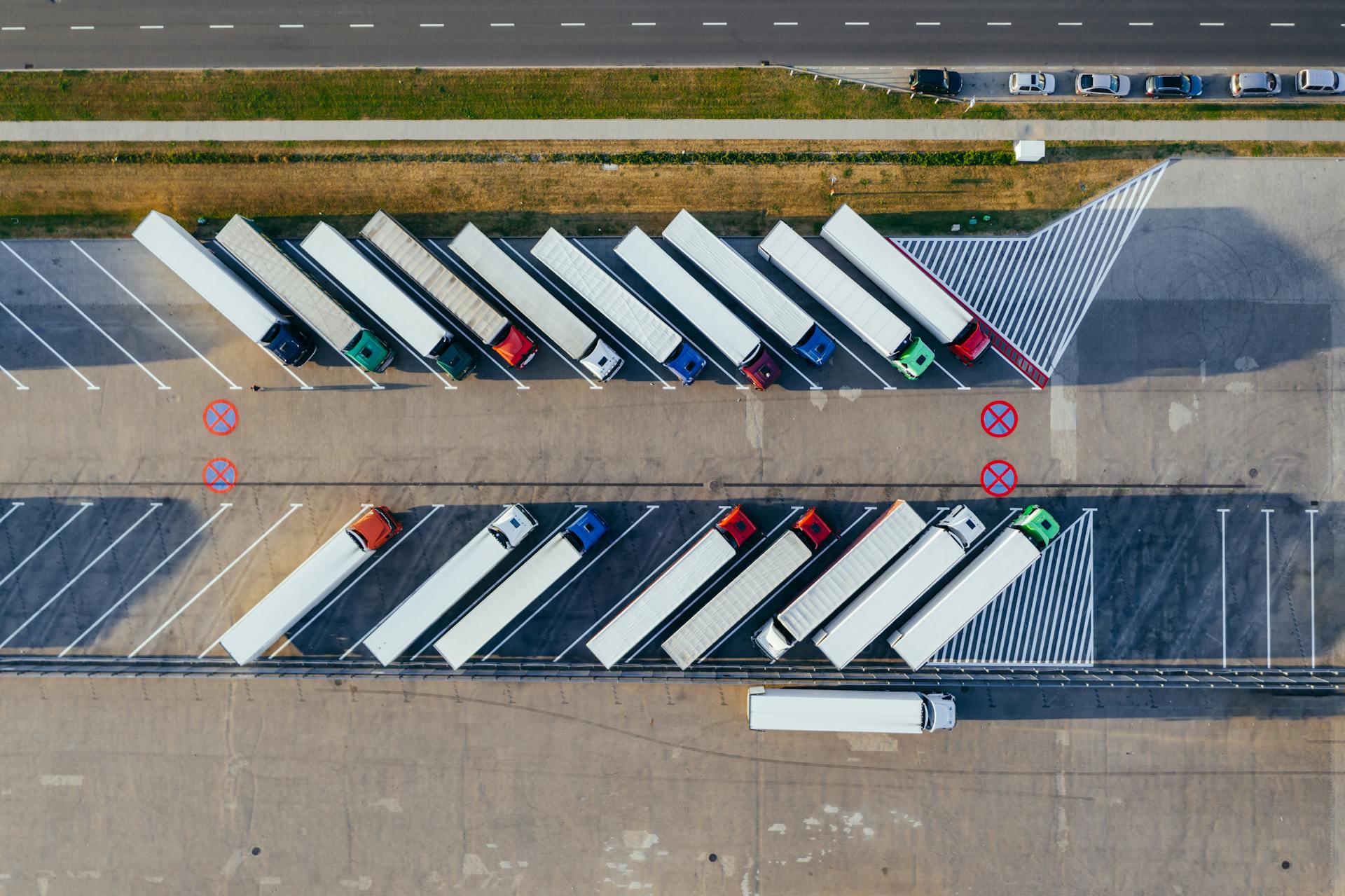
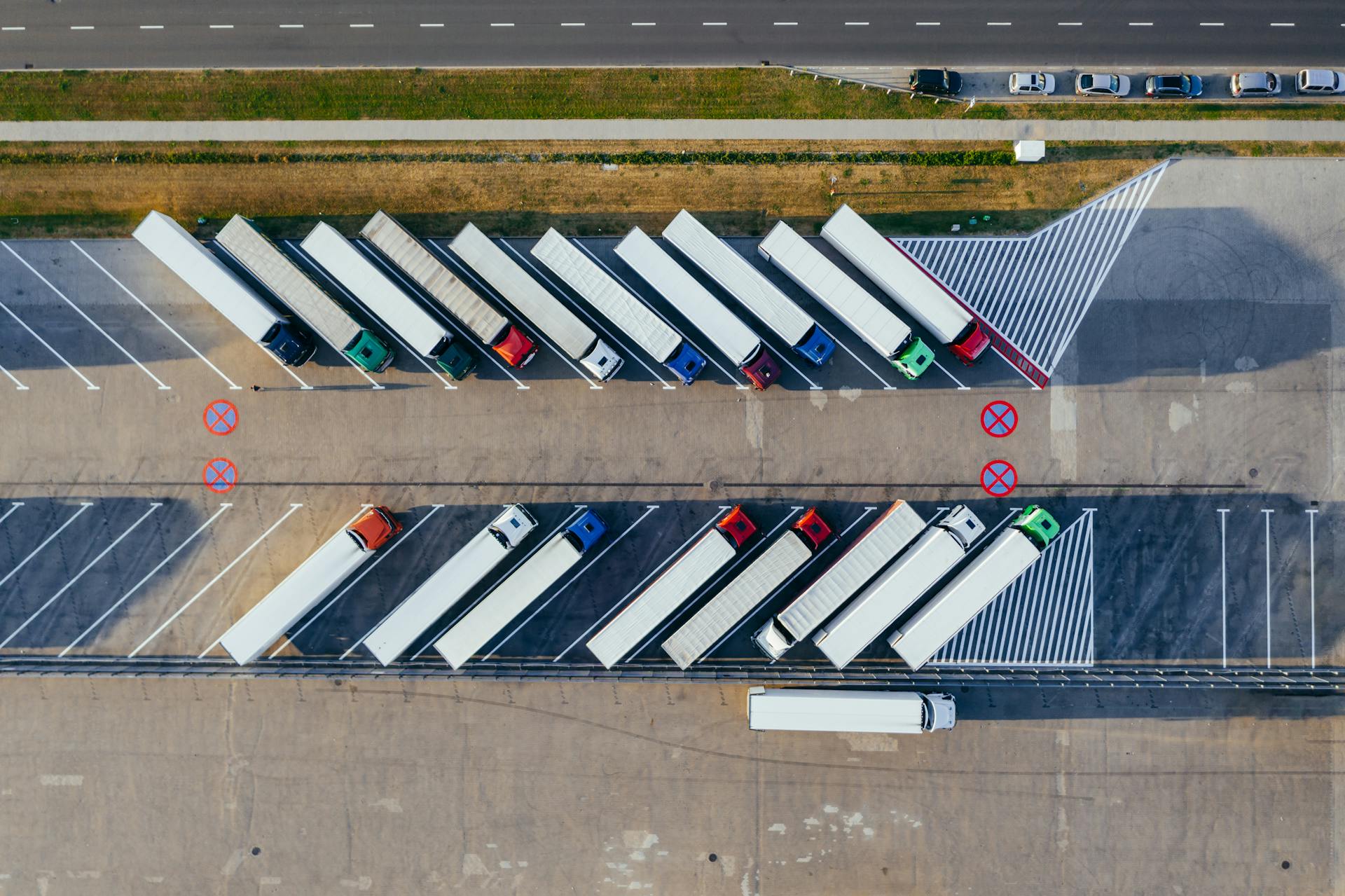
  • Aerial view of semi-trucks in numbered staging bays
    Yard mapWho is where right now

    Assigned spot, physical presence, conflicts, and dwell on one map.

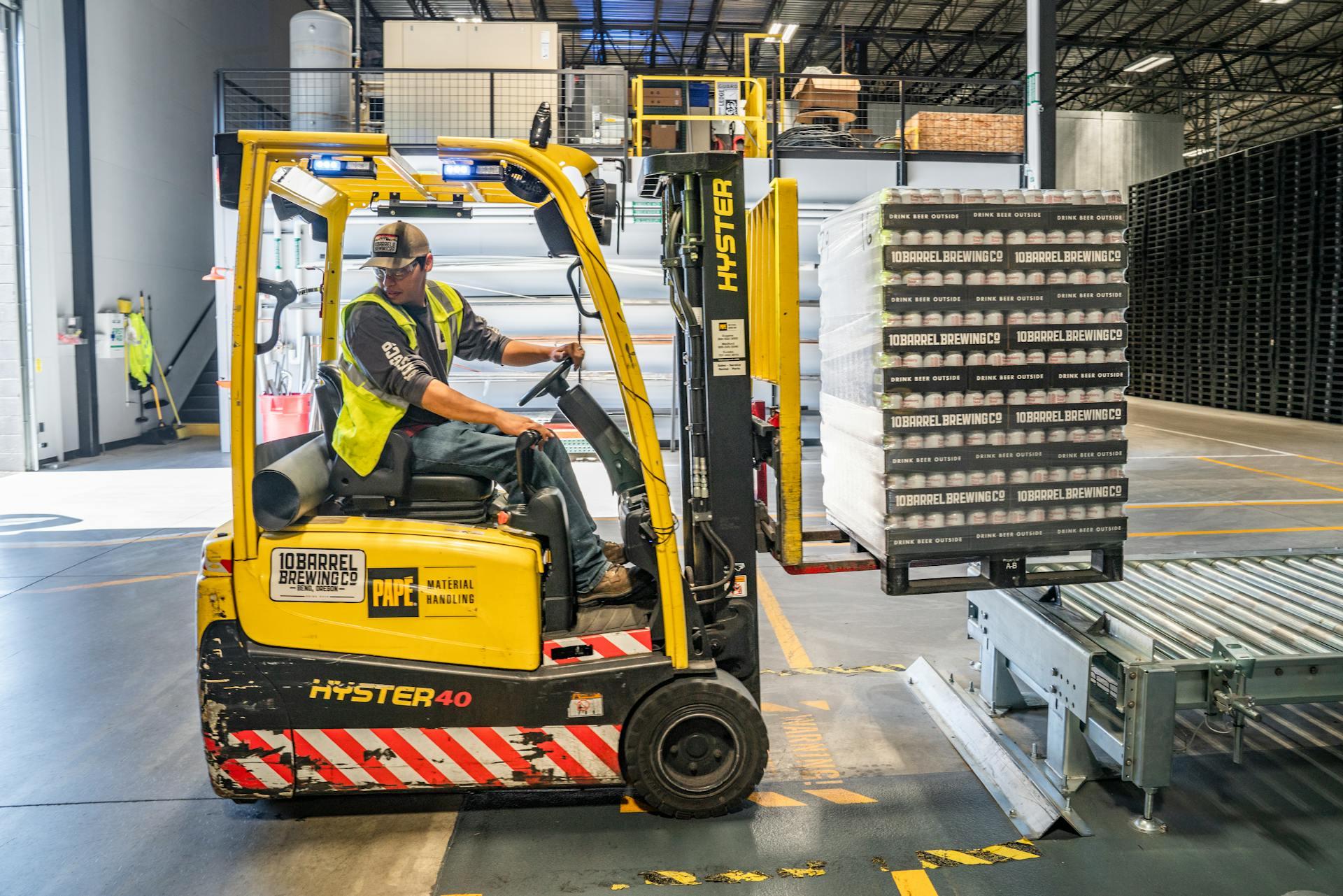
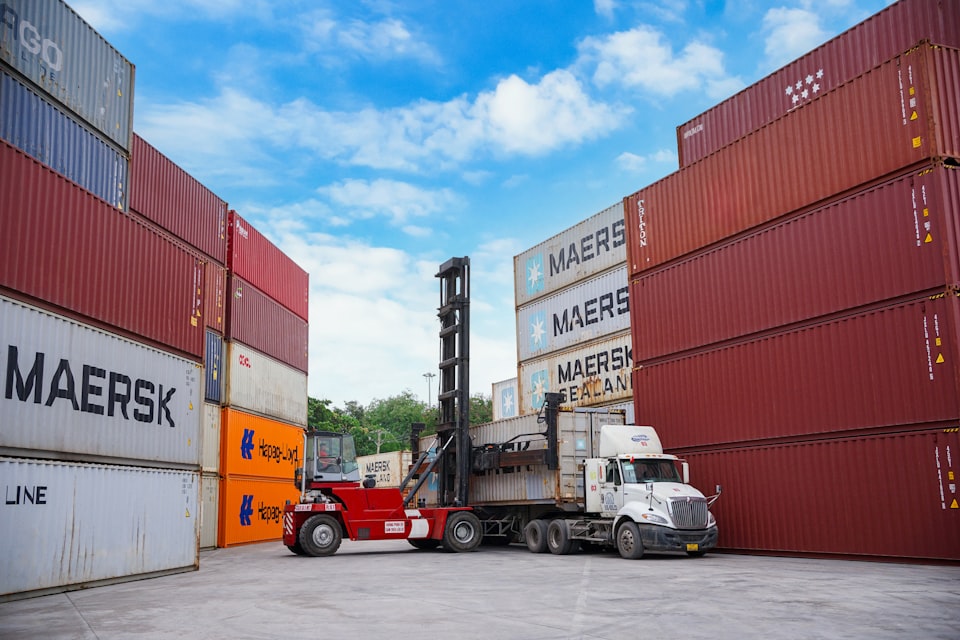
  • Forklift operator moving freight at dock
    Dock crewDoor readiness visible early

    Forklift, door assignment, and warehouse loop on the same update.

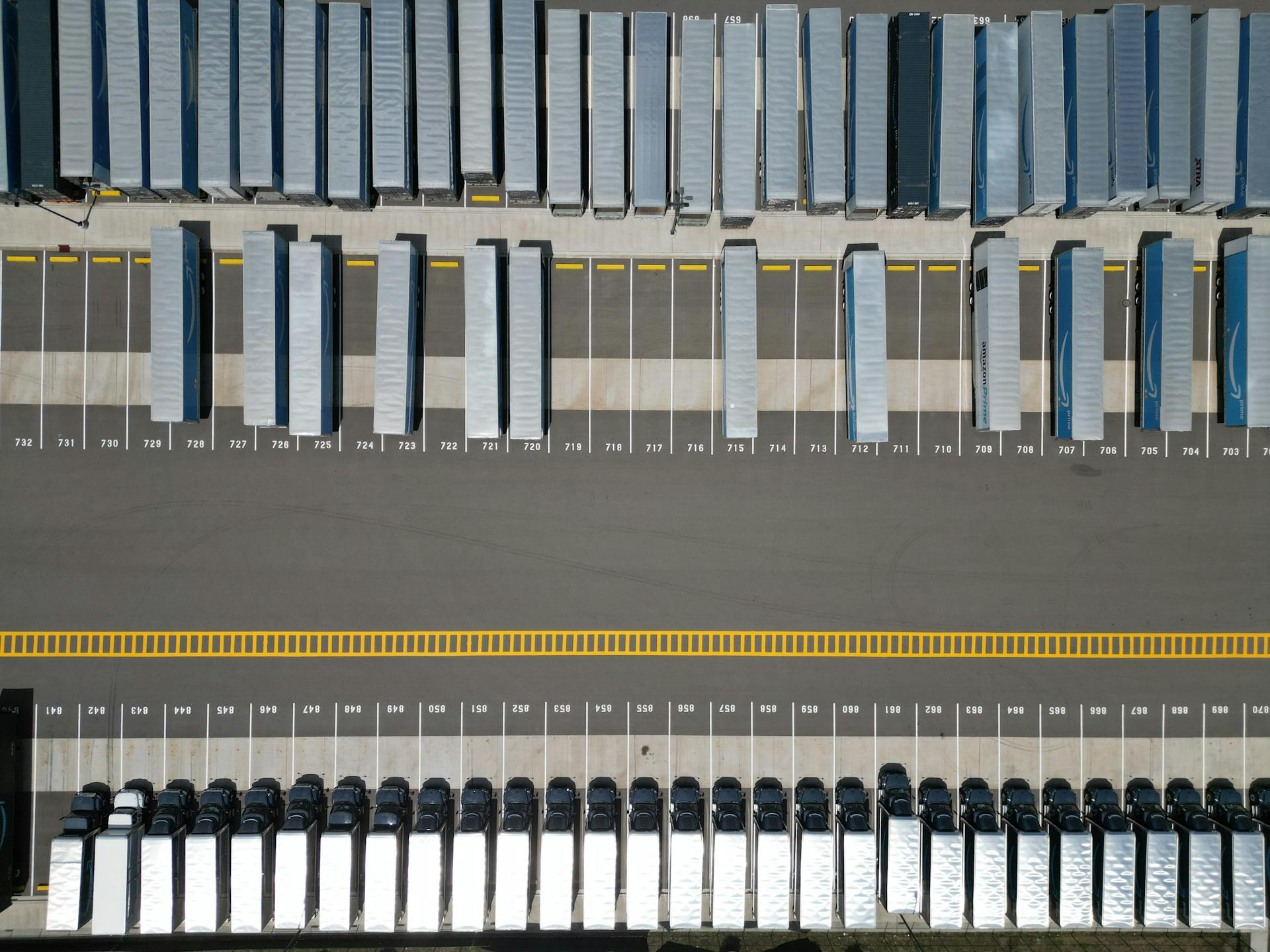
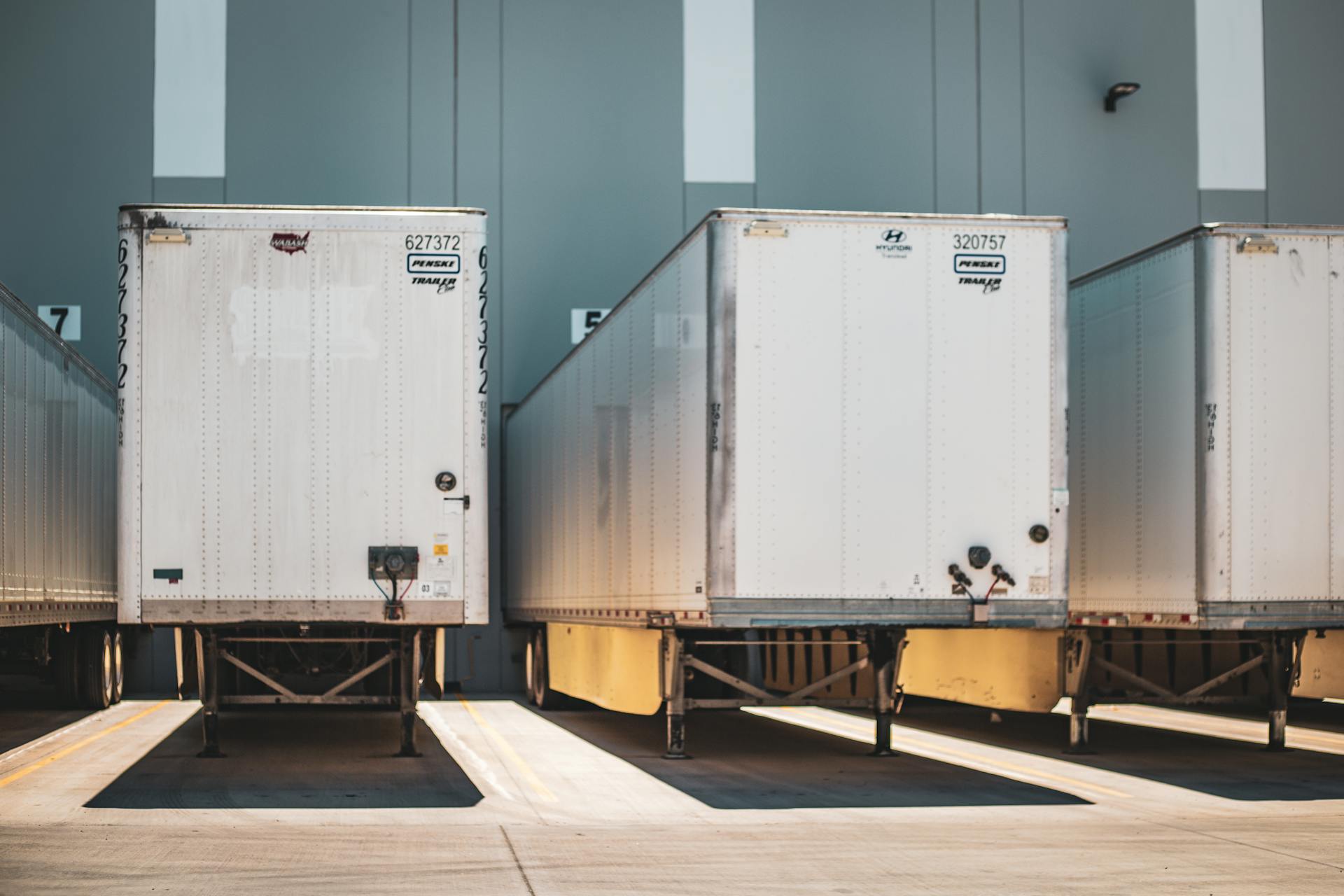
  • Semi-trucks parked in a staging lot
    PartnersCarriers follow the visit

    Booking, confirmation, and gate-out without calling the yard office.

  • Hands signing delivery documents
    DocumentsProof stays with the visit

    Signatures, POD, and attachments linked to gate and dock events.

  • Documents and sign-off linked to ERP closeout
    CloseoutConnect to the systems you already run

    Webhooks and API events at gate-out — we adapt to your ERP stack, not the other way around.

Warehouse team coordinating arrivals with a tabletYour team on the floor

Yard management

Gate capture, yard map, and dock control — in one place.

Review incoming work, check trucks in, capture gate facts once, assign doors or yard spots, and close gate-out — one visit record from arrival to departure.

  • Appointment queue — Auto confirm or Review first, configured per site
  • Gate-in and gate-out times everyone can see
  • Driver, trailer, lane, purchase order, freight, and required documents
  • Staging, door assignment, and exit stay in sync
Logistics team in a warehouse corridor with tabletYour team on the floor

Flodock Partners

Carriers book once and follow the visit — fewer calls to the gate.

Partners request slots against your live rules, see whether the yard accepted the visit, and follow check-in, door, and gate-out without calling for every update.

  • Self-service booking with the facts your gate expects
  • Requested, confirmed, checked in, at door, completed
  • Auto confirm or Review first — a site setting your yard configures
  • Same live status the yard and warehouse already use
Aerial view of containers and freight infrastructure

Live yard map

Zones, spots, and who is actually in the lot.

Live yard picture: occupancy, assignment, trucks on site, informal use, and conflicts — with dwell aging your team can act on before detention.

  • Configure zones, spots, and doors for your site
  • Assigned spot vs truck physically present
  • Staging, informal use, and conflict visibility
  • Dwell visible by stage — gate, lot, and door
Semi-trucks at a distribution facility

Freight & documents

Freight lines and proof from gate to closeout.

Capture article, quantity, BOL, batch, and lot while the truck is on site. Photos, gate passes, and POD stay linked to the visit — ready for your team and for ERP when you gate out.

  • Freight lines captured on site — not a side spreadsheet
  • Your material catalog and partner rules per site
  • Photos, POD, driver ID linked to gate and dock events
  • Required fields enforced before yard entry
Truck at a weigh scale near a yard gate

Dwell & yard intelligence

AI-assisted exceptions while there is still time to act.

Missing paperwork, no-shows, lane pressure, and stalled closeouts surface on the intelligence panel — predictive dwell risk on the visit before detention adds up.

  • AI-assisted exception detection on the alert panel
  • Open issues show age and how long they have been waiting
  • Dwell, documents, and lane problems flagged before disputes
  • Operators stay in control — approve the next action from the visit screen
Delivery documents ready for sign-off and ERP closeoutYour team on the floor

ERP & closeout

When the truck moves, the right paperwork follows.

Gate passes, PDFs, alerts, and ERP events fire from what happened on site — printouts and attachments go out when gate-out is recorded on the visit.

  • Gate pass, BOL, visit sheet, and dispatch pack
  • Dock and carrier alerts when status or dwell changes
  • Any ERP you run — SAP, Oracle, Dynamics, NetSuite, legacy, and TMS
  • Audit trail when finance or the carrier asks what happened

Live visit example

Watch one truck move through your yard.

Gate, yard, dock, and partners see the same live update. Status, dwell, documents, and closeout change at each step — not on a separate guard log or spreadsheet.

Live visit example
Visit status

BOOKED

You know what is coming before the truck arrives

ETA 09:18Dwell —Partner request
One truck, one flowSample facility · 124 dock doors

TR-8842PO 44821NorthLineDoor B08BOOKED

BookedPartner
InboundOn road
GateLanes 1–4
StagingZone N-4
DockRow B
OutputDispatch
ExitGate-out
What is happening now
BookingPartner request captured with the facts your gate needs

Carrier, trailer, PO, shipment, freight, and documents are captured before the gate gets surprised.

Partner viewCarrier sees the update — no status call needed
Printouts and closeout
Gate / dispatch printoutGate pass, BOL, visit sheet
Gate and dock attachmentsPhotos, POD, driver documents
Dock assignment noticeWarehouse notified when B08 is assigned
ERP closeout updateSystem event when the truck gates out

How a visit runs

Book → gate → move → close — step by step.

Carriers see a simple status. Your yard keeps the full picture in one place.

01Partner

Book

Carrier books a slot with the facts you need before arrival.

02Rules

Check

Yard rules flag missing documents or schedule risk early.

03Gate

Gate

Guard captures driver, trailer, lane, and freight in one place.

04Yard

Move

Yard stages the truck and assigns a door — everyone sees it.

05Done

Close

Printouts, gate-out, and history close on the same update.

Outputs & integrations

Connect to the systems you already run.

Flodock sends webhooks and API events at gate-in, dock, and gate-out. SAP, Oracle, Dynamics, NetSuite, legacy ERP, TMS, email, and print — we adapt to your stack, not the other way around.

Delivery documents ready for sign-off and ERP closeout
  • 01Yard & dockPrintout & PDF

    Gate pass, BOL, visit sheet, dispatch pack — ready when you need them.

  • 02DocumentsAttachments

    Photos, POD, driver ID — linked to gate and dock events.

  • 03LiveAlerts

    Dock, carrier, and partner when status or dwell changes.

  • 04IntegrationsERP update

    Events with PO, door, dwell, and documents at gate-out.

  • Email alerts
  • Print stations
  • TMS
  • Legacy ERP
Semi truck at a distribution yard gate
Gate and yard teams coordinate on the same system.
Forklift moving pallets at dock
Dock crew sees door readiness before the truck waits.
Delivery document sign-off
Documents and POD stay with the visit — not a side folder.

Verify it live

See it yourself — sandboxes opening soon.

Self-service sandboxes are almost ready. Request a guided demo today and we will walk your gates, doors, and carriers on your terms.

Walk us through your yard on the connected platform.

Tell us about your gates, appointment volume, dock doors, carrier calls, and closeout today. We will show gate orchestration, real-time yard map, AI-assisted dwell alerts, and automated ERP closeout on your terms.